


For many years, passwords have been considered the fundamental gateway to digital life. Users create passwords to access email, social media, online banking, shopping services, and nearly every important account. Yet that very ubiquity has made passwords one of the most persistent weaknesses in information security. Passwords can be guessed, exposed in a data breach, stolen through fake login pages, or reused across multiple services.
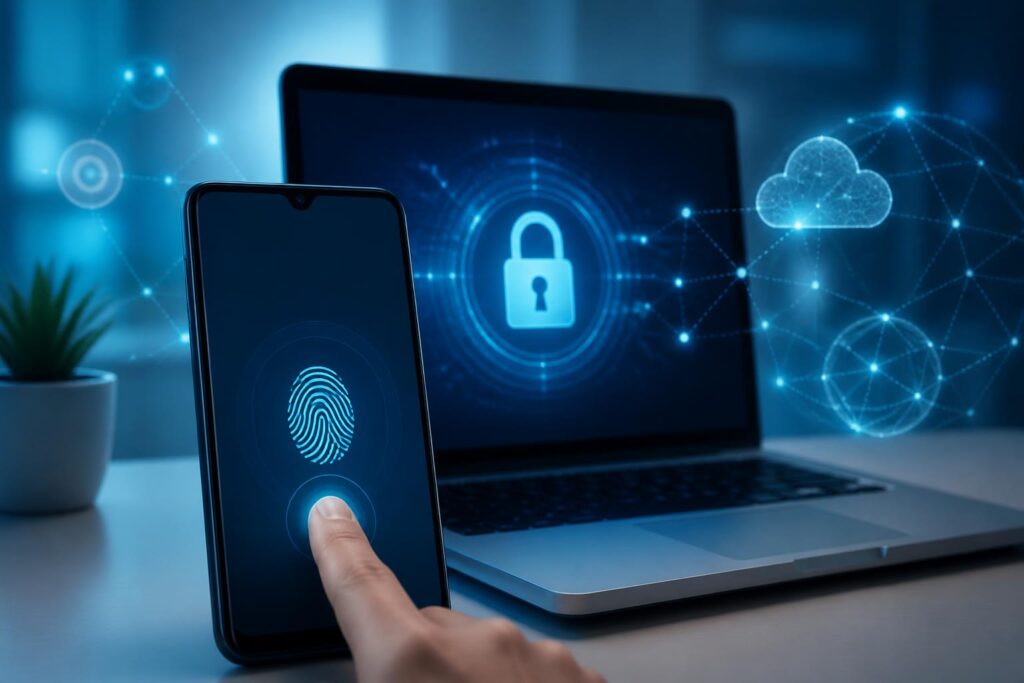
Passkeys have emerged as a different approach: instead of requiring users to remember a secret string of characters, the system uses a cryptographic key pair created specifically for each service. Users confirm their login with a fingerprint, facial recognition, a device unlock code, or a similar local security method. The experience on the surface is quite simple, but behind it lies a significant change in how identity is authenticated on the Internet.
How Do Passkeys Work?
When a user registers a passkey for an account, the device creates two cryptographically related keys. The private key is stored on the device or in a secure key-management system, while the public key is sent to the online service. The public key is not sufficient to log in on behalf of the user and does not need to be kept secret like a password.
During a subsequent login, the service sends a random challenge to the device. The device creates a valid signature only when the user unlocks it with biometrics, a PIN, or a supported security method. The server verifies the signature using the public key stored earlier. If the two parts match, the login session is accepted without any password having to travel across the network.
The important point is that biometric data is generally not sent to the website for processing. A fingerprint or face primarily serves to confirm that the right person is using the device. The online service receives the result of cryptographic authentication, not a copy of the user’s face or fingerprint. This separation helps reduce the amount of sensitive data that must be exchanged between the device and the server.
Why Can Passkeys Resist Phishing Better?
Phishing attacks often rely on tricking users into entering their passwords on a fake website. If attackers obtain the password, they can try logging in to the real service or to other accounts where the victim reused the same information. Authentication codes sent by text message are not an absolute solution either, because codes can be forwarded, read from a compromised device, or exploited in scenarios involving the takeover of a phone number.
A passkey is linked to the origin of the service for which it was registered. A fake website with a different address cannot ask the device to create a valid signature for the real account. Users therefore do not have to visually distinguish every login page themselves, although checking the website address and remaining alert to unusual requests are still necessary.
This does not mean passkeys make every risk disappear. An account can still be taken over if users reveal their device unlock code, grant access to someone else, install malware, or are deceived during the recovery process. Passkeys effectively address a major group of password-related problems, but they do not replace all security habits.
How Does the User Experience Change?
For users, the most noticeable difference is no longer having to remember another string of characters for each service. On a phone, logging in may involve nothing more than touching a fingerprint sensor or looking at the screen. On a computer, users can confirm with an integrated security method or use their phone as an intermediary device in certain situations.
Passkeys can also be synchronized across devices through the platform’s credential-management system. This is important because people commonly use multiple phones, tablets, and computers. If moving to a new device is too difficult, users will tend to return to passwords or look for less secure ways to log in.
However, the experience is not always seamless. Support varies among operating systems, browsers, and individual services. Users may encounter questions about where passkeys are stored, how to log in on an unfamiliar device, or what to do if their phone is lost. These situations show that a security technology is truly useful only when its usage process is as easy to understand as its original promise.
The Most Difficult Problem Is Account Recovery
Daily login is only the visible part of the system. The more difficult part is handling cases in which users lose their devices, change their phone numbers, forget their unlock codes, or can no longer access the ecosystem where their passkeys are stored. If a service designs an overly lax recovery process, attackers may bypass the strongest layer of protection by exploiting customer support or exposed personal information.
Conversely, an overly strict process can cause legitimate users to lose their accounts permanently. Businesses therefore need to combine multiple layers of checks rather than relying solely on an old security question. Factors that may be considered include previously used devices, login history, verified contact methods, securely stored recovery keys, and a waiting period before important information can be changed.
Users also need to understand that account recovery is not a secondary operation. If a service allows access to be recreated through a backup email account that has already been compromised, the entire benefit of passkeys may be undermined. When enabling this technology, users should first check their recovery contact information, store backup options in a safe place, and avoid giving confirmation codes to anyone.
Businesses Must Change More Than Users
For businesses, deploying passkeys is not simply a matter of adding a login button. Systems need to store public keys, handle registration and device-removal flows, support login across multiple platforms, record security events, and create assistance procedures for users who encounter problems. The organization of account data also needs to be reviewed to prevent one person from unintentionally creating multiple identities that cannot be linked.
Businesses must also decide how to transition users who currently use passwords. Requiring an immediate change may cause frustration and put pressure on support teams. A more practical approach is to allow users to register a passkey after logging in with their existing method, then encourage passkey use during subsequent visits. High-risk accounts may be required to upgrade according to a stricter schedule.
Customer support capabilities also need to be retrained. Employees should not instruct users to send photos of identification documents or provide secret codes through insecure channels merely to resolve a lost-device case quickly. A good process must balance identity verification, personal-data protection, and practical handling capabilities.
Will Passkeys Completely Replace Passwords?
In the short term, the answer is probably not yet. Passwords continue to exist because they are easy to deploy, familiar to users, and work on most legacy systems. Many services also need a fallback option for devices that do not support passkeys or for people who cannot use biometrics.
Even so, the role of passwords may gradually shrink. Rather than being the default method, passwords may be retained as a backup option for special circumstances. Sensitive accounts will tend to combine passkeys with physical security devices, approval from a trusted device, or an additional verification mechanism when unusual behavior is detected.
What is notable is that this transition is not merely a competition between login technologies. It reflects a change in design thinking: systems should place complex tasks in the cryptographic and device layers instead of requiring people to remember, change, and protect too many secrets themselves. When users have to handle less sensitive information manually, the opportunity for mistakes also decreases.
A Safe Approach to Getting Started
Users can begin with important accounts that have clear support procedures. After registering, check the list of devices that currently have access and remove any devices that are no longer in use. The phone’s unlock code should be difficult enough to guess, because it may become the direct layer of protection for many different passkeys.
If using multiple devices, learn how the system synchronizes credentials and how to log in when a familiar device is not nearby. Do not store recovery codes in an unprotected file or send them to someone else by text message. For high-value accounts, a backup option kept offline may be more useful than creating multiple poorly controlled recovery channels.
Finally, passkeys are not a reason to ignore basic principles such as updating software, checking website addresses, locking devices when not in use, and being cautious with unexpected requests. This technology makes one type of attack more difficult, but digital security still depends on the device, the service, and human behavior together.
Passkeys have the potential to turn passwordless login from a technology slogan into an everyday habit. Their success will not be measured only by the number of services that support them, but also by whether users can switch devices, recover accounts, and clearly understand the extent of their control. When these issues are addressed transparently, passkeys will become a quiet but important layer of infrastructure in digital life.
