Hardware · 3 November, 2026
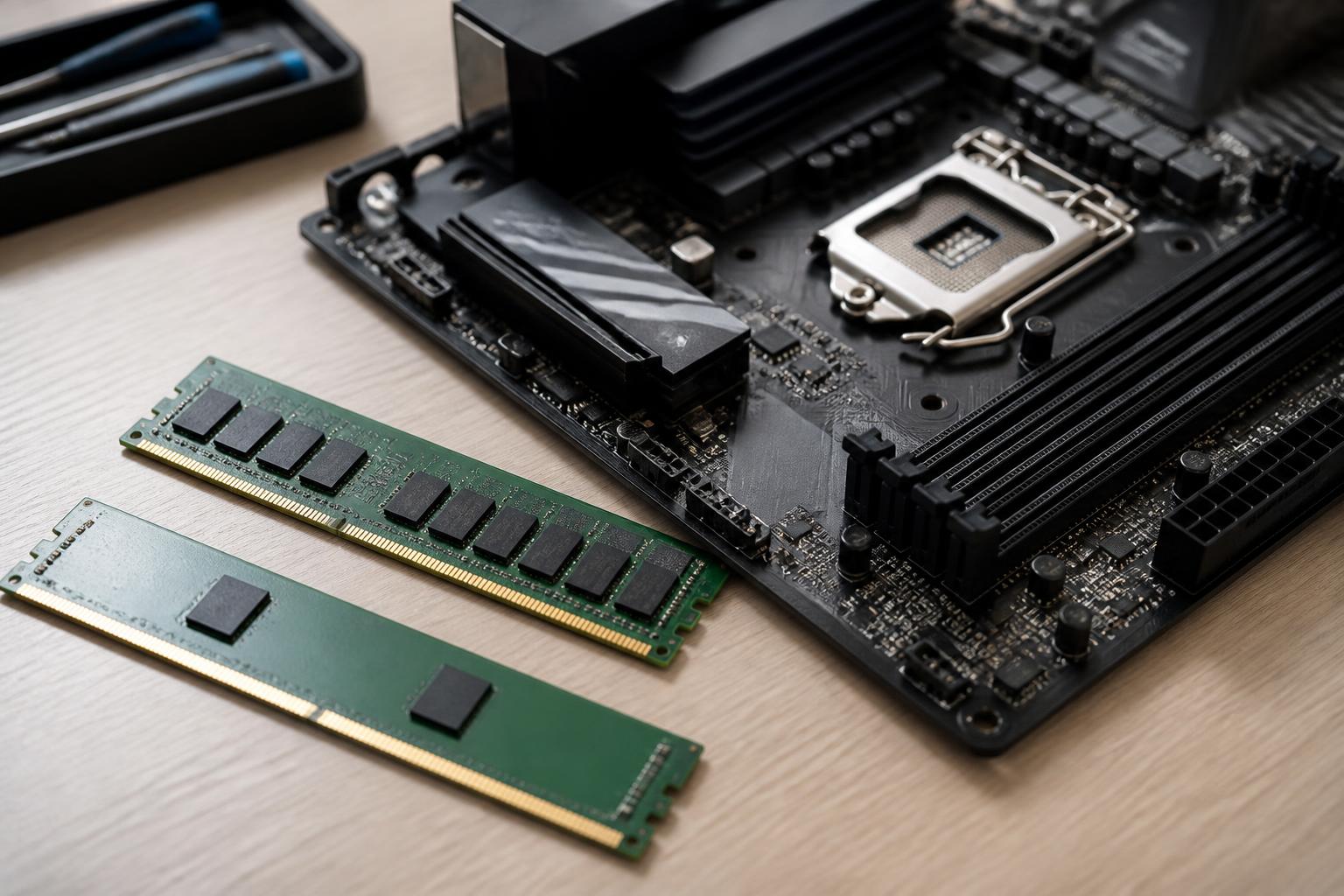
In a computer, RAM often receives less attention than the processor or graphics card. However, it is where the operating system and programs temporarily store the data currently being used. When the RAM capacity is appropriate, the computer can switch between multiple applications more smoothly, keep more browser tabs open, and reduce the need to
Read more →Hardware · 3 November, 2026
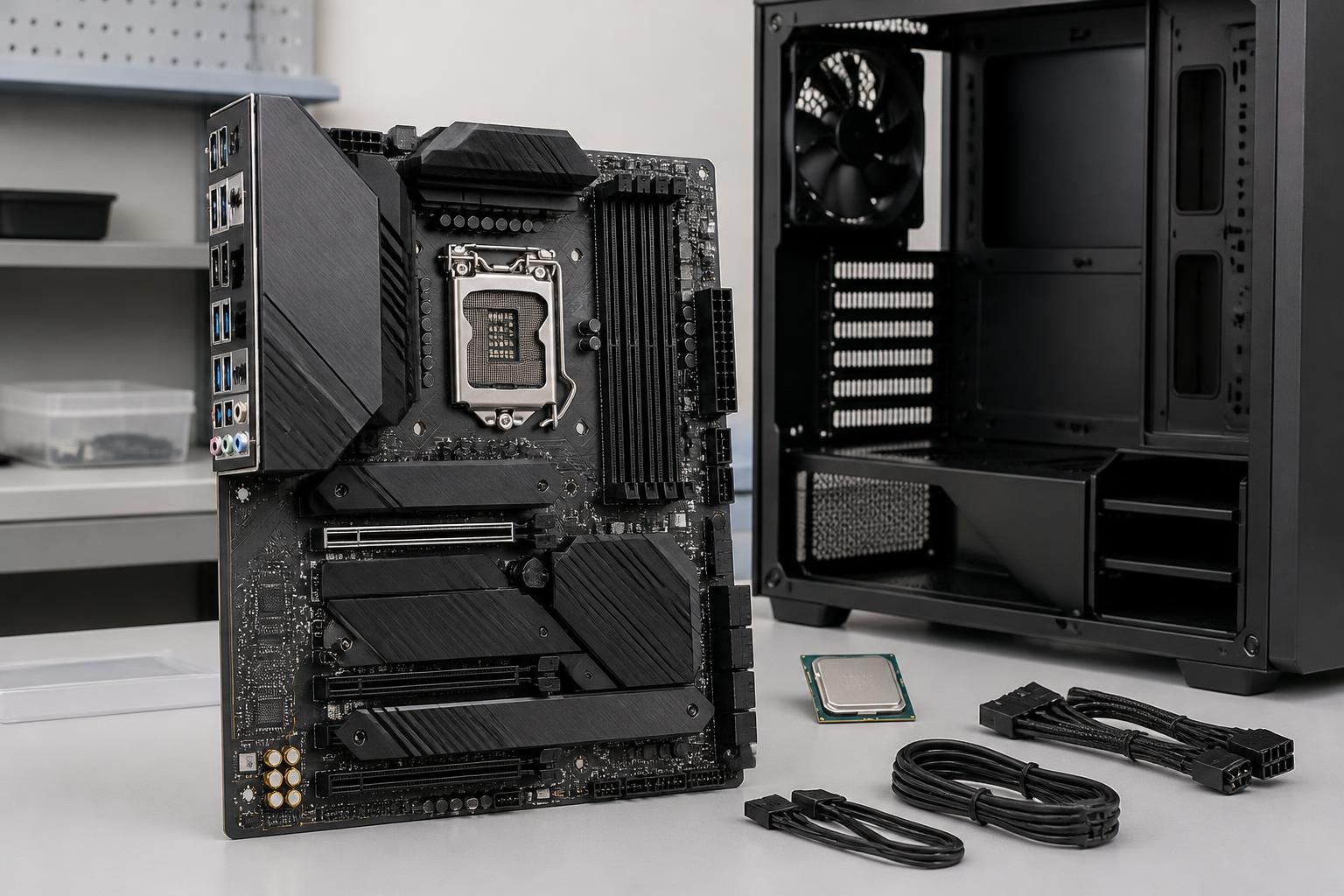
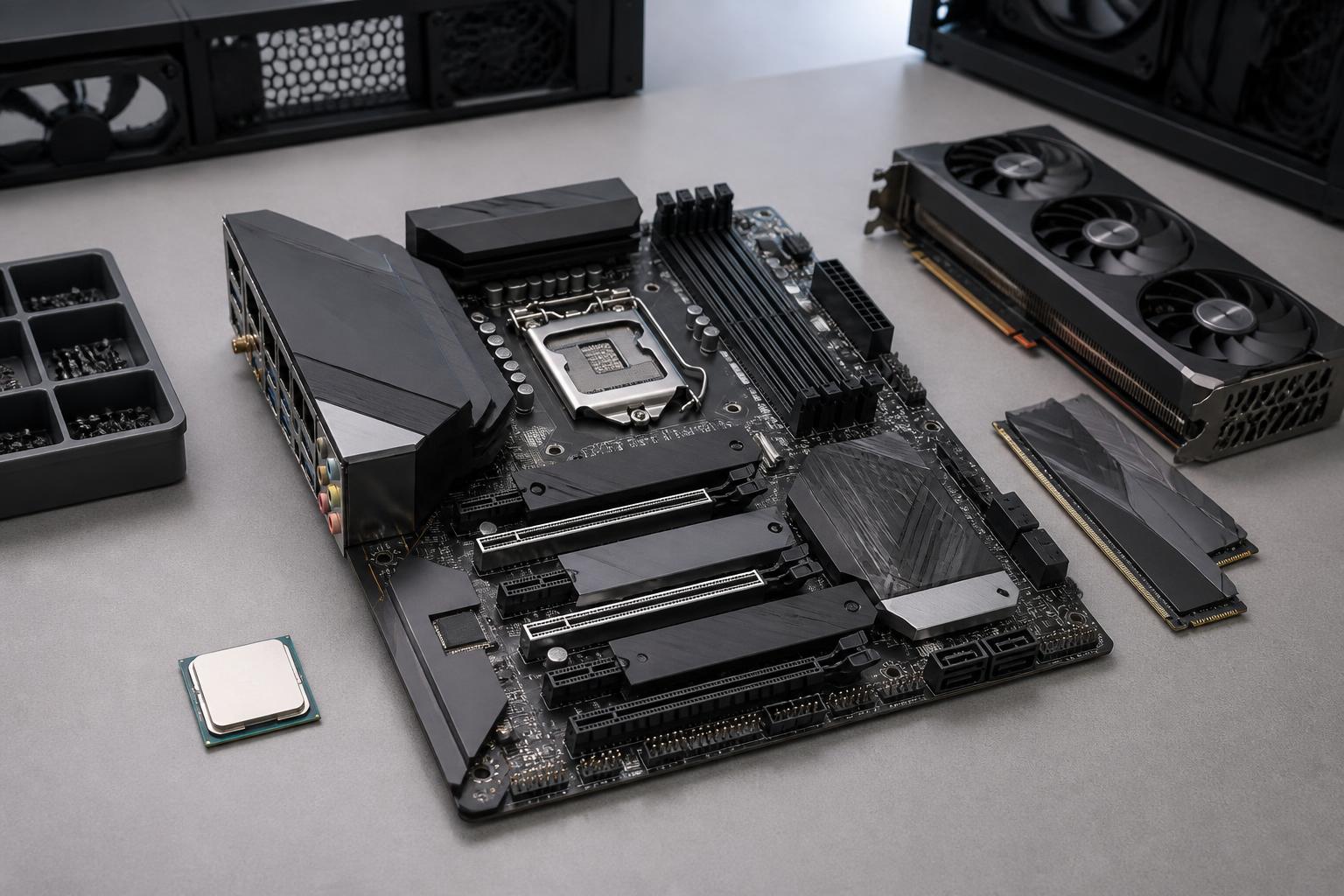
In a computer system, the motherboard is usually not the component mentioned most often. The processor provides computing power, the graphics card handles visuals, and the storage drive determines how quickly applications open. However, the motherboard is the platform that connects all of these components. The right choice allows the components to perform as intended,
Read more →Hardware · 2 November, 2026
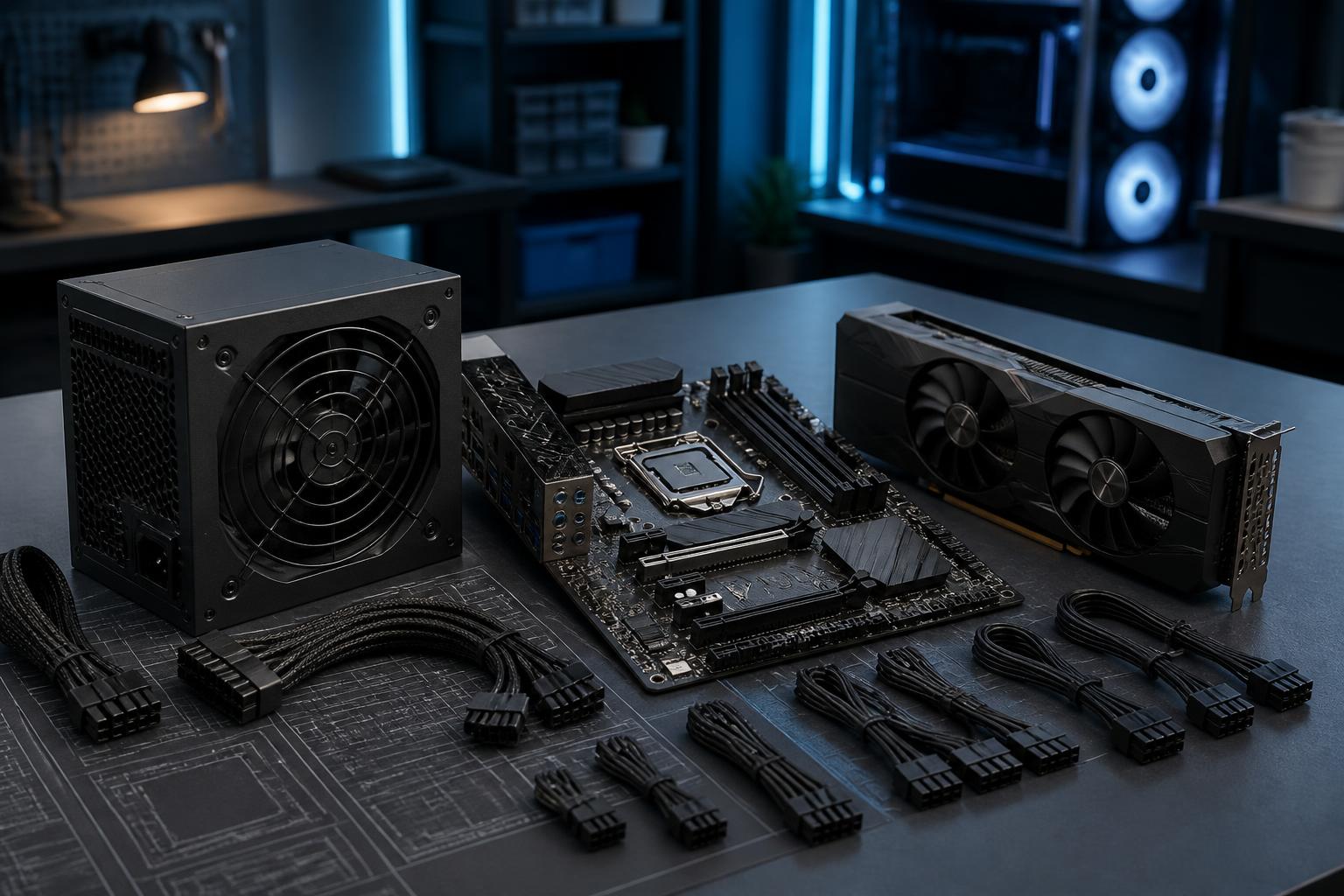
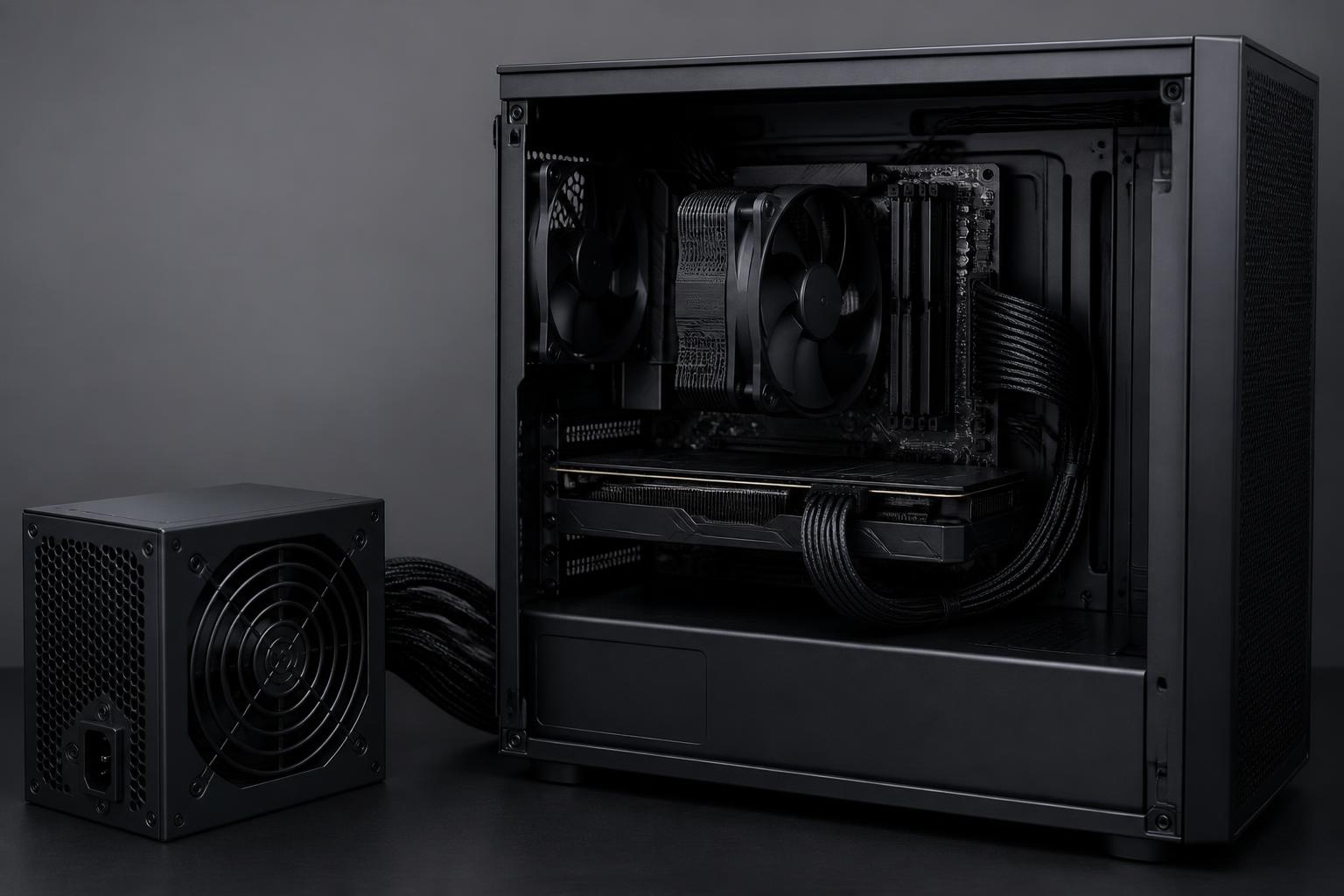
In a computer system, the power supply is often the least noticed component. Users tend to spend a great deal of time comparing processors, graphics cards, RAM capacity, or storage types, but choose a power supply based on a simple rule such as “the higher the wattage, the better.” This approach can lead to two
Read more →Hardware · 2 November, 2026
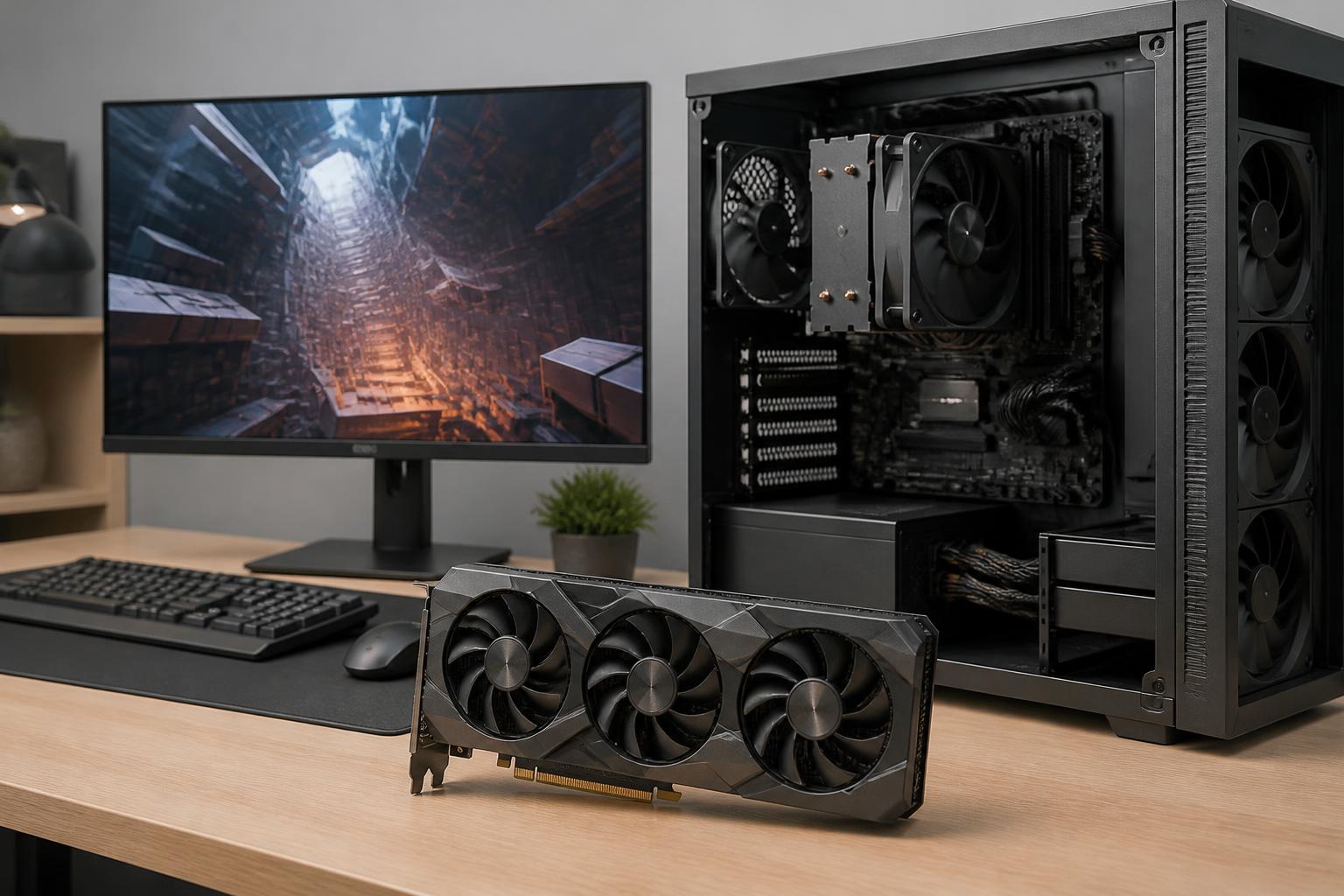
Graphics cards are often the component that receives the most attention when building a computer for gaming, rendering, or content creation. Numbers such as processing core count, clock speed, memory capacity, and hardware acceleration capabilities can create the impression that choosing one only requires comparing which model has higher specifications. However, a graphics card that
Read more →Hardware · 1 November, 2026
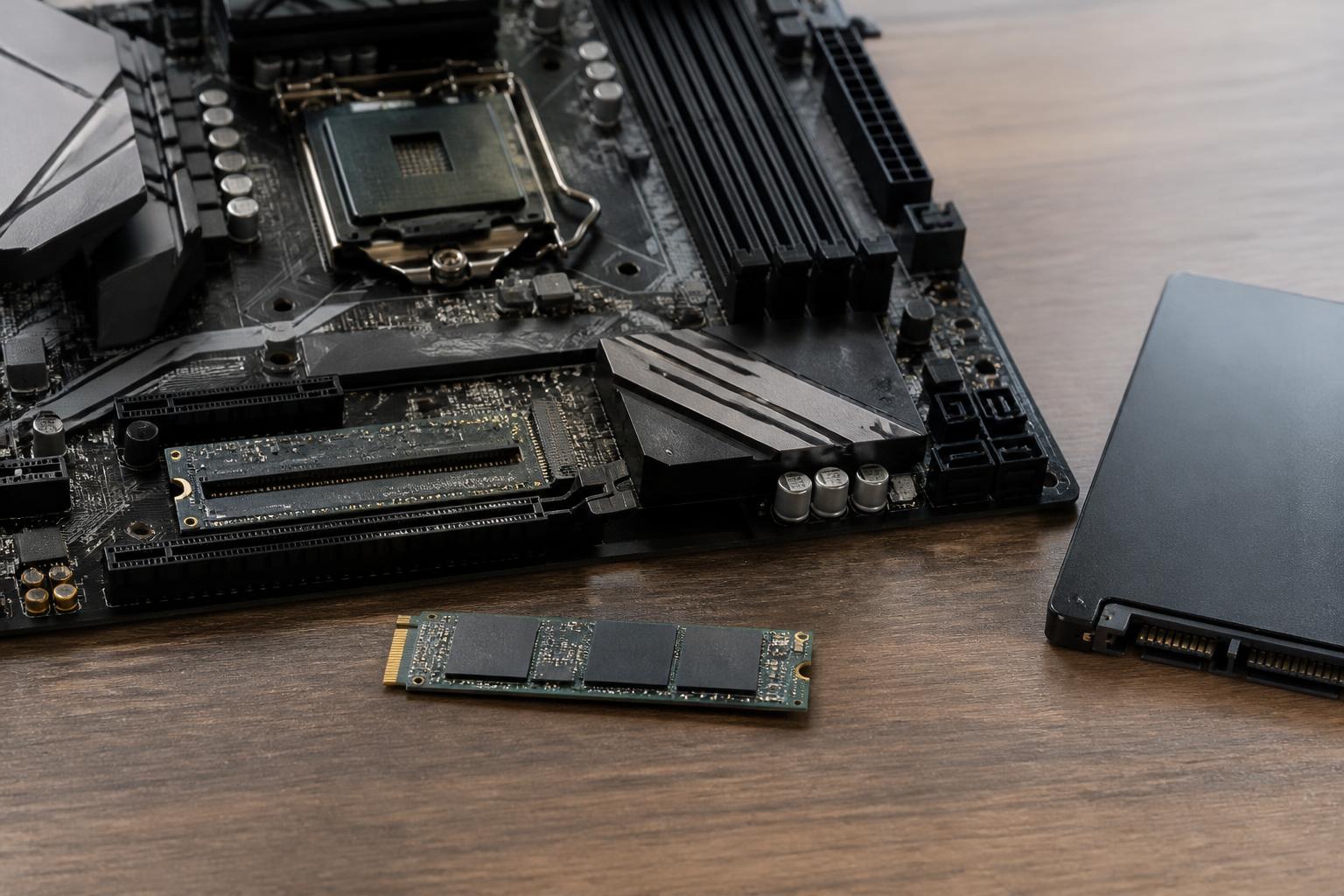
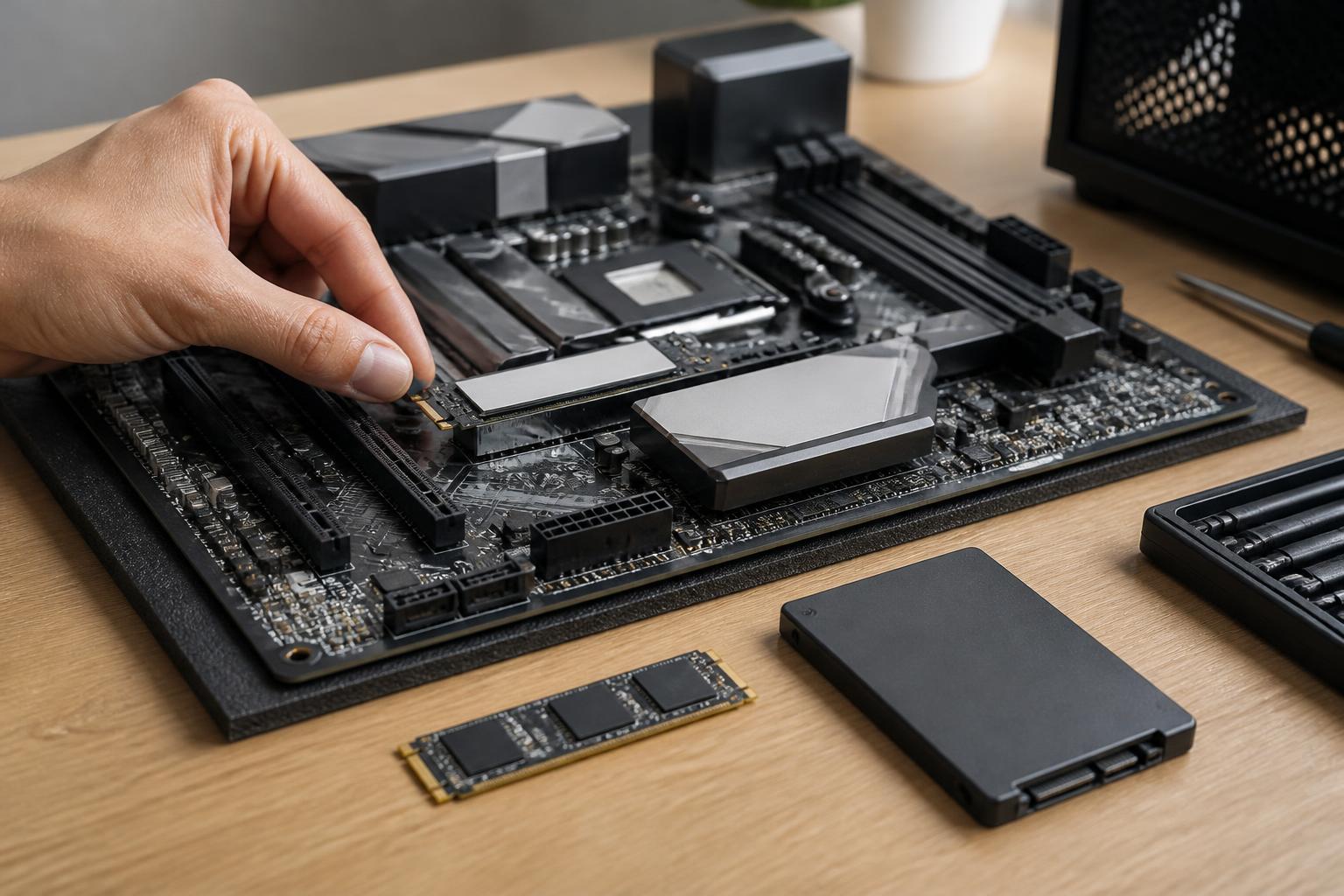
Solid-state drives, commonly known as SSDs, have significantly changed the computer-using experience. Compared with traditional mechanical hard drives, SSDs have no spinning platters or moving read heads, so the time required to boot the operating system, open applications, and access data is usually noticeably shorter. Office computers, thin-and-light laptops, gaming PCs, and workstations can all
Read more →Hardware · 1 November, 2026
Storage drives are among the components that directly affect how a computer feels to use every day. A powerful processor or plenty of RAM can still be overshadowed by a slow drive, especially when starting the operating system, opening applications, decompressing data, or switching between multiple tasks. The popularity of SSDs has significantly changed this
Read more →