


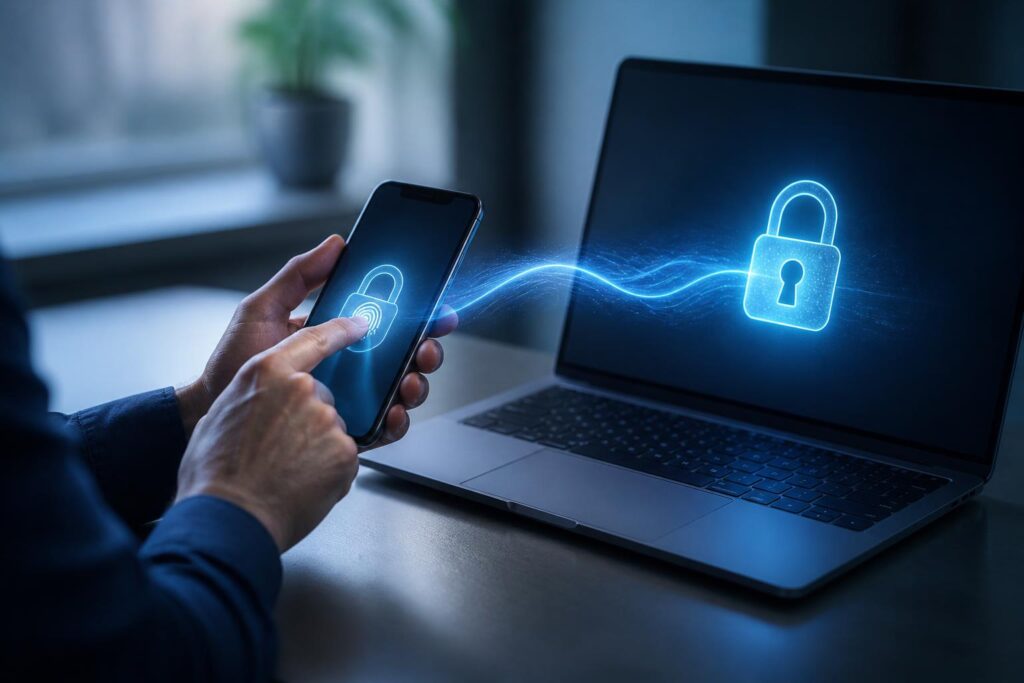
For many years, passwords have been the most familiar layer of protection for online accounts. Users create a string of characters, memorize or save it, and then enter it whenever they log in. This approach is simple, but it is increasingly revealing numerous weaknesses: passwords can be guessed, exposed in a data breach, stolen through fake websites, or reused across multiple services. As the number of accounts grows, maintaining passwords that are long, unique, and manageable also becomes a burden.
Passkeys have emerged as a different approach. Instead of requiring users to remember a secret and send it to a server, passkeys rely on a cryptographic key pair created and used between the user’s device and the online service. The login process is typically confirmed with a fingerprint, face, device unlock code, or a similar local protection method. Users no longer have to type a password, but that does not mean the security layer has been removed. On the contrary, the important secret is kept on the device and used in a more restricted way.
How do passkeys work?
When a passkey is created for an account, the device usually generates a key pair consisting of a private key and a public key. The private key is stored on the device or in a credential-management system trusted by the user. The public key is sent to the online service to register the account. The two keys are mathematically related, but they cannot simply be used in place of one another.
At the next login, the service sends a random challenge to the device. The device uses the private key to create a signature for that challenge after the user confirms it with a local protection method. The service uses the stored public key to verify the signature. If the signature is valid and the challenge matches the current login session, the system can confirm that the device possesses the corresponding private key.
The important point is that the private key does not need to be sent to the server during login. A fake website may imitate a login interface, but it cannot easily use the private key associated with the real service’s correct domain. This is the foundation that allows passkeys to resist many forms of fraud based on tricking users into entering passwords at a fake address.
Why are passkeys different from storing passwords?
Many browsers and password-management applications can already store, autofill, or generate passwords. These tools help users avoid using the same password for multiple accounts, but the underlying login process still relies on passwords. During autofill, the system still enters the secret string into the service’s form. If a user is led to a fake website or the password-management account is compromised, the risk remains in its own form.
Passkeys change the mechanism at the authentication layer. Instead of storing a string that can be read and entered again, the system uses cryptographic keys to prove ownership. The service does not need to know or store a copy of the private key. This reduces the value of authentication data if the server database is accessed without authorization. However, passkeys are not an absolute shield. Their security also depends on how well the device, synchronization account, recovery process, and the user’s handling of unusual login requests are protected.
How does the user experience change?
For an account registered with a passkey, users typically select the corresponding login option and then confirm using a familiar method on the device. In many situations, this is faster than opening a password manager, finding the correct account, copying the information, and completing an additional verification step. In particular, users do not have to remember a long password or repeatedly reset a password because they have forgotten it.
Passkeys can also suit people who frequently switch between phones, computers, and tablets. Depending on the platform, credentials may be synchronized through an account ecosystem or used through another device. Some processes also allow one device to assist in confirming another device through a secure connection method. Even so, synchronization methods and compatibility are not exactly the same across platforms, browsers, and services. Users should not assume that every passkey will appear on every device immediately.
In shared environments, distinguishing between personal profiles is also very important. Passkeys are tied to an account and the protection method on the device, so users need to check that they are signed in to the correct account before confirming. If someone else borrows an unlocked device, the risk is not that they know the passkey, but that they may be able to use an existing login session or access rights on the device.
Risks that need to be viewed realistically
The first risk is losing access to a device. If a phone or computer is lost, users need a plan to lock the device remotely, change recovery information, and check active login sessions. Relying on only one device can make the process of recovering an account more difficult. Therefore, when the service allows it, users should set up a reasonable backup method and update recovery information before a problem occurs.
The second risk concerns the account used to synchronize passkeys. If passkeys are managed in a cloud system, that account becomes an important part of the protection chain. Users need to protect the synchronization account with a separate password, additional authentication, and trusted devices. Passkeys help reduce the risk from password exposure at individual services, but they do not eliminate the need to protect the primary account.
The third risk comes from the recovery process. A service may provide multiple ways to recover an account, such as backup codes, email, a phone number, or manual support. If an attacker takes control of one of these channels, they may try to bypass the primary authentication layer. Users should therefore review the entire process rather than focusing only on the passkey login button. A strong authentication mechanism paired with an overly lax recovery process still creates a weakness.
In addition, fraud tactics can still target human psychology. Attackers may impersonate support staff, ask users to confirm a notification, or request a recovery code. Passkeys reduce the likelihood of login information being stolen through fake forms, but they cannot stop users from willingly granting access, installing malicious software, or approving a request they do not fully understand.
What do businesses need to prepare?
For businesses, switching to passkeys involves more than changing the login button. Organizations need to inventory the systems they use, classify accounts according to different levels of sensitivity, and identify services that support an appropriate authentication standard. Administrative accounts, accounts that access important data, and accounts with permission to change configurations should be prioritized for protection with a stronger method.
Internal policies should also clearly explain how to register, replace, and revoke passkeys. When an employee leaves the company, loses a device, or changes departments, the organization must have a process for revoking the corresponding access. User training remains necessary because employees need to know how to recognize unusual requests, protect personal devices, and report incidents.
Businesses should also maintain a transition plan. Not every employee, customer, or partner will have a compatible device or be ready to abandon passwords immediately. A practical model may allow both methods to be used in parallel at first, while encouraging passkeys for appropriate groups. However, older methods need to be monitored so that they do not become a weaker backdoor compared with the new mechanism.
Where should users start?
The first step is to check whether important services support passkeys. Users can prioritize their primary email, data-storage accounts, financial accounts, work platforms, and services containing personal information. When registering, users should do so on their own device, verify the correct service name, and read notifications carefully before confirming.
Next, review the devices currently signed in to the account. Remove old devices that are no longer in use, update the operating system and browser, enable a screen lock, and ensure that the biometric method or unlock code is not easy for others to guess. If the device supports multiple user profiles, separate personal and work profiles whenever possible.
Finally, users should test the recovery process in a safe setting so they know what to do if they lose a device. They should not wait until they are locked out of an account to learn this information. Backup codes, trusted devices, and recovery contact information should be stored carefully, rather than publicly in screenshots or conversations that can be easily accessed.
A step forward, not an absolute promise
Passkeys show that online authentication is shifting from “knowing a secret” to “possessing a key and confirming it on a device.” This approach can reduce dependence on passwords, limit many phishing attacks, and make the login experience simpler. Even so, the technology is effective only when deployed alongside secure devices, a robust recovery process, and mindful usage habits.
During the transition, users do not need to rush to delete every password or register a passkey for all accounts at once. A more sensible approach is to start with important services, document backup options, and understand how passkeys are managed on each platform. As support standards become more widespread, passkeys may make account protection less dependent on human memory, but responsibility for controlling devices and access rights still belongs to the user.
