


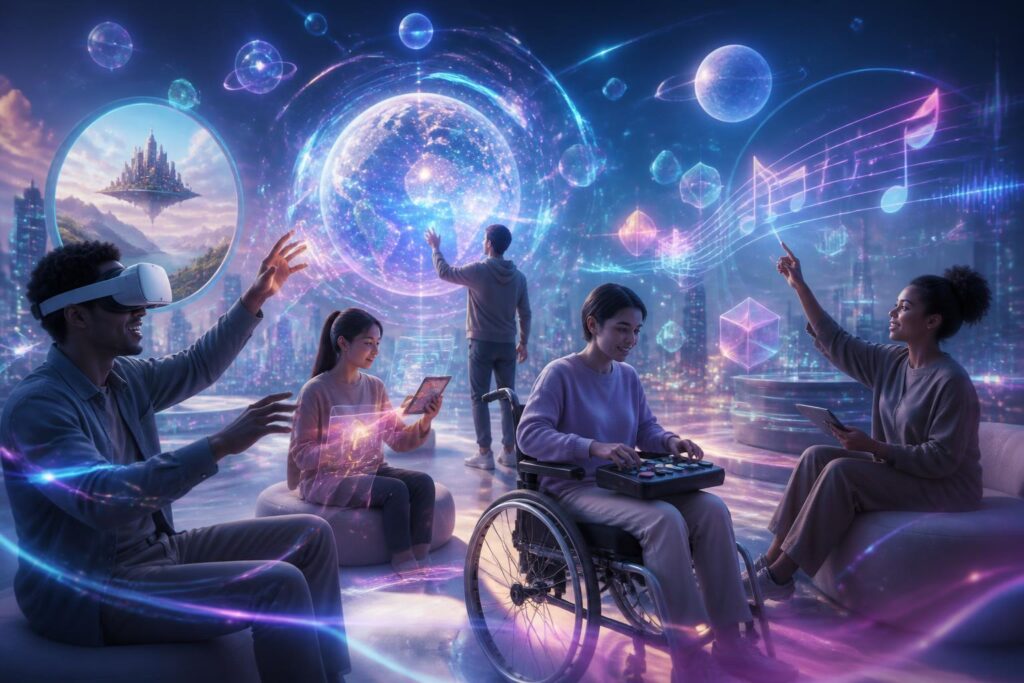
When people talk about the virtual world, they often picture richly detailed scenes, naturally moving characters, and increasingly lighter devices. However, a space with beautiful visuals and powerful technology is not necessarily a space meant for everyone. Users may face obstacles because they cannot see clearly, cannot hear sounds, have difficulty controlling their hands, are sensitive to motion, or cannot afford expensive equipment. These limitations do not lie outside the technology story. They determine who can enter the virtual world, who can only stand outside it, and who is forced to leave after just a few minutes of experience.
Accessibility, therefore, needs to be regarded as a design principle from the outset rather than an additional layer of fixes applied after a product is complete. An inclusive virtual world does not necessarily have to make every experience exactly the same for everyone. More important is providing enough options for each person to receive information, communicate, and act in a way that suits them.
Barriers Do Not Come Only from Devices
The first barriers are often found in the hardware. Virtual reality headsets can be uncomfortable for people who wear glasses, people with different levels of visual acuity, or people who cannot keep a device on their head for long periods. Handheld controllers are unsuitable for people with limited finger mobility. Actions that require standing, turning continuously, or reaching accurately can also exclude many users before they have a chance to explore the content.
But hardware is only half the problem. The interface and operating rules of the virtual world can also create closed doors. An instruction conveyed only through sound will overlook deaf users. An icon without a description will create difficulties for users of screen readers. A conversation that depends entirely on facial expressions or hand gestures will be unfair to people who cannot perform those signals. Even color can become a barrier if the system uses color to distinguish important objects without providing alternative cues.
Therefore, the right question is not “Can users operate this device?” but rather “What abilities is the system requiring users to have?” When these requirements are clearly listed, the development team can recognize that many choices that seem natural are in fact convenient only for a particular group of people.
Designing Multiple Ways to Receive the Same Information
In the virtual world, the same event can be conveyed through visuals, sound, haptic feedback, text, or changes in the environment. Accessible design begins by ensuring that no single channel becomes a mandatory path. If a character speaks, the system should be able to display clear subtitles and allow users to adjust their size, position, or contrast. If an object emits an alert sound, users should also receive an appropriate visual or haptic signal.
This does not mean putting all information on the screen at once. Too many notifications can overwhelm users, especially in an environment with a great deal of movement. A better approach is to let users choose the level of information they need. Some people want detailed subtitles, while others need only brief alerts. Some prefer a minimalist interface, while others need step-by-step guidance. Customization allows the virtual world to adapt to people, rather than forcing people to adapt to a single configuration.
This principle also applies to spatial navigation. People who are prone to dizziness may need point-to-point movement, a fixed viewpoint, or a slower rotation speed. Users who cannot turn freely may need maps, arrows, or an alternative viewing mode. These are not choices that reduce the quality of the experience. On the contrary, they expand the number of people who can participate without sacrificing safety and comfort.
Communication and Autonomy in Shared Spaces
The virtual world is often promoted as a place where people meet, study, work, or play. But a shared space is meaningful only when its members can communicate without being forced to use a single method. Text, voice, gestures, icons, and status indicators can coexist so that users can choose among them. People who do not want to speak in their real voices can still participate in discussions through text or synthesized speech. Users who have difficulty acting quickly should also have a way to send prepared responses.
Autonomy also involves controlling distance and attention. In an immersive environment, another character may come too close, play loud sounds, or continuously send interaction requests. Without private spaces, mute buttons, invitation filters, and blocking options, users can easily become disturbed or pushed out of the shared space. These tools do not serve only people with disabilities. They are useful to anyone who needs to rest, concentrate, or avoid an unwanted interaction.
Accessible design must also take into account the ability to recognize other people’s states. Some people may not want to turn on their cameras, reveal their bodily movements, or use their voices. The system should distinguish between not responding and being unable to respond in the usual way. If all activity is judged based on speaking speed, gesture accuracy, or the degree of eye contact, the platform will create a narrow standard of behavior and turn individual differences into faults.
Cost and the Usage Gap
Accessibility is not only a matter concerning people with disabilities. The price of equipment, connection quality, available space, and the time needed to become familiar with the system also determine who has the opportunity to enter the virtual world. An experience requiring a specialized headset, a powerful computer, and a large space will be difficult to make widely available to people who have only a phone or a low-specification device. If the flat-screen version is treated as an inferior secondary edition, a large segment of users will be placed at a disadvantage from the outset.
Platforms should therefore think in terms of multiple levels of access. A mode that works on an ordinary screen and can be controlled with a keyboard, mouse, or touchscreen can help users become familiar with the experience before they invest in additional equipment. Content also needs to be optimized so that it does not depend entirely on high processing speeds. Reducing visual effects should not remove necessary information or cause users to be excluded from the main activity.
Cost also appears in the form of time and effort. An interface that is difficult to learn forces users to repeatedly look for instructions, remember numerous button combinations, or adjust their equipment before every session. For older people, those with limited exposure to technology, or people with memory and concentration difficulties, this burden can be far greater than the development team anticipates. Clear instructions, a safe practice mode, and the ability to save personal settings are relatively practical ways to reduce these obstacles.
Bringing Users into the Design Process
Accessibility cannot be evaluated solely through a list of technical criteria. Development teams need to test with people who have different physical experiences and usage conditions. A feature that seems convenient in a laboratory may become difficult to use when a participant is tired, dizzy, unable to hear an alert, or required to use assistive equipment. Real-world feedback often reveals problems that designers cannot fully anticipate on their own.
Testing also needs to take place at multiple stages. If testing is conducted only when the product is nearly complete, changing a core action may be costly and affect the entire system. By contrast, early trials with simple prototypes help development teams determine whether the movement system, information layout, and interaction rules are reasonable. Participants should not be invited merely to “find bugs”; they need to have a voice in determining which issues deserve priority and what constitutes a successful experience.
This approach also requires care in language. Users who need support are not a homogeneous group. Two people with the same visual difficulties may have entirely different habits and preferences. Therefore, the goal of design is not to create a special mode that applies to everyone, but to build a flexible system that respects choice and does not turn users into passive subjects.
Accessibility Is a Foundation, Not an Extra Feature
The virtual world is often evaluated by its level of realism, interactivity, and the appeal of its content. These criteria are important, but they have meaning only when users can participate safely and actively. A vivid environment in which many people cannot see, hear, control, or communicate is still an incomplete environment.
Accessible design does not make the virtual world less ambitious. It forces technology to look beyond the abilities considered standard, while also opening up a wider range of richer ways to experience it. When information can be perceived through multiple channels, and when users have the right to adjust the pace and level of interaction, the virtual world becomes more resilient to human diversity.
Ultimately, the important question is not how closely the virtual world resembles reality, but how many people it allows to be present in it as equals. Good design does not require everyone to be the same in order to be welcomed. It creates enough space, choice, and control for difference to become a natural part of the digital community.
