


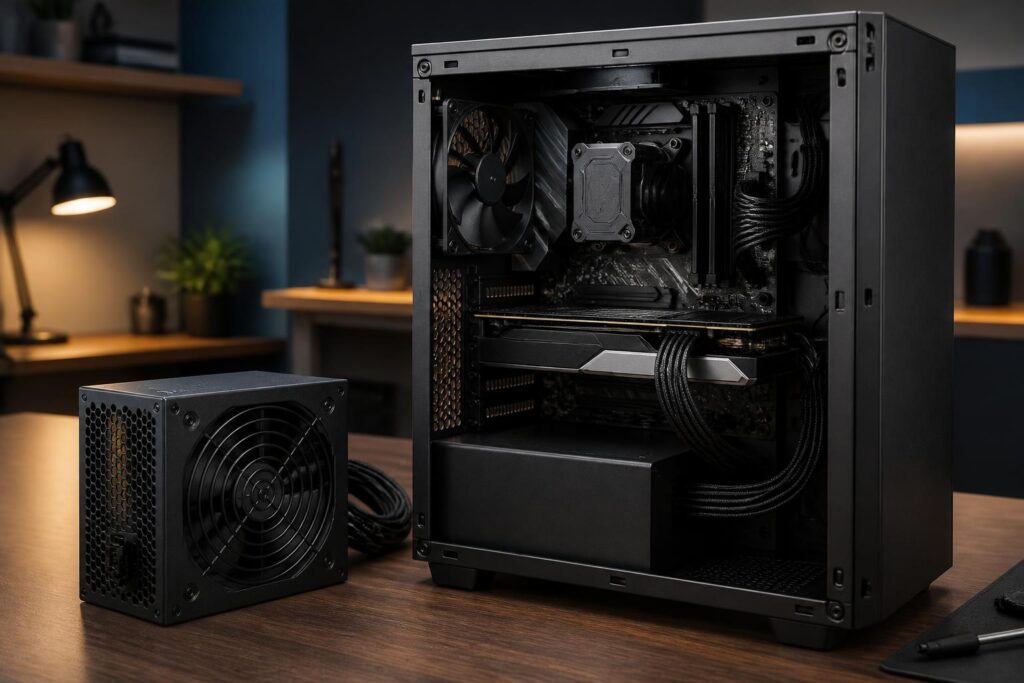
Computer power supplies are often considered less prominent components because they do not directly produce processing speed or image quality. However, they are the component that supplies power to the entire system, from the motherboard, CPU, and graphics card to storage drives and internal peripherals. A suitable power supply helps the computer operate stably, reduces shutdowns or unexpected restarts, and provides a safer foundation for valuable components.
Choosing a PSU solely based on the large wattage number printed on the box is an incomplete approach. Two power supplies with similar rated wattages can differ significantly in their ability to deliver continuous power, circuit design, component quality, connectors, and protection mechanisms. Conversely, an excessively overpowered but low-quality power supply will not provide the expected peace of mind. When building or upgrading a PC, users should regard the PSU as part of the overall system rather than as an expense that can be arbitrarily cut.
Determine Wattage Based on Actual Requirements
The first step is to estimate the power consumption of the main components. The CPU and graphics card are usually the two components with the greatest impact on power requirements, especially in gaming computers, rendering machines, or systems handling demanding workloads. The motherboard, fans, storage drives, RAM modules, and expansion devices also use power, but their consumption should generally be considered as part of the overall system rather than mechanically assessed in isolation.
Users can begin by consulting the recommended power specifications from the CPU and GPU manufacturers, then adding the requirements of the remaining components. This is only an estimate, not an absolute figure for every situation. An office computer using integrated graphics will have very different requirements from a PC with a high-power discrete graphics card. A system intended for creative work may also need to account for long periods of load, when components operate continuously rather than only experiencing brief spikes in usage.
A power supply should not be selected with wattage that barely matches the estimated consumption. A reasonable reserve allows the PSU to avoid operating constantly at its limit while also leaving room for adding storage drives, replacing the graphics card, or upgrading the processor in the future. However, having headroom does not mean always buying the highest-wattage power supply available. If an office computer uses only a few energy-efficient components, an excessively large PSU may increase costs without providing a proportional benefit.
The Wattage on the Label Does Not Tell the Whole Story
A power supply may be advertised using its total wattage, but users need to pay attention to its ability to deliver stable power on the important rails, especially the 12V rail. Modern CPUs and graphics cards primarily receive power through this rail. The PSU specification label should clearly state the corresponding wattage and current, rather than presenting only a vague total figure that is difficult to verify.
The ability to deliver continuous power is also more important than a peak wattage maintained only for a short time. Some products may withstand a high load momentarily, but that does not mean they are suitable for operating at a similar level for many hours. When reading specifications, buyers should distinguish between rated power and figures used for marketing purposes. Clear technical documentation, consistent information, and a transparent warranty policy are generally more trustworthy than advertising that emphasizes a single number.
High Efficiency Does Not Replace Quality Design
Efficiency certification can give users an additional basis for comparing how effectively different power supplies convert electrical energy. An efficient PSU generally reduces the amount of electricity lost as heat, thereby helping the system run cooler and use less power under equivalent conditions. However, the efficiency rating is not the sole measure of quality.
Efficiency reflects one aspect of the power-conversion process, while durability and the ability to protect the system depend on many other factors, such as circuit design, capacitor quality, controllers, heat dissipation, and testing procedures. A product with a high efficiency certification but an unsuitable design or poor quality control may still not be a good choice. Therefore, users should view certification as a supporting criterion and consider it alongside technical specifications, warranty duration, and the reputation of the product line.
Connectors Must Match the Components
Changes in computer hardware have made power connectors an important factor to check before purchasing. The motherboard usually requires a main power connector and an additional connector for the CPU. A graphics card may use one or more dedicated power connectors, depending on its design. In addition, SATA drives, fans, cooling pumps, and certain other accessories also require the corresponding connectors.
Before placing an order, users should accurately check the type and number of connectors and the cable lengths required for the case. Having sufficient total wattage but lacking the correct connectors can still make the system difficult or impossible to install conveniently. Using unsuitable adapters or daisy-chaining too many plugs can also increase the risk of poor contact and heat buildup at the connection point.
For modern graphics cards that use new high-power connectors, the PSU must support the correct standard and come with suitable cables. Users should not rely solely on whether a connector fits physically, because similar connector shapes do not mean that every type of cable is interchangeable. In particular, modular cables from different brands or PSU product lines should not be mixed casually, even when the plugs on the component side appear similar. The internal pin layouts may differ, and incorrect connections can damage the hardware.
Modular, Semi-Modular, or Fixed Cables?
A modular PSU allows unused cables to be removed, making the case neater and cable management more convenient. This is a suitable choice for computers with limited space or systems whose components are changed frequently. However, a modular design does not automatically mean higher quality. Buyers still need to evaluate the wattage, connectors, and technical platform of the product.
A semi-modular PSU usually has some important cables permanently attached, while auxiliary cables can be detached. This design balances tidiness and cost. A non-modular PSU has all of its cables permanently attached, is generally simpler, and may be suitable for a mainstream computer if the case is spacious enough. Any of these options can work well when the product is properly designed and installed correctly. Users should not pay extra merely to have detachable cables if their actual needs do not require that flexibility.
Protection Mechanisms Worth Considering
A good power supply should have protection mechanisms that help reduce the impact of abnormal conditions in the system. Commonly mentioned protections include overcurrent, overvoltage, undervoltage, overpower, short-circuit, and over-temperature protection. They cannot eliminate every risk in an electrical system, but they can help limit the consequences in certain situations.
Information about protection mechanisms should be provided in the technical documentation or on the official product page. If the specifications are overly sparse, fail to identify the platform clearly, or lack warranty guidance, users should exercise caution. It is also important to understand that the PSU is only one part of the safety chain. The outlet, power cables, surge protection system, and quality of the electricity at the place of use can all affect the equipment. In areas with unstable power grids, an uninterruptible power supply or suitable protective equipment may be a worthwhile investment.
Noise, Temperature, and Installation
A PSU fan typically speeds up as the load and temperature increase. Therefore, actual noise levels depend on the fan design, control curve, temperature inside the case, and sustained load level. Users who prioritize quiet operation should consider reviews that include measurements under specific conditions rather than relying solely on claims about a silent fan mode.
The PSU’s installation position also affects its cooling capability. If the case has a dust filter around the power supply area, the fan should be positioned to draw air from the unobstructed side according to the case manufacturer’s instructions. The power supply should be secured firmly with all the required screws, and cables should not be stretched or sharply bent near the connectors. After installation, check whether any cables obstruct the fans or place pressure on the motherboard or graphics card.
Common Mistakes When Buying a PSU
The most common mistake is choosing a product solely because it has a high wattage or a low price. A cheap PSU may be attractive in the short term, but if it fails to meet stability and protection requirements, the potential cost of the risks may exceed the initial savings. Another mistake is ignoring upgrade plans. If users plan to replace the GPU soon, they should first check the connector and wattage requirements of the expected hardware generation instead of calculating only for the current configuration.
Reusing cables from an old PSU is another mistake to avoid. Modular cables should not be treated as universally shared accessories for all power supplies. When replacing a PSU, the safe approach is to use all the cables supplied with the new product, unless the manufacturer clearly confirms compatibility. In addition, users should not open a PSU for repairs themselves without the necessary expertise, because it may retain an electrical charge even after it has been unplugged.
How to Make the Right Decision
A simple process can begin by listing the CPU, GPU, number of storage drives, fans, and expansion devices. Next, determine the recommended wattage and add a reasonable reserve for sustained loads and future upgrades. Then check the 12V rail, the type and number of connectors, the PSU dimensions, cable lengths, protection mechanisms, and warranty policy. Finally, balance the budget based on the importance of the entire system rather than the purchase price of the power supply alone.
For an office computer or a basic home computer, the main priorities are stability, suitable dimensions, and an acceptable noise level. For a gaming PC or a workstation handling heavy workloads, users should also consider sustained-load capability, graphics-card connectors, and upgrade headroom. When a system contains expensive components, investing in a reliable PSU is generally more sensible than allocating the entire budget to performance and saving money on the power-delivery component.
A power supply does not make a computer run faster in an immediately noticeable way, but it determines whether the system can maintain that performance stably. Choosing the right PSU means balancing wattage, design quality, connectors, efficiency, noise, and expandability. When these factors are assessed together, users can avoid making an impulsive choice and build a safer, more durable PC throughout its service life.
