


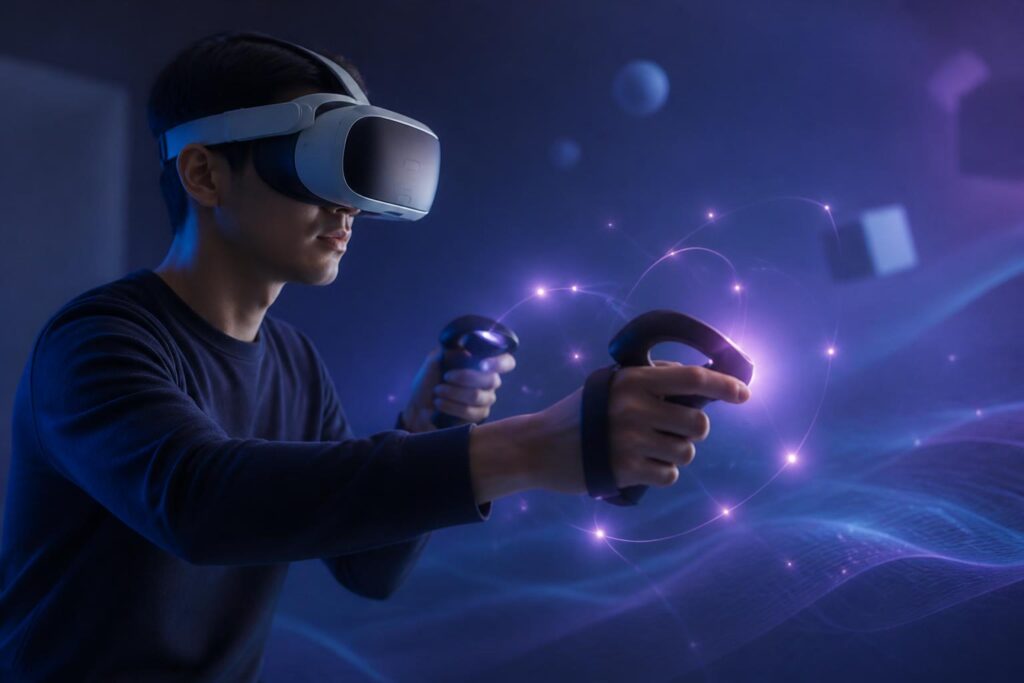
For many years, virtual worlds have been built primarily from images and sound. Users see a simulated space, hear signals that help them navigate, and then control characters or objects with controllers, keyboards, mice, or touchscreens. However, a digital experience becomes truly convincing only when users can feel feedback from their actions. That is why haptics is becoming a notable area of development in virtual environments.
Haptics in the virtual world does not mean that a device can fully recreate every sensation found in real life. Essentially, this technology generates physical signals such as vibrations, resistance, pressure, or movement to tell the body that a certain action has just occurred. When users touch a virtual object, hold a simulated tool, or collide with a surface in a game, the device can produce a corresponding response. These simple signals give actions on the screen a sense of weight and make them easier to imagine.
From Vibration Feedback to a Sense of Interaction
Vibration feedback is the most familiar form of haptics. Phones vibrate when notifications arrive, game controllers vibrate when a character collides with something, and keyboards or controllers can produce different feedback patterns depending on the situation. In the virtual world, vibration does more than signal that an event has occurred; it also helps describe the nature of that event. A short vibration may represent a light touch, while a stronger and longer vibration may suggest a major collision or a continuous impact.
The important point lies in how the signals are combined. A device does not need to simulate an entire object accurately to create a sense of interaction if the visual, auditory, and haptic elements all convey a consistent message. For example, when a virtual user touches a hard surface, the image shows the hand stopping, a collision sound is produced, and the controller vibrates briefly. The brain combines these signals to form the perception of an action with a result, even though there is actually no object in front of the hand.
At a more complex level, a device can simulate resistance or force. When pulling a virtual object, users may feel that the movement is not completely free. When turning a control knob, the device can create different stopping points or levels of resistance. This approach makes digital manipulation more like using a physical tool, while also helping users recognize the state of an object without having to look constantly at the interface.
Why Does Haptics Change the Sense of Presence?
The sense of presence in the virtual world does not depend solely on image sharpness. Users also need to believe that their actions affect the surrounding environment. If a virtual hand passes through every object, grasping becomes unconvincing. If an object always responds in the same way whether it is pulled, pushed, or struck, the environment is easily recognized as a layer of imagery rather than a space governed by rules.
Haptic feedback adds a layer of direct information to the virtual world. Users can recognize when an action has been registered, the direction in which a force is acting, or a change in an object’s state. This is especially useful when attention cannot be focused entirely on the screen. A person may feel a signal from a controller without looking down, or recognize that an action has been completed through resistance instead of searching for another confirmation icon.
However, a sense of presence does not automatically appear simply because a device vibrates. Inconsistent feedback can make users lose focus more quickly. If the image shows a soft object but the device produces excessively strong force feedback, or if the sound and vibration do not occur at the same time, the discrepancy will make users aware of the simulation. Therefore, the value of haptics depends much more on experience design than on the number of effects included.
Meaningful Applications Beyond Entertainment
Video games are the most obvious environment for applying haptics, but they are not the only field. In training, force feedback can help learners become familiar with the sequence of operations for a tool or simulated procedure. A virtual practice environment can signal when a hand is placed incorrectly, when the applied force exceeds what is necessary, or when a step in the procedure has not been completed. These signals do not completely replace real-world practice, but they can support the familiarization stage under safer conditions.
In design and manufacturing, haptics can help users visualize how components connect or move in three-dimensional space. Feeling the stopping point, direction of rotation, and resistance of a model can supplement visual information. For people who have difficulty operating interfaces based solely on images, touch feedback can also provide an additional channel of interaction, provided that the device is designed to suit different needs and motor abilities.
Haptics also has potential in remote communication, but this is an area that requires careful consideration. A vibration signal can convey attention, confirmation, or a reminder without interrupting a conversation. However, the sensation of touch between two people cannot be fully recreated with just a few vibration patterns. If the design is too simple, users may misinterpret the meaning of the signal. Therefore, applications of this kind need to prioritize clarity, user control, and the ability to turn off feedback at any time.
Technical Limitations and the Limits of Expectations
The human body recognizes many types of haptic information, from pressure and temperature to texture, slipperiness, and movement. By contrast, most devices today can reproduce only a limited number of signals, typically vibration or resistance at a few points of contact. The gap between real sensations and simulated signals therefore remains large. A device may let users know that they have just touched an object, but it may not be able to accurately convey whether that object is hard, soft, rough, or warm.
Haptic devices must also balance accuracy, weight, durability, and convenience. A device that is too heavy will cause fatigue during prolonged use. A system that generates strong force feedback must be carefully controlled to prevent discomfort or safety risks. With wearable devices, the point of contact, hand size, and usage habits of each person also affect perception. There is no single feedback pattern that suits everyone.
Latency is another issue. If users see an action occur and only feel the feedback afterward, the experience may become unnatural. Latency does not necessarily have to be eliminated completely to create a good experience, but it needs to be controlled so that the information channels do not contradict one another. A virtual environment with beautiful visuals but slow feedback can still make users feel that they are controlling it from the outside rather than truly participating in that space.
Haptic Design Needs to Start with User Needs
Not every situation requires extensive touch feedback. An interface with too many vibrations or resistance effects will quickly become distracting. Designers need to determine which signals are genuinely useful, which are merely decorative, and which can replace visual notifications. Feedback patterns should be sufficiently distinct for users to understand their meaning, while not forcing them to memorize an overly complex system.
Customizability is also important. Users should be able to adjust the intensity and frequency or turn off feedback that is unsuitable for them entirely. Some people are sensitive to vibration, while others may need stronger signals to recognize them. Inclusive design is not only about adding more effects; it is also about allowing each person to choose how they receive information.
In addition, developers need to avoid creating expectations that exceed the technology’s actual capabilities. Haptic feedback should be presented as a tool that supports interaction, not as evidence that the virtual world has become identical to real life. When users understand what the device can and cannot do, they will be more likely to use the technology proactively.
An Emerging Layer of Interaction
Haptics does not turn the virtual world into real life, but it changes how people understand actions in digital environments. From an action that merely produces a change on the screen, users can receive additional signals about force, stopping points, and results. This addition is especially valuable when used at the right moment, with the right intensity, and for a clear purpose.
In the future, the quality of the haptic experience will probably not be judged simply by how many vibrations or force feedback effects a device can produce. What matters more is whether these signals help users understand the environment, act accurately, feel comfortable, and maintain control over the experience. As technology advances, the important question will remain how people want to interact with the virtual world, rather than merely what additional effects a device can create.
