


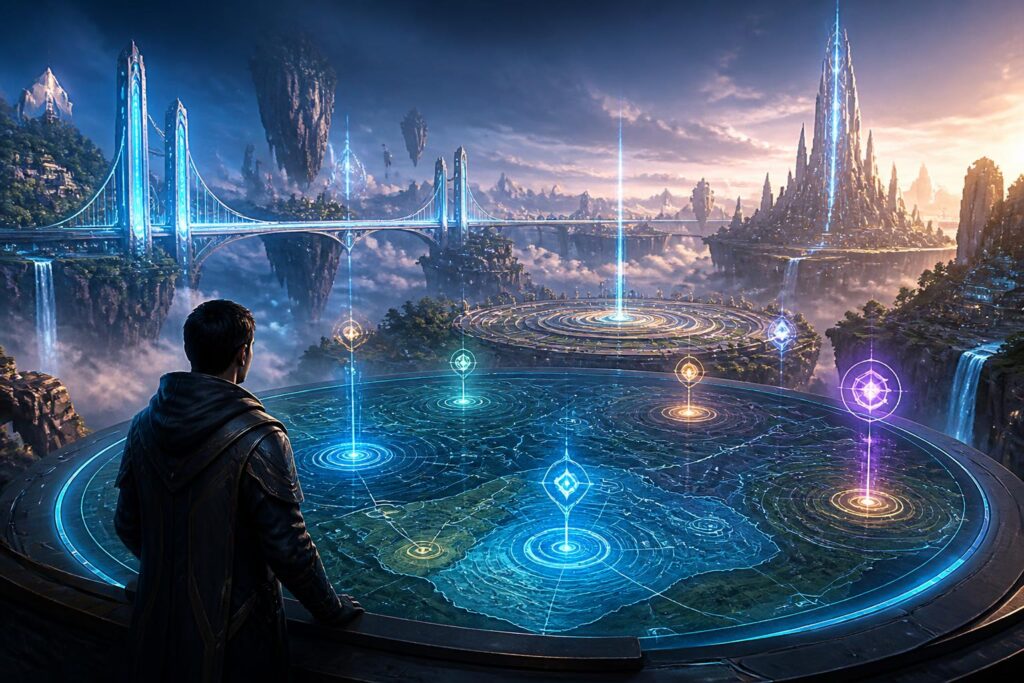
When entering a virtual world, users usually pay attention first to the visuals, characters, or activities taking place. However, the feeling that makes them want to stay longer depends to a significant extent on a less-discussed factor: the ability to find their way around. If they do not know where they are, where they can go, or how to return to an important location, users can easily shift from curiosity to fatigue. In such cases, even a meticulously designed space can become difficult to access.
Maps in virtual worlds should therefore not be viewed simply as frames containing markers. They are part of the language of design, helping users form an understanding of space and choose how to move through it. Maps can guide, suggest, warn, or even tell part of a story. When constructed thoughtfully, they create a sense of autonomy without taking away the joy of exploration.
Why Do Users Get Lost So Easily in Digital Spaces?
In everyday life, people often rely on many cues to find their way: the shape of a building, the direction of the light, sounds, familiar roads, or the relative positions of different places. Virtual worlds can simulate these cues, but they can also make them disappear. A space without a clear horizon, one that constantly changes its structure or allows movement in multiple dimensions, can make it difficult for users to form a stable mental model.
A mental model is the way each person remembers and interprets the environment around them. Users do not necessarily need to know every coordinate precisely. They need sufficiently reliable answers to basic questions: what area is this place in, which direction is the destination, what landmarks lie between the two locations, and whether they can return if they take a wrong turn. When these questions go unanswered, movement becomes a sequence of trial and error rather than a deliberate action.
The problem becomes even more apparent in virtual worlds with multiple levels, numerous connecting portals, or areas that appear only after a certain condition is met. Users may remember having seen a location but not remember how to get there. They may also encounter maps that display too much information, causing important points to become lost among secondary icons. Conversely, an overly minimalist map fails to provide enough context for users to understand the relationship between different areas.
A Good Map Does More Than Show the Way
The first function of a map is to help users identify their current location and direction of travel. But in a virtual world with depth, a map must also communicate structure. Users need to recognize which areas are central, which are peripheral, which have been explored, and which remain open to discovery. These layers of information help them plan instead of merely reacting to each instruction that appears on the screen.
A useful map generally creates three levels of awareness. The first is immediate awareness: where the user is standing and in which direction the nearest point lies. The second is area awareness: which district, level, island, or ecological zone within the wider world contains the current location. The third is overall awareness: what logic organizes the space and how the different areas relate to one another. These three levels do not need to appear at the same time, but they must be accessible when users need them.
That is why a map should not always open in its most complete state. An interface with too many layers can interfere with the activity currently taking place. A more suitable approach is to allow users to switch between a local map and an overall map, while retaining important indicators such as their current location, marked points, and main connections. Users can take a quick look while moving and then expand the information when they want to make plans.
Landmarks and Spatial Memory
Not all users find their way using arrow-shaped directions. Many people remember a location through landmarks: a bridge, a plaza, a tower, an area of light, or a distinctive sound. Therefore, spatial design and map design need to support each other. If a map gives an area a name but the scenery contains no features that help users recognize it, the information on the map will be difficult to connect with their actual experience.
Effective landmarks do not necessarily have to be large or conspicuous in a flashy way. What matters is that they are consistent and sufficiently distinct from the surrounding environment. An entrance with a distinctive shape, a transit route that always produces a characteristic sound, or an area with a unique lighting arrangement can all become anchors in memory. When users can say, “Go across the bridge and then turn toward the garden,” they are using a map in their heads, even without opening a navigation interface.
These landmarks also help reduce dependence on the screen. If every activity requires looking at the map, users may miss the scenery and interactions within the world. A well-designed space allows them to find their way through the environment, sound, and movement habits alike. In that case, the map becomes a supporting tool rather than an indispensable crutch.
Balancing Guidance and Exploration
Overly detailed directions can make a virtual world lose its sense of adventure. If a glowing path always leads users from one point to another, all they have left to do is follow it. But without any suggestions at all, newcomers may not know where to begin. The design challenge lies in providing the right amount of information at the right time.
One solution is to divide guidance into several levels. At the basic level, the system indicates only the general direction or the area to reach. When users request additional help, the map displays a specific route, intersections, or an estimated travel time based on the logic of that world. This approach ensures that people who want to explore still have room to make their own choices, while those who need assistance are not left without support.
The system should also distinguish between mandatory objectives and optional points of interest. If every icon has the same size and color, users will have difficulty knowing which is the main task, which is a secondary location, and which is merely an environmental detail. Visual hierarchy is not intended to make a map more monotonous; it helps users read it more quickly. When they understand which information matters, they can make decisions without opening multiple layers of the interface.
Principles to Keep in Mind When Designing
First, the map needs to provide clear feedback as users move. Their current location, viewing direction, and the status of the destination must be updated in an understandable way. Delays or sudden changes can make users question whether they are still going the right way.
Next, place names need to be consistent. A location should not have multiple names without a contextual reason. If a virtual world uses highly imaginative naming conventions, the map still needs to create a connection between a place’s name, appearance, and function. Users may accept an unusual name, but they will have difficulty accepting not knowing what that name refers to.
The ability to create personal markers is also highly valuable. Each person may care about a different type of point: where they met a character, a store they want to return to, an unexplored passage, or an area they need to remember. Allowing users to create their own landmarks transforms the map from a general information board into a tool that serves their individual play style and way of remembering. However, this feature needs to be accompanied by management mechanisms so that marked locations do not quickly become a confusing layer of information.
Finally, maps should take into account situations in which users lose their sense of direction. A button for returning to a safe area, a history of recently visited locations, or an option to hide some information layers can help restore their feeling of control. Assistance should not make users feel embarrassed for having taken a wrong turn. In a world created for exploration, getting lost is also a natural part of the experience.
Maps as Part of Virtual World Culture
When a community shares a virtual world, maps also serve a social function. Users can share meeting places, guide newcomers, or create their own sightseeing routes. A plaza may become a meeting point not only because it is centrally located, but also because everyone knows how to find it. Maps help create shared conventions about space and make the world easier to inhabit.
This also raises questions about control over information. Who is allowed to create public markers? Should a location proposed by the community take precedence over information provided by the system? How can confusing landmarks or markers that lead users to unsuitable areas be limited? These questions show that maps are not entirely neutral. The way a space is named, divided into zones, and displayed can influence the behavior of the entire community.
In the future, maps of virtual worlds may become more flexible, changing according to each person’s purpose and history of interaction. Whatever form they take, the core principle will remain unchanged: users need to understand where they are, have the freedom to choose how to get around, and always be able to regain their bearings when necessary.
An engaging virtual world is not one that never makes users lose their way. It is one where getting lost can become an enjoyable experience rather than a discouraging obstacle. Maps, landmarks, and thoughtfully designed layers of guidance help maintain that balance. They provide enough structure for users to feel safe while still leaving room for curiosity, personal memories, and paths yet to be discovered.
