


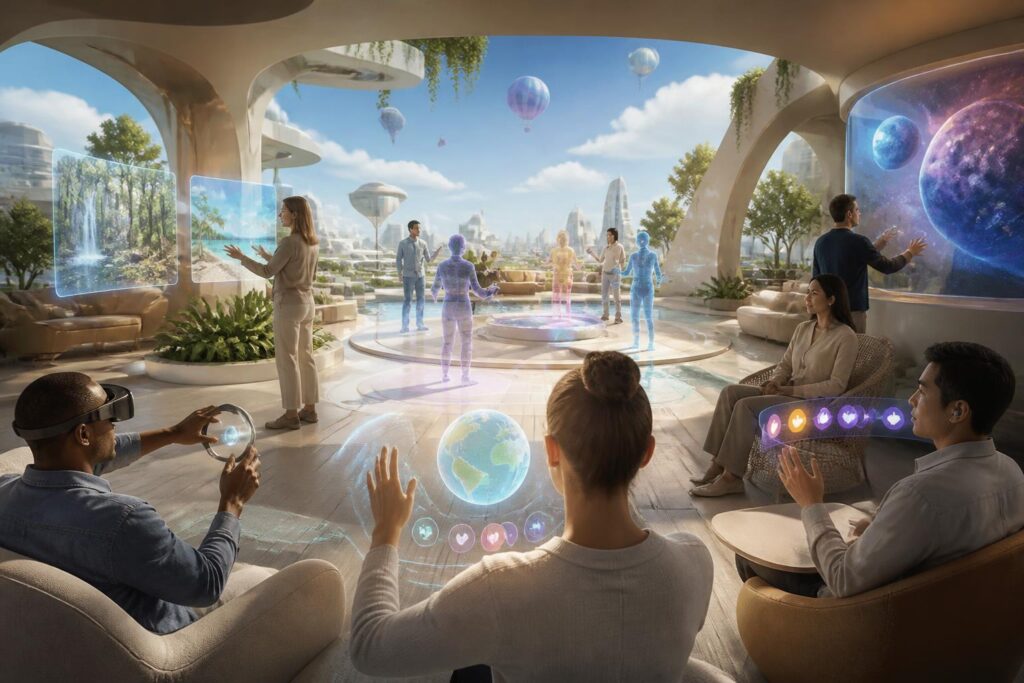
Virtual worlds are often described through highly appealing images: vast three-dimensional spaces, customizable avatars, remote encounters, and activities unrestricted by physical location. However, that experience is not automatically suitable for everyone. An interface that relies too heavily on visuals can create difficulties for people with visual impairments. A control system that requires fast and precise actions can become a barrier for people with limited mobility. Intense sounds, flashing effects, or constantly changing environments can also make it difficult for some users to participate for extended periods.
Therefore, accessibility should not be viewed as an auxiliary feature added only after a product is complete. It is a fundamental question of who can enter a virtual world, who can use its core functions, and who can participate on an equal footing. When placed at the center of the design process, accessibility not only supports people with disabilities but also makes the experience clearer, more flexible, and easier to use for a broad range of users.
Accessibility Begins with How We View Users
A common mistake is to imagine virtual-world users as a uniform group with similar devices, stable vision and hearing, good reflexes, strong internet connections, and plenty of time to use the product. In reality, users may access virtual worlds through computers, phones, virtual reality headsets, or other assistive devices. They may have very different lighting conditions, network speeds, available spaces, and levels of familiarity with technology.
Even someone without a clearly identified disability may experience temporary or situational limitations. A person may be unable to hear clearly in a noisy environment, use a device while their hands are occupied, suffer eye strain after a long period, or connect through an unstable network. If a system is designed only for ideal conditions, many people will encounter obstacles without understanding where the cause lies.
Inclusive design requires development teams to ask specific questions from the outset. Can users complete a task without seeing every detail? Can they receive important information without hearing audio? Can they control an avatar in multiple ways? If a function fails, does the system provide an alternative, or does it force users to start over? Questions like these shift the focus from showcasing technology to ensuring that technology serves people.
Multiple Senses, Multiple Ways of Receiving Information
Most virtual worlds rely heavily on visuals. Colors, depth, movement, and three-dimensional objects help create a sense of presence, but important information should not be conveyed through only one channel. A red icon may signal danger, but people who have difficulty distinguishing colors will need an additional shape, sound, or text notification. A speaking character may be represented through lip movements, but captions can ensure that a conversation does not depend entirely on the ability to hear.
Captions should be regarded as part of the content, not as decoration. They should have suitable contrast, remain on screen long enough to be read, and distinguish dialogue from environmental sounds when necessary. In online gatherings, participants also need to know who is speaking, when someone new has joined the conversation, and which information is a system notification.
Audio in virtual worlds also needs to be organized deliberately. Background music, environmental sounds, character voices, and alerts should not compete to the point that users cannot identify what is important. Allowing users to adjust each audio group separately is more useful than providing a single general volume control. For people who are sensitive to sound or motion, options to reduce effects, limit vibration, and soften lighting may determine whether they can use a product for extended periods.
Flexible Controls and Understandable Interfaces
Virtual worlds often require users to coordinate several actions at once: moving, looking around, selecting objects, opening information panels, and communicating. When these actions are designed in only one way, the product can easily exclude people who cannot use that method. A good system should allow users to change button layouts, adjust sensitivity, use a keyboard or alternative controller, and perform actions that do not require continuously holding down a button.
Voice control can be a useful option in some circumstances, but it should not be considered the only solution. Noisy environments, different voices, privacy concerns, or speech limitations may make this method unsuitable. Similarly, gesture-based control can feel natural but also requires sufficient space, a camera, and certain physical abilities. The more complementary options there are, the more opportunities users have to choose an approach that suits them.
Interfaces should also minimize the need for users to memorize too many rules. Icons should have consistent meanings, and notifications should clearly explain what happened and what the next step is. Important tasks should include instructions that can be reviewed, rather than appearing only once while users are still unfamiliar with the environment. When a product enables users to control the pace at which they learn, feelings of confusion and dependence on others are reduced.
Social Spaces Need to Be Safe and Adjustable
Accessibility in virtual worlds is not only about interfaces. It is also an issue in gatherings, classrooms, events, and community activities. A space may be beautifully designed, but if it forces users to participate in voice conversations, requires them to react within a very short time, or exposes them constantly to strangers, it is not truly welcoming to everyone.
Users should have the right to choose an appropriate level of social presence. They may want to listen without turning on their microphone, participate through text messages, turn off other people’s effects, or create a private distance in a crowded space. Signals indicating that an avatar is looking, speaking, or interacting should be clear, but they should not become pressure forcing users to respond immediately.
Reporting and blocking tools should also be easy to find and understand, without excessively disrupting the experience of the person being harassed. If a user relies on assistive technology, protecting them from bullying, impersonation, or deliberate interference becomes even more important. An accessible community cannot be measured only by the number of options in its settings; it is also reflected in whether users feel respected and have the power to leave an unsafe situation.
Measuring Accessibility Through Real-World Experience
Development teams often tend to test products on devices and under conditions familiar to them. This approach helps detect technical errors but is not enough to evaluate barriers in the user experience. Accessibility testing needs to take place early, with the participation of people who have different needs and usage habits. They may identify issues that design teams would not easily notice, such as a hidden notification, an action that cannot be performed with one hand, or an alert sound that cannot be distinguished from background noise.
Inviting users to participate in testing should not stop at a final demonstration. After each testing round, the development team needs to record issues, determine their impact, and test again after making changes. This feedback should also be considered in a specific context: What task was the user performing? Which device were they using? What was the environment like? Did they have an alternative available? A feature may work well in a menu but fail when the user is moving or communicating with someone else.
Evaluation criteria also need to go beyond the simple question of whether a function works. It is necessary to consider whether users can find the function, understand how to use it, complete the task within a reasonable amount of time, and do so without sacrificing an important part of the experience. If someone can participate only by turning off all audio, skipping conversations, or using a much poorer interface, the product still has a significant accessibility gap.
Shared Benefits Beyond People with Disabilities
Designs aimed at accessibility often deliver broader benefits than expected. Captions help learners follow content in quiet or noisy environments. Options for adjusting text and contrast support people using small screens or experiencing changes in vision at different times. Simple controls make it easier for newcomers to technology to get started. The ability to pause, review instructions, and change the pace is also suitable for people with different schedules or levels of concentration.
More importantly, an accessibility mindset forces developers to clarify the product’s goals. When they cannot rely on a single color, sound, or action, design teams must organize information more effectively and create reasonable fallback options. The result is often a more sustainable, less confusing experience that can adapt better as technology changes.
From an Additional Feature to a Design Responsibility
Virtual worlds will continue to develop alongside new devices, forms of communication, and service models. In this process, accessibility should not be pushed to the bottom of the priority list on the grounds of insufficient resources or because it serves only a small group. Every decision about interfaces, sound, movement, controls, and social spaces affects who can participate.
Designing for a range of needs does not mean making every experience identical. On the contrary, it means giving users enough choices to adjust the environment to their own circumstances. A trustworthy virtual world does not merely impress through its realism; it also demonstrates that people with different abilities can enter, understand what is happening, decide for themselves how to participate, and leave when necessary.
When accessibility becomes a standard from the idea stage onward, virtual worlds will no longer be spaces intended only for people with suitable devices, fast reflexes, or senses that function according to a single model. They can become more open environments in which technology does not force people to adapt in only one direction, but actively creates multiple ways for people to be present together.
