


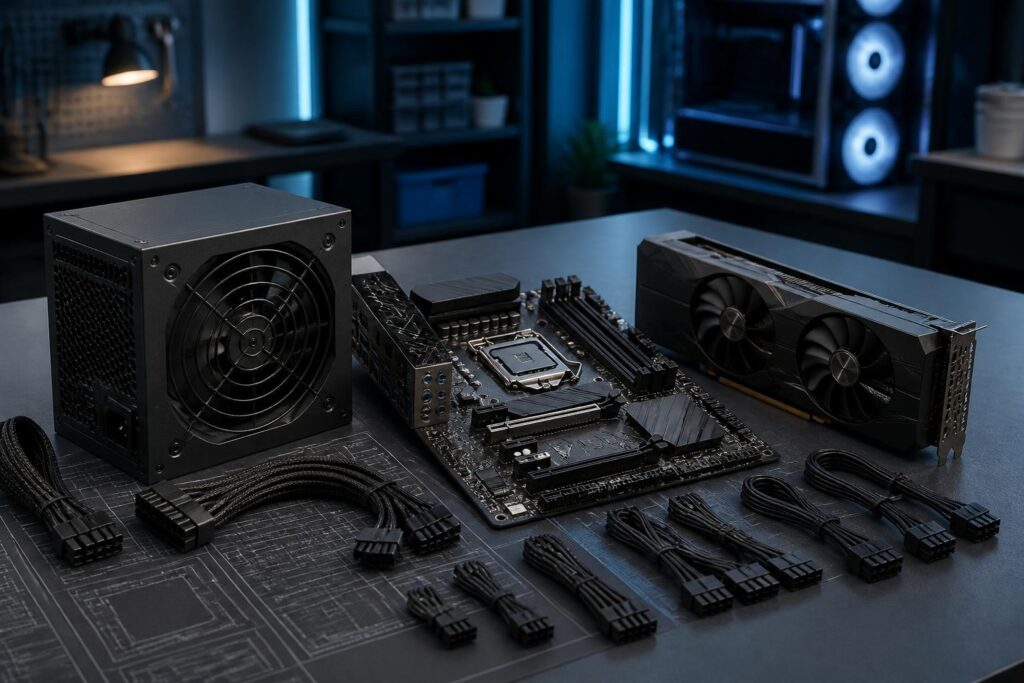
In a computer system, the power supply is often the least noticed component. Users tend to spend a great deal of time comparing processors, graphics cards, RAM capacity, or storage types, but choose a power supply based on a simple rule such as “the higher the wattage, the better.” This approach can lead to two opposite mistakes: buying a power supply that is too weak to meet the system’s needs under heavy load, or investing in a very high-wattage product that does not suit the actual configuration and requirements.
The power supply converts alternating current from the wall outlet into suitable direct-current rails for the motherboard, processor, graphics card, storage drives, fans, and other devices. The quality of this process affects the computer’s stability, long-term operation, and upgrade capacity. Therefore, choosing a power supply is not simply a matter of looking at the wattage number on the box. Buyers need to consider the power consumption of the entire system, the required connectors, design quality, installation space, and the specific way the computer will be used.
Rated wattage is not the amount of power the computer always consumes
A power supply’s wattage specification indicates the maximum amount of power the device is designed to provide under suitable conditions. A 750 W power supply does not mean that the computer will continuously consume 750 W. Actual power usage varies according to the components, tasks, and operating conditions. An office computer used for writing documents will consume power very differently from a gaming or rendering computer operating at high intensity.
To estimate requirements, first identify the components that consume the most power. The graphics card often has the largest fluctuations, especially among high-performance models. The processor can also increase its power consumption when running demanding applications, rendering, or processing data for extended periods. Other components include the motherboard, RAM, storage drives, liquid-cooling pump, fans, and expansion devices. Not every component reaches its maximum level at the same time during typical use, but calculations should leave a reasonable reserve.
This reserve keeps the power supply from having to operate continuously near its limit. It is also useful when users add storage drives, replace the graphics card, or use the computer for many hours. However, having reserve capacity does not mean choosing the highest wattage possible. A power supply that is far more powerful than necessary will not automatically make the computer run faster, while its cost, size, and cabling requirements may increase.
How to read the specifications on a power-supply label
A power-supply label usually lists different power rails, among which the 12 V rail is especially important for many high-performance components. Graphics cards and processors receive power through dedicated power-delivery circuits, but stable power delivery on the 12 V rail remains an important factor when evaluating a power supply. Buyers should not look only at total wattage while ignoring how the manufacturer distributes power among the different rails.
The label also commonly lists input voltage, current, and the corresponding power levels. This is useful technical information, but it is difficult to evaluate in isolation. A suitable power supply should have clear specifications, transparent documentation, and the necessary protection systems. Mechanisms such as overcurrent, overvoltage, undervoltage, overtemperature, short-circuit, and overload protection help limit risks when abnormal operating conditions occur. The presence of these features does not make a power supply immune to failure, but it is an important sign to consider during the selection process.
What does an efficiency certification tell you?
Many power supplies are marketed with different levels of efficiency certification. Essentially, efficiency indicates the proportion of input electrical power converted into power supplied to the components; the remainder is lost as heat. Higher efficiency generally helps reduce wasted electricity and the heat produced during operation.
However, efficiency certification is not the only measure of quality. On its own, it cannot answer every question about component durability, voltage stability, circuit design, noise, or the quality of manufacturing controls. A product with a good certification level still needs to be evaluated alongside its brand, product line, warranty terms, internal construction, and reliable technical reviews. Buyers should avoid assuming that simply seeing an efficiency label makes it unnecessary to examine all the other specifications.
Connection standards are becoming increasingly important
Connectivity is an issue that is easy to overlook until users begin assembling a computer. A power supply needs to have connectors compatible with the motherboard, processor, graphics card, and SATA devices if the system uses storage drives or related accessories. Modern graphics cards may use different power connectors depending on their design. Therefore, buyers should check the specific requirements of the graphics-card model before purchasing a power supply rather than relying on wattage alone.
The correct connectors make installation safer and neater. If multiple adapters of uncertain quality are required, the system may have more contact points and become harder to inspect when a problem occurs. In particular, graphics-card power connectors need to be fully inserted, routed according to the instructions, and not bent too sharply near the connector. Users should read the documentation for the graphics card, power supply, and computer case to ensure that the available cable-routing space meets actual requirements.
In addition to the number of connectors, cable length also deserves attention. A large computer case may require cables long enough to be routed behind the motherboard tray. Conversely, excessively long cables in a small case can make organization cramped. Modular or semi-modular power supplies allow unused cables to be removed, but this does not mean that their electrical efficiency is necessarily higher. The main benefits of this design are convenience and cable-management flexibility.
Stability and noise in everyday use
A good power supply must not only help the computer start up but also maintain stable power when the load changes. Modern computers can switch quickly between idle and high-load states. When the graphics card or processor increases its activity level, the power supply needs to accommodate that change without causing shutdowns, restarts, or intermittent operation.
Noise also has a noticeable effect on the user experience, especially for computers placed in bedrooms, offices, or recording spaces. The power-supply fan may speed up as temperature and load increase. Some products have a fan-stop mode at low loads, but users should not treat this as the sole criterion. A silent mode is meaningful only if the power supply can still manage heat effectively and operate stably within its design limits. Placing the computer in a well-ventilated location, cleaning dust regularly, and avoiding blocked air intakes also help reduce noise.
Common mistakes when buying a power supply
The first mistake is choosing based on the wattage number without considering product quality. A high-wattage power supply with unclear specifications may be more concerning than a moderately powered model that is clearly designed and suitable for the configuration. The second mistake is calculating only current consumption while overlooking upgrade plans. If users intend to replace the graphics card or add multiple drives, they should consider in advance the power-delivery capacity and connectors of the power supply.
Another mistake is buying a used power supply with an unclear usage history. Electronic components can be affected by age, temperature, dust, and the quality of incoming power. A product that has operated in a hot environment or under heavy loads continuously may not still be in the same condition as when it was new. When buying used equipment, users may find it difficult to verify its entire history, and the warranty may no longer be fully available.
Using cables that do not belong to the power supply is also a serious risk. Modular cables may look alike externally, but the pinout on the side that connects to the power supply is not necessarily compatible across product lines. Cables from another power supply should not be plugged into a new power supply unless the manufacturer has confirmed compatibility. This principle is more important than trying to make the system’s cabling look neater.
How to build a suitable choice
A practical process can begin by listing all the components planned for installation, then estimating the processor and graphics-card power consumption based on the manufacturers’ specifications. Next, add allowances for the motherboard, storage drives, fans, and expansion devices. Once a reference figure has been established, choose a model with an appropriate reserve for the intended usage and upgrade plans, while also checking the power available on the 12 V rail, the number of connectors, physical dimensions, and warranty terms.
Typical users, office computers, and systems without a dedicated graphics card generally do not need an excessively high-wattage power supply. Gaming computers or systems used for graphics-related work require more careful evaluation because graphics-card loads can be high and fluctuate considerably. For computers that operate continuously, stability, thermal management, and reliability should be given equal importance alongside wattage. For systems intended for future upgrades, choosing a power-supply platform with suitable connectors from the outset can avoid replacing all the components later.
A good power supply is a foundation, not a secondary accessory
A power supply does not add processing speed in the way that memory or a graphics card does, but it provides the foundation that allows those components to operate properly. A sensible choice needs to balance wattage, power quality, connectors, efficiency, noise, size, and budget. There is no single wattage level suitable for every computer, nor is there any single certification sufficient to replace a full evaluation of the product.
Before paying, buyers should compare the actual configuration with the documentation for each component, check the installation space, and determine how the computer is expected to be used over the next few years. Once users understand that the power supply is part of the system rather than an accessory that can be chosen casually, the building process becomes safer, easier to upgrade, and less likely to encounter difficult-to-diagnose problems.
