


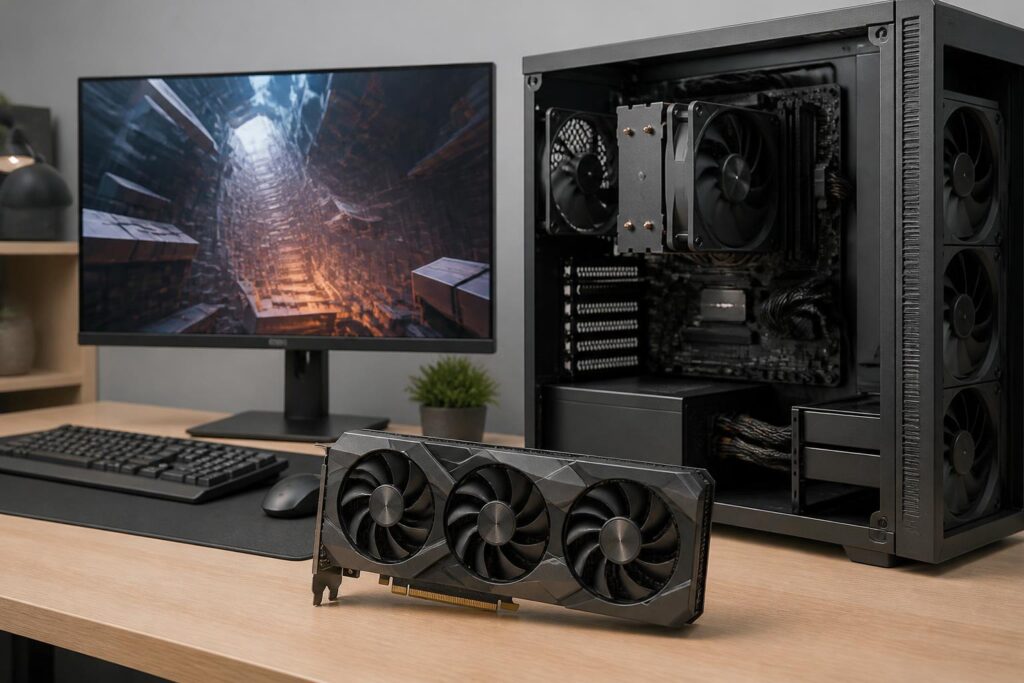
Graphics cards are often the component that receives the most attention when building a computer for gaming, rendering, or content creation. Numbers such as processing core count, clock speed, memory capacity, and hardware acceleration capabilities can create the impression that choosing one only requires comparing which model has higher specifications. However, a graphics card that looks powerful on paper is not necessarily the right choice for a user’s monitor, processor, power supply, or available installation space.
The practical value of a graphics card lies in its ability to handle the right tasks over the long term, with acceptable power consumption, temperatures, and noise levels. Buyers should therefore start with their usage needs rather than with product names. Once the goal is clear, technical specifications become tools for evaluation instead of numbers that can easily cause confusion.
Start with Your Needs and the Monitor You Use
Gaming at high resolutions, playing competitive titles that require high frame rates, video editing, 3D design, and running applications with graphics acceleration all place different demands on a system. A system used mainly for office work, basic photo editing, and light entertainment does not need a high-performance discrete graphics card. Conversely, people working with complex 3D scenes or frequently exporting video will pay more attention to processing capability, graphics memory, and compatibility with their software.
The monitor is an important point of reference. The higher the resolution, the more pixels the card must process in each frame. A high refresh rate is meaningful only when the graphics card can produce a corresponding frame rate in the relevant games and settings. If you are using a standard monitor but buy a card that far exceeds your needs, the surplus performance may not create a difference proportional to the cost. Conversely, if you already own a high-resolution monitor or want to enable demanding graphics effects, a card that is too weak will force you to lower image settings frequently.
Three things should be determined in advance: what your main software or games are, what resolution and refresh rate your monitor has, and how long you expect to use the computer before upgrading. Asking these questions narrows the choices more effectively than simply looking for the most expensive card within your budget.
Understand Graphics Memory Correctly
Graphics memory, commonly called VRAM, is where the card stores the data needed for rendering. Its capacity is related to resolution, texture quality, the number of objects in a scene, and the characteristics of each piece of software. As image settings or projects become more complex, memory requirements also increase. However, having more VRAM does not automatically make a card more powerful in every situation.
Buyers should not evaluate a card based solely on VRAM capacity. Processing architecture, memory bandwidth, data compression capabilities, processing speed, and software optimization all affect final performance. Two cards with the same memory capacity can still produce significantly different results, while a model with more VRAM is not necessarily faster if the rest of its processing capability is limited.
The important thing is to avoid buying a product that is just sufficient for current needs but leaves little headroom if a project or game becomes more complex. This headroom does not mean choosing the highest available capacity. Users should consider how they typically work, whether they use high-resolution textures, whether they build scenes with many layers, and whether they plan to move to a higher-resolution monitor in the near future. A balanced choice is better than paying extra for memory that the processing hardware cannot fully use.
Do Not Overlook Processing Capabilities Beyond Graphics Acceleration
Modern graphics cards are not responsible only for rendering frames in games. Many applications can use them to accelerate tasks such as effects processing, video encoding or decoding, simulations, and parallel computing. However, this capability depends on the specific software. A card with good gaming performance does not necessarily deliver equivalent speed in every content-creation program.
Before buying, check which acceleration platforms the main software supports and which features are used most often. If your work depends on a particular video codec, rendering tool, or computing library, compatibility can sometimes matter more than a small difference in theoretical performance. Software updates can also change how hardware is utilized, so product names cannot replace an examination of your actual workflow.
For general users, display output capabilities and connection ports should also be checked. The card must be compatible with your existing monitor while also supporting plans to use multiple monitors if that is a long-term need. Do not wait until the computer has been assembled to discover that the available ports are unsuitable or that an unwanted adapter is required.
Balance It with the Processor and the Entire System
A graphics card does not operate in isolation. The central processor, system memory, storage drive, motherboard, and power supply all affect the overall experience. If the processor cannot provide enough data to the card in certain situations, performance may be limited even when the card still has processing capacity available. This is usually more noticeable when users are targeting very high frame rates or using relatively low resolutions, where the processing workload does not fall entirely on the graphics card.
This does not mean that every component must belong to the same price segment. The goal is to create a balanced configuration. A high-end card paired with a processor that is too weak may not reach its full potential, while investing too much in the processor but using a card that cannot meet the desired resolution is also unreasonable. When preparing a budget, money should be allocated to the platform as a whole rather than assigning most of the cost to a single component.
System memory and storage also contribute to the overall user experience. They do not make the graphics card more powerful, but they can affect project loading times, the ability to switch between applications, and workflow stability. A computer used for content creation should be viewed as a complete system, not as a collection of isolated specifications.
Power Supply, Temperature, and Installation Space
Power requirements are among the points that should be checked before finalizing a graphics card. Buyers should review the manufacturer’s recommendations for power-supply wattage, power connectors, and cable layout. The wattage printed on the label is not the only factor; the quality and stability of the power supply, as well as its actual condition, also deserve attention. An old power supply or one without sufficient connectors can make an upgrade more complicated.
The card’s physical dimensions are also easy to overlook. Many models have thick designs, occupy multiple expansion slots, or are unusually long. Before buying, measure the space inside the case, check the position of the drive cage, and determine whether the card will block important expansion slots. If you use a small case, choosing a card based on performance without considering its dimensions may result in being unable to install it or having to replace the entire case.
Temperature and noise depend on the cooling design, airflow inside the case, ambient temperature, and load level. A card with a large heatsink may maintain more comfortable operating conditions, but it also requires more space. Users should consider the number of existing fans, the direction of air intake and exhaust, and the computer’s placement. Regular cleaning and neat cable management also help the system maintain cooling efficiency, although they cannot replace choosing suitable hardware.
Consider Software Features and Product Life Cycle
Features such as image upscaling, frame generation, ray tracing, or hardware encoding can expand a card’s capabilities, but their effectiveness depends on the game or application. The name of a feature should not be treated as a guarantee for every use case. It is important to distinguish between frame rates produced directly by processing power and frame rates improved through rendering techniques or additional frame generation. Image quality and latency can vary depending on the settings, so real-world experience remains an important factor to evaluate.
Driver support also matters to a product’s life cycle. Stable drivers improve compatibility with new games and software while fixing certain problems that arise. Users do not need to install every update immediately, but they should keep system software in an appropriate state and pay attention to the requirements of the applications they use.
If buying a used graphics card, be more cautious about its operating history, fan condition, signs of abnormal heat, and warranty availability. A low price is no longer attractive if the product is difficult to inspect or there is no way to address problems when they occur. For people without experience, buying from a source with a clear return policy may be more worthwhile than saving a small amount while taking on considerable risk.
A Practical Selection Process
A simple process can begin by listing the main games or software, the monitor’s resolution, and the maximum budget. Next, eliminate models that are incompatible with the power supply, case dimensions, or connection ports. Among the remaining options, compare performance at the resolution and settings closest to your own usage instead of relying on a single benchmark result.
Next, consider the total upgrade cost. If the card requires a new power supply, a larger case, or additional cooling, the initial purchase price no longer reflects the full investment. You should also reserve part of the budget for warranty coverage and future upgrade potential rather than spending all the money on the card and overlooking the foundational components.
Finally, ask yourself whether the benefits match the way you will use the card. A card that is sufficient but runs cool, quietly, and fits the entire configuration may be a better choice than a more powerful model that increases power consumption, temperature, and cost. The goal of an upgrade is not to own the most impressive specifications, but to create a stable experience for work and entertainment.
Conclusion
Choosing a graphics card is a balancing act involving needs, monitor, performance, memory, power consumption, temperature, and compatibility. Numbers such as core count or VRAM capacity only have meaning when placed in the right usage context. Buyers should identify their primary tasks, check the system’s limitations, verify power and size requirements, and only then compare the remaining models.
This approach helps avoid two common mistakes: buying a card that is too weak, causing the experience to fall short of requirements soon afterward, or buying a card that is too powerful to use effectively. A sensible choice does not necessarily have to be the most expensive one. It is the product that fits the entire computer, budget, and period of use the buyer has planned.
