


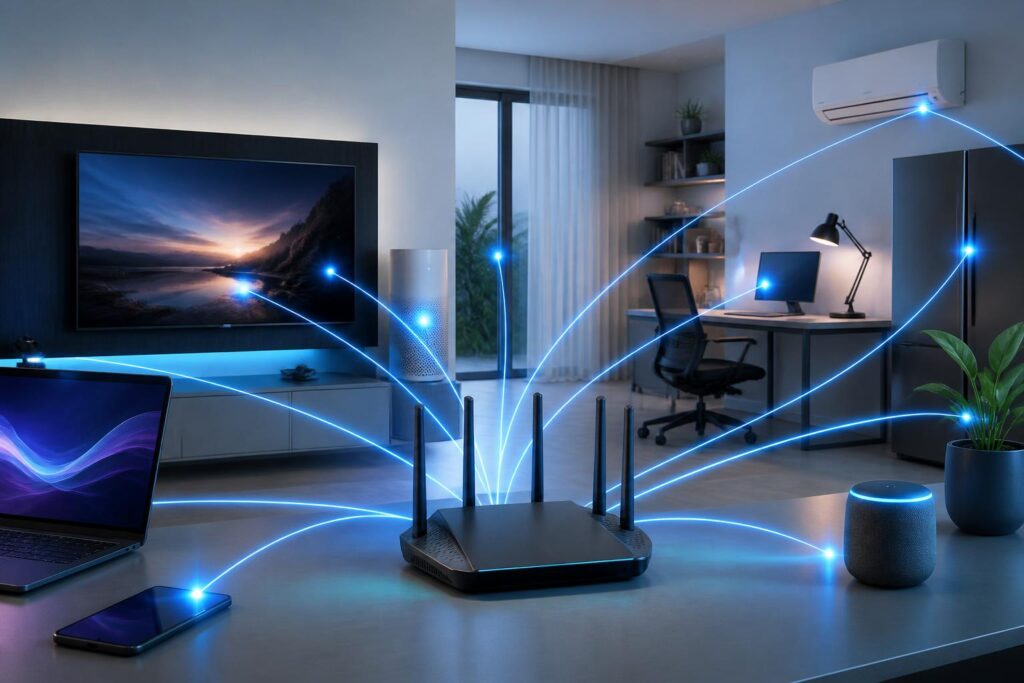
For many years, each new generation of Wi-Fi was usually introduced with a more impressive speed figure. However, connectivity needs have changed. Users do not just download files quickly; they also work through cloud platforms, attend online meetings, play multiplayer games, watch high-resolution videos, and connect an increasing number of devices in the same space. Therefore, a good wireless network cannot be evaluated solely by the maximum speed printed on the product box.
Wi-Fi 7, the technical name associated with the IEEE 802.11be standard, was developed to address these practical issues. The technology focuses on making use of multiple frequency bands, reducing wait times, improving data transmission efficiency, and maintaining connectivity as the network environment changes. This does not mean every device will automatically become faster immediately after replacing the access point. The value of Wi-Fi 7 becomes clear only when the router, end devices, Internet connection, and network layout are all suitably matched.
How is Wi-Fi 7 different from previous generations?
What stands out about Wi-Fi 7 is that the standard does not merely expand a single specification. It combines multiple improvements in the way devices access and use radio resources. Three commonly mentioned concepts are wider channels, higher-density modulation, and the ability to use multiple frequency bands.
With previous Wi-Fi generations, devices typically connected over one frequency band or one specific channel at a time. If that channel was experiencing interference or was overcrowded, performance would decline even when the signal still appeared strong. Wi-Fi 7 gives Multi-Link Operation, often referred to as multi-link operation, a more important role. As a result, compatible devices can use multiple links simultaneously or flexibly across the supported bands. When one connection encounters interference, the system has more opportunities to shift traffic to a suitable link instead of allowing the entire connection session to be affected.
Wi-Fi 7 also supports channels up to 320 MHz wide in the 6 GHz band in areas and on devices that meet the corresponding conditions. A wider channel creates more space for data, but the practical benefits depend on spectrum regulations in each country, the level of interference, and the distance between the device and the access point. In a crowded apartment, having a very wide channel does not automatically guarantee better performance if the surrounding environment frequently uses the same frequency range.
Another improvement is 4096-QAM, a modulation method that allows more data to be transmitted in the same amount of time when signal conditions are good enough. This offers an advantage in speed and efficiency, but it requires a reasonable distance, good signal quality, and compatible devices. When the signal weakens or interference appears, the system may have to use a more reliable transmission method, resulting in a real-world speed lower than the theoretical figure.
Noticeable benefits in everyday use
More stable connectivity with many devices
A modern household may use phones, computers, smart TVs, cameras, speakers, home appliances, and small sensors at the same time. Each device may not generate a large continuous flow of traffic, but the total number of connections requires the access point to handle many different data-transmission sessions. Wi-Fi 7 can improve this situation through more efficient resource management and by making use of multiple links when end devices support them.
In practice, users may notice a difference when one family member is in an online meeting while someone else is watching video, downloading a game, or backing up data. The network will not necessarily eliminate slowdowns completely, but its ability to distribute and maintain connections may be better than that of a system relying on a single channel.
Lower latency for interactive applications
For video calls, online games, remote device control, or virtual reality applications, latency is no less important than download speed. A connection with high bandwidth but inconsistent response can still feel jittery, delayed, or unnatural. The way Wi-Fi 7 coordinates links may help reduce waiting time in some situations, especially when the system has to redirect traffic around interference or congestion.
However, the latency of the final experience also depends on the server, Internet provider, transmission route, and application. Wi-Fi 7 cannot turn a slow Internet connection or a distant server into an instantly responsive connection. The technology improves the wireless network inside the home, but it does not replace the entire external infrastructure.
Faster data transfers between local devices
Households with storage servers or network drives, or those that frequently edit video over a local network, may benefit more clearly from Wi-Fi 7 than users who only perform basic Internet activities. When the computer and storage device both support the new standard, moving large files or accessing content on the local network may be faster. This is also suitable for workspaces that need to share data among multiple computers without relying entirely on uploading it to cloud services.
Even so, the speed of the entire system remains limited by the slowest device. A computer with a low-speed network port, a slow storage drive, or an underpowered processor will not be able to take full advantage of the wireless network. Therefore, upgrading the access point while leaving all existing devices unchanged does not always produce a noticeable difference.
Things to consider before upgrading
First, users need to check the compatibility of the devices they use regularly. A Wi-Fi 7 router can still serve devices from earlier generations, but those devices will operate only according to the standards they support. A new phone with Wi-Fi 7 will not be able to fully realize its advantages when connected to an old access point; conversely, a Wi-Fi 7 access point will not turn an old laptop into a Wi-Fi 7 device.
Cost is the second factor. Devices supporting the new standard are usually more expensive in the early stages, while the benefits may not be necessary for a small apartment with few devices and needs limited mainly to web browsing or ordinary video streaming. Users should determine whether the current problem lies with the access point, coverage, the Internet connection, or device placement. If the cause is a dead zone in the home, a properly positioned multi-access-point system may be more useful than simply buying one powerful router.
Coverage also does not automatically increase just because a user switches to Wi-Fi 7. Signals are still weakened by distance, walls, floors, building materials, and sources of interference. The 6 GHz band can provide more space, but it generally requires a more suitable distance than lower-frequency bands. Therefore, the access point should be placed in a central, unobstructed location near the area requiring connectivity, rather than inside an enclosed cabinet or in a distant corner of the home.
In addition, advertised specifications need to be read in context. The aggregate speed published by manufacturers is often the result of combining multiple bands or using optimal testing conditions. The speed received by a single device in a real home will be lower and will vary according to distance, obstacles, and the number of simultaneous users. When evaluating a device, users should also pay attention to its ability to manage multiple connections, receive software updates, provide security, and offer a high-quality control application.
Wi-Fi 7 and building a more sustainable network
Upgrading a network should be viewed as a process, not a race to replace every device at once. Users can begin by identifying the areas where problems occur most often, measuring connection quality at different times, and making a list of the devices that should be prioritized. Work computers, conferencing equipment, or entertainment systems can be upgraded first, while less important devices continue using older standards.
For offices, Wi-Fi 7 can support environments with many users, but its effectiveness still depends on the overall network design. The number of access points, the ability to connect them with wired links, the separation of networks for guests and Internet of Things devices, and update policies all need to be taken into account. A fast wireless system that is poorly positioned or uses a weak password can still create risks and deliver a poor experience.
Security should also be considered an inseparable part of any upgrade. The router should be updated regularly, default administrative credentials should be changed, appropriate encryption methods should be used, and untrusted devices should be separated from the main network whenever possible. A new connectivity standard helps transmit data more efficiently, but it does not automatically protect users from malware, exposed passwords, or outdated devices.
Conclusion
Wi-Fi 7 marks a shift from focusing solely on speed to optimizing the entire connectivity experience. The ability to use multiple links, support wide channels, and improve data-transmission efficiency can benefit households with many devices, offices with numerous users, and applications sensitive to latency. However, it is not a magic solution to every network problem.
The decision to upgrade should be based on actual needs, existing devices, connection quality, and the structure of the space in which the network is used. When deployed properly, Wi-Fi 7 can create a more flexible foundation for an environment that increasingly depends on wireless connectivity. But if users simply buy equipment based on the highest speed figure while overlooking coverage, security, and compatibility, the new investment may not deliver a proportionate improvement.
