


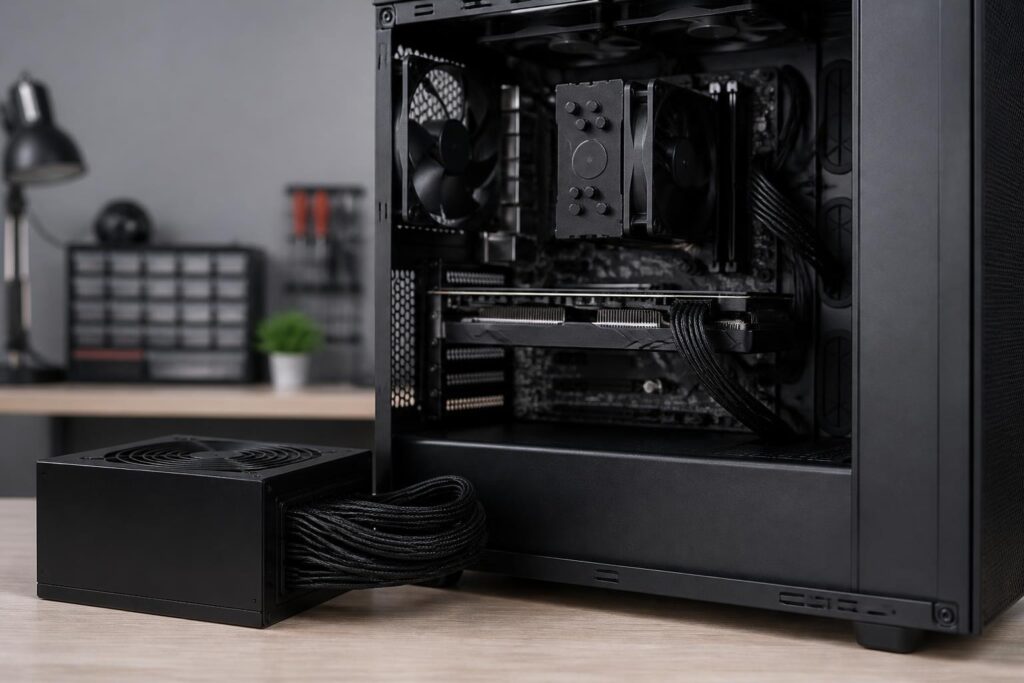
In a computer system, the power supply is often the least noticed component. Users tend to spend more time comparing processors, graphics cards, memory capacity, or SSD speeds, while the PSU is often chosen based on the wattage printed on the box and the price. This approach can cause an expensive system to operate unreliably, make upgrades difficult, or even require replacement sooner than expected.
A power supply does not directly make a computer run faster. Its role is to convert alternating current from the outlet into the appropriate levels of direct current for the motherboard, processor, graphics card, storage drives, and fans. Design quality, the ability to maintain voltage, how it handles changing loads, and its protection systems all affect the reliability of the entire computer. Therefore, choosing a PSU should be viewed as a balancing exercise involving actual needs, power consumption, upgrade room, and component quality.
Rated wattage does not tell the whole story about quality
The wattage number on a power supply indicates the level of power the product is designed to provide under certain conditions. This is important information, but it cannot be used on its own to evaluate a PSU. Two models with the same rated wattage can differ significantly in load-handling ability, stability, noise, circuit design, and protection mechanisms.
An office computer with a power-efficient processor, integrated graphics, and a few storage drives generally does not need a very high-wattage PSU. By contrast, a gaming or work computer with a discrete graphics card may experience rapid increases in power consumption when running demanding applications. A suitable PSU must handle both normal load levels and momentary changes during operation, rather than merely matching the theoretical sum of each component’s power requirements.
Buying a power supply with a higher wattage than necessary does not automatically make it a good choice. If its quality is poor, a high-wattage product can still cause voltage drops, generate excess heat, or trigger protection mechanisms at inappropriate times. Conversely, a high-quality PSU with a reasonable wattage is usually more suitable than a model with a larger number but little clear information about its design and output specifications.
Estimating power requirements from the actual configuration
The first step is to identify the components that consume significant amounts of power. The processor and graphics card are usually the two components that deserve priority. The motherboard, cooling system, storage drives, fans, and other devices installed in the computer also use power, but their consumption generally depends on the specific components and arrangement.
Users should start with the power consumption published by the manufacturer for the CPU and GPU, then add an allowance for the remaining components. This result is only an estimate, not a figure that must be followed with absolute precision. A reasonable amount of headroom helps prevent the PSU from constantly operating near its upper limit while also leaving room to add storage drives, replace fans, or upgrade certain components later.
However, headroom should also have a reason behind it. Choosing an excessively oversized PSU can increase the cost and physical size of the product, and sometimes cause users to misunderstand how much power the computer actually consumes. A better approach is to consider the current configuration, upgrade plans for the next few years, and the load characteristics of the main components. With a stable office computer, requirements are generally easier to predict. With a gaming or rendering computer, attention should be paid to periods when the CPU and GPU are both operating at high levels.
The 12V rail and the ability to power components
In modern computers, the 12V rail plays an important role because it supplies power to many high-consumption components. When examining the specifications on a PSU label, do not look only at the total wattage; check its output capability on the various rails, especially the 12V rail. A clear label helps buyers understand how the product’s power is distributed.
Power delivery capability is not only about the maximum number. The cable system and connectors must also be suitable for the motherboard, graphics card, and installation layout inside the case. Some graphics cards require dedicated power connectors, while other configurations may use connectors on the motherboard or newer connection standards. Buyers should compare the component requirements with the cables included with the PSU and avoid using unclear adapters or plugging in the wrong type of connector.
Cables that are too short, too stiff, or lacking sufficient connectors can make cable management difficult. This affects not only appearance but also airflow, puts stress on connectors, and makes maintenance less convenient. Therefore, physical compatibility should be checked alongside electrical capacity.
Efficiency and temperature during use
A PSU’s efficiency represents the portion of input power that is converted into useful power for the computer. The remainder becomes heat. Higher efficiency generally reduces the amount of heat that must be dissipated and may support quieter operation, but efficiency certification labels should not be treated as the sole guarantee of overall quality.
Buyers should still consider the design platform, component quality, voltage regulation capability, and reliable technical reviews when available. A product with good efficiency but lacking necessary protection mechanisms is still not a safe choice. Similarly, a semi-passive fan mode can reduce noise at light loads, but its real-world effectiveness also depends on ambient temperature, installation position, and the case’s ventilation capability.
A computer case placed in an enclosed space, close to a wall, or accumulating a great deal of dust will force the PSU to operate in hotter conditions. Prolonged high temperatures can affect the durability of electronic components. Therefore, a good power supply needs to be paired with proper installation, reasonable airflow, and an appropriate cleaning schedule.
Protection mechanisms should not be overlooked
Modern PSUs are generally designed with multiple protection mechanisms to reduce the risk of damage when abnormal conditions occur. Depending on the product, these may include overcurrent, overvoltage, undervoltage, overtemperature, short-circuit, or overload protection. It should not be assumed that every power supply on the market includes all of these functions or implements them to an equivalent standard.
Information about protection mechanisms should be clearly presented in the manufacturer’s technical documentation or product page. If the specifications are overly sparse, there is no information about the actual manufacturer, or the warranty policy lacks transparency, buyers should exercise caution. The power supply sits between the external power source and the entire system, so saving money by choosing a product of unclear origin can create risks much greater than the initial price difference.
An external voltage regulator or uninterruptible power supply can help protect a computer in certain situations, but it does not replace a properly designed PSU. These devices address part of the problem at the input power source, while the PSU must still handle power conversion and distribution inside the computer.
Upgrade potential and long-term compatibility
An initial configuration may use only integrated graphics, but the user may later want to install a graphics card, multiple storage drives, or a more powerful cooling system. If the PSU was selected to closely match current needs, an upgrade may require replacing the entire power supply as well. Therefore, before buying, it is worth imagining changes that are likely to occur rather than calculating only for the configuration currently in use.
This does not mean that you have to buy the most expensive product. Prioritize a PSU with wattage appropriate for your realistic upgrade path, enough of the required connectors, and dimensions compatible with the case. In a compact computer, installation space may be an important limitation. In a computer with many storage drives, the number of power connectors and the cable layout may deserve greater attention.
Keep the receipt, warranty documents, and complete model information after purchase. If replacement becomes necessary, these details help identify the correct product and support process. Do not disassemble a PSU for repair unless you have specialized knowledge, because it may still contain electricity even after it has been unplugged from the outlet.
A practical PSU selection process
The simplest process is to list all the main components, determine their expected power consumption, add a reasonable amount of headroom, and then check connector and size compatibility. After that, buyers should compare models from manufacturers with clear technical information, transparent warranty policies, and sufficiently reliable independent reviews.
During installation, shut down the computer, disconnect the power, and carefully check every connector. Power cables for modular power supplies should not be mixed between different models or brands, even if the external connectors appear similar. Neat cable routing, avoiding excessive bending, and keeping cables away from fans will make the system safer and easier to inspect.
After installation, watch for unusual symptoms such as the computer restarting by itself under heavy load, clearly audible coil whine, abnormal PSU fan operation, a burning smell, or unexplained loss of power. These signs do not necessarily all originate from the power supply, but they should be investigated promptly rather than ignored while continuing to use the computer as normal.
Conclusion
Choosing a computer power supply is not a race to find the largest wattage number. A suitable choice should be based on the configuration’s power consumption, ability to handle changing loads, design quality, protection mechanisms, cable system, size, and upgrade plans. When users view the PSU as the foundation that safeguards the entire computer rather than an accessory that can be cut back arbitrarily, they can more easily make a balanced decision.
Take the time to read the specifications, check the connectors, and assess the actual conditions of use. A power supply that matches the requirements, provides transparent information, and is installed correctly will help the computer operate more reliably, reduce risks during use, and better protect the investment made in the remaining components.
