


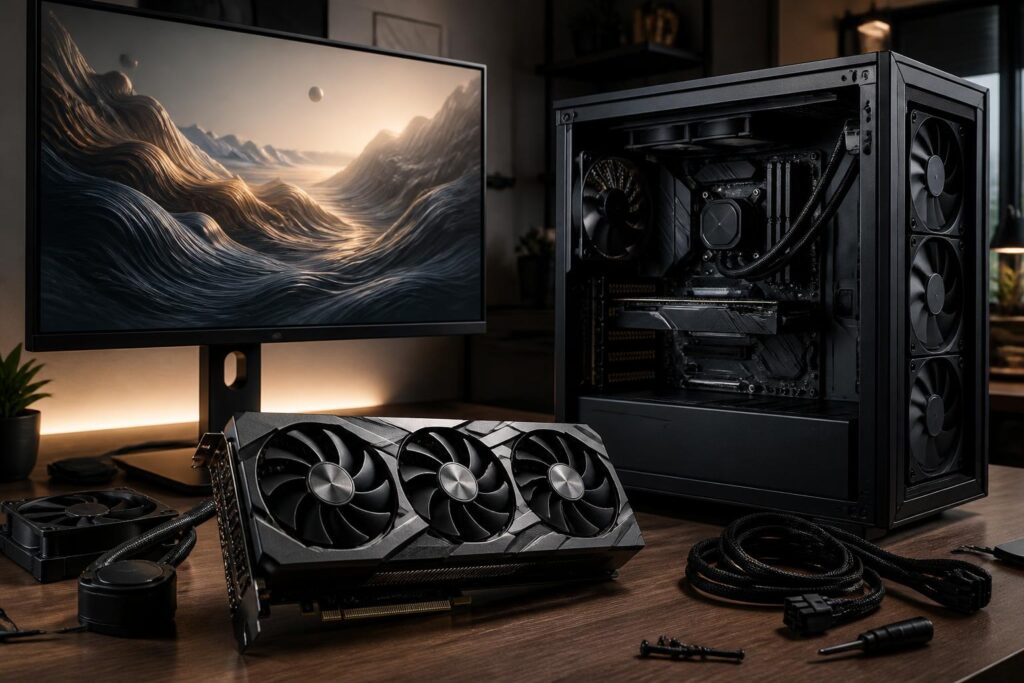
A graphics card is often the component that receives the most attention when building a computer for gaming, rendering, or video processing. Numbers such as VRAM capacity, clock speed, the number of processing cores, or the recommended power supply wattage can easily create the impression that choosing one is simply a matter of comparing specifications. In reality, a more powerful card is not necessarily the more sensible option if the monitor, processor, case, or power supply is unsuitable.
The important thing is to determine what tasks the graphics card must handle, at what resolution, and under what usage conditions. When the component is considered as part of the entire system rather than as a standalone product, users can avoid many unnecessary expenses and reduce the risk of excessive heat, noise, or instability.
Start with your needs instead of the product name
Office users, students, and people with basic entertainment needs generally do not require a high-end discrete graphics card. If a computer is mainly used for browsing, office software, watching videos, and light image processing, a processor with integrated graphics can already handle most tasks. In this case, the budget for a discrete card could instead be spent on memory, storage, or a higher-quality monitor.
Gamers have different requirements depending on the genre and resolution. Strategy, simulation, and esports games often require consistent responsiveness, while open-world games with complex visuals place greater demands on graphics memory and processing power. Playing at a high resolution, using high graphics settings, or enabling advanced rendering effects all change the hardware requirements.
For video editing, 3D design, or simulation work, the choice also depends on the specific software. Some applications make good use of GPU processing capabilities, but other tasks still rely heavily on the central processor, system memory capacity, and storage speed. Therefore, one should not assume that simply buying a powerful gaming card will make every creative workflow faster.
VRAM matters, but it is not the only measure
VRAM is the memory dedicated to the graphics card, used to store image data, textures, frames, and information required for rendering. As resolution and detail increase, memory requirements generally increase as well. If there is not enough VRAM, the system may have to exchange data with system memory, which can reduce smoothness or cause inconsistent data-loading behavior.
However, a large VRAM capacity does not automatically turn a card into a powerful product. Performance is also affected by the GPU architecture, processing capability, memory bandwidth, cooling system, and drivers. A card with more VRAM but limited processing power may not perform as well as another model with less memory but a better balance among its components.
Buyers also need to distinguish between current needs and future headroom. Spending extra to obtain a VRAM capacity suited to the monitor and software currently in use is reasonable. By contrast, paying significantly more simply because a number is larger, while the other components cannot keep up or actual needs do not require it, will reduce the value of the investment.
Monitor resolution determines more than you might think
The monitor is where a graphics card’s capabilities are displayed directly. At a low resolution, a mid-range card may provide a good experience, but when switching to a higher-resolution monitor, the amount of data that needs to be processed increases significantly. A high refresh rate also creates greater demands if the user wants to maintain a corresponding frame rate.
Therefore, before choosing a card, identify the current monitor and any upgrade plans for the next few years. If you are using a mainstream monitor and do not intend to change it, buying an excessively powerful card may not produce a proportionate difference. If you already own a high-resolution monitor or want to take advantage of a high refresh rate, the GPU budget should be calculated at a more suitable level.
You should also consider the frame-synchronization features supported by the monitor. When the card and monitor work well together, screen tearing and fluctuations in the experience can be reduced. This is why usability is not determined only by the maximum frame rate, but also by stability when the workload changes.
Check the power supply and the space inside the case
A graphics card is one of the components that can consume a substantial amount of power in a computer. Before installation, users need to check the power supply’s actual output, its quality, and the power connectors required by the card. A power supply with a high stated wattage but unsuitable quality can still cause the system to operate unstably.
Do not simply add the card’s power consumption to the processor’s power consumption and then choose a power supply that barely meets the total. The system also includes a motherboard, storage drives, fans, peripherals, and the need for headroom when the load increases. A reasonable reserve allows the power supply to operate more comfortably and also makes future upgrades easier. However, an excessively high wattage is not always necessary if the actual configuration is modest.
The card’s physical size is an easily overlooked factor. Many models have thick heatsinks, occupy multiple expansion slots, or are particularly long. Buyers need to measure the available space inside the case and pay attention to the positions of storage-drive bays, front fans, and the distance from other slots. A product may fit in terms of length but still cause interference because of its thickness or power cables.
Cooling, noise, and practical design
Two cards using the same GPU do not necessarily provide the same experience. The cooling design, fan quality, heatsink size, and the manufacturer’s thermal-limit settings all affect temperature and noise. A model with comparable performance but quieter operation may be more suitable for a computer placed in a workroom or another quiet space.
The case and internal airflow also directly affect the result. A powerful card installed in a cramped case with few fans or with cables obstructing airflow may run hotter than expected. As temperatures rise, the fans usually have to spin faster, creating noise and reducing comfort during long periods of use.
Users should consider the cooling system as a whole instead of reading only the specifications for the card itself. The system needs a sensible path for intake and exhaust air, and it should be cleaned regularly so that dust does not reduce cooling efficiency. These factors are simple, but they have a clear effect on long-term stability.
Balance the graphics card with the processor
The graphics card and central processor should be selected with a reasonable balance between them. If the GPU is extremely powerful but the CPU cannot provide data fast enough, performance in some games or tasks may be limited. Conversely, pairing a powerful CPU with a card that is too weak will concentrate the budget on a component that cannot be fully utilized.
The degree of limitation also depends on the resolution and type of task. At a low resolution with a goal of achieving a high frame rate, the CPU may play a more prominent role. As resolution increases and more of the rendering workload shifts to the GPU, the balance is assessed differently. There is no perfect component pairing for every user, only a configuration suited to a specific monitor and software.
For a computer being upgraded, check the processor, motherboard, power supply, and case before buying a card. If the platform is already old, replacing only the GPU may still bring improvements, but you should not expect every task to speed up equally.
Things to note when buying a used graphics card
A used graphics card can help reduce costs, but it requires more careful inspection than a new product. Buyers should examine the condition of the fans, connectors, contact pins, signs of oxidation, and any unusual repair marks. If possible, test the card in a compatible system with familiar software or games to monitor its stability, temperature, and noise.
Ask clearly about the period of use, operating conditions, and any remaining warranty coverage. Advertising based on a single performance figure is not enough to assess quality. A card that operates reliably over a long period is more trustworthy than a product that achieves a high result in a single test but shows signs of overheating or visual artifacts.
A practical card-selection process
A simple process can begin by recording the primary purpose of use, as well as the monitor’s resolution and refresh rate. Next, the buyer determines the overall budget and checks the power supply, case space, and compatibility with the processor. Only after completing these steps should they compare card models within the same price range.
Finally, prioritize balance. A suitable graphics card is one that meets the user’s needs with acceptable stability, temperature, and noise, without forcing the user to replace too many other components. Notable specifications can help shorten the research process, but a good decision should still be based on the entire system and actual usage habits.
The hardware market always has new products, but these selection principles retain their long-term value. Understanding what you need, checking compatibility, and allocating the budget to the actual bottleneck will help a graphics card deliver much better results than simply chasing a product name or the largest VRAM capacity.
