


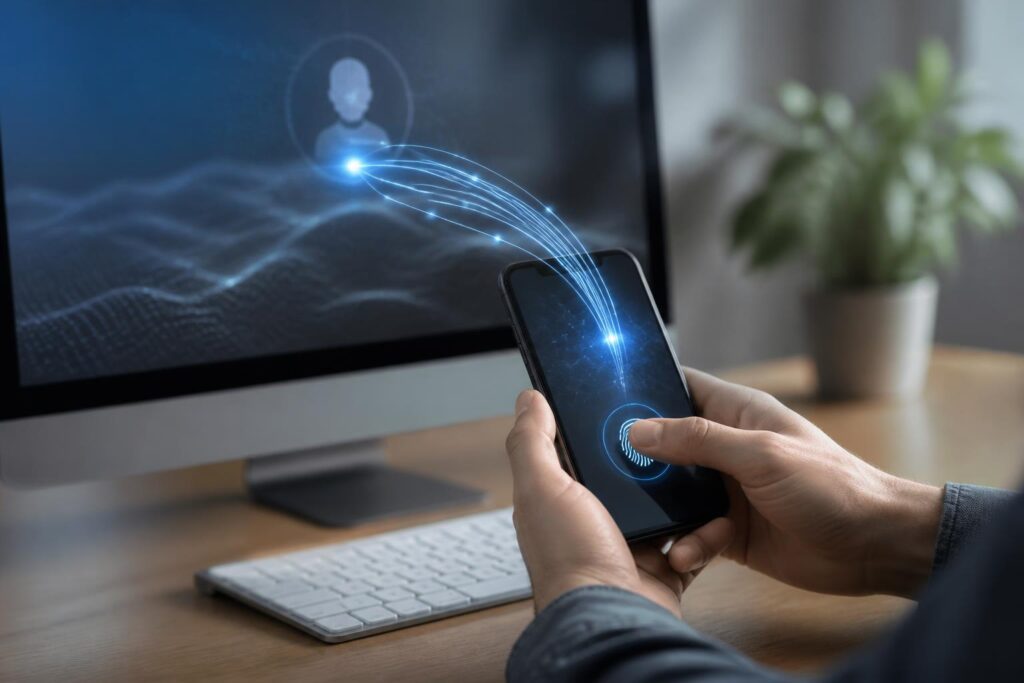
For many years, passwords have been the familiar gateway to accessing email, social media, digital banking and online services. Users have been advised to create long passwords, avoid reusing them across multiple accounts, enable two-factor authentication and change their credentials when there are signs of unusual activity. However, as more services emerge, remembering and protecting dozens of passwords is becoming increasingly difficult. This is the gap that passkeys, or access keys, are intended to address.
Passkeys allow users to log in without typing a traditional password. Instead of storing a string of characters on a server and comparing it with the information entered by the user, the system uses a cryptographic key pair. One key is stored on the device or in a credential manager, while the corresponding key is registered with the online service. When logging in, the device creates valid proof without sending the secret key to the website.
How do passkeys work?
In essence, passkeys are based on public-key cryptography and modern authentication standards such as WebAuthn. When a user creates a passkey for an account, the device generates two parts of a key pair. The public key can be stored by the service to verify subsequent login attempts. The private key remains on the user’s side and does not need to be sent directly to the service.
During the next login, the website sends a technical challenge to the device. The user confirms their identity by unlocking the phone, scanning a fingerprint, using facial recognition or entering the device’s PIN. The device then uses the private key to create a signature for the challenge. The server verifies the signature using the registered public key. If the two parts match, the login session is accepted.
This process takes place quickly and generally does not require users to remember any additional string of characters. Importantly, biometric data, such as fingerprints or facial information, is typically processed locally on the device to confirm the identity of the person using it. The online service does not receive that biometric data simply because the user logs in with a passkey.
Why can passkeys reduce the risk of phishing?
Passwords have a fundamental weakness: users can be tricked into entering them on a fake website. If an attacker creates a page that looks like the real service, a stolen password can be used elsewhere, especially when the user has reused the password across multiple accounts.
Passkeys do not work by having users read and then enter a secret into any website. Authentication is tied to the service’s information and the login context. A fake website cannot easily ask the device to create valid proof for the real service’s domain. As a result, passkeys can provide better phishing resistance than using passwords alone, although this does not mean that all security risks disappear.
Attackers can still trick users into installing malware, take control of an active login session, steal an unlocked device or manipulate the account recovery process. Phishing attempts involving verification codes, fake technical-support calls and malicious links also still require vigilance. A passkey is an important layer of protection, not a reason to ignore basic safety principles.
The everyday user experience
The most noticeable aspect of passkeys is the change in the login process. On a phone, users can select an account and then confirm their identity using the available unlock method. On a computer, a passkey can be stored in the operating system’s credential manager, a browser or a dedicated security device. Some ecosystems also support using a phone to confirm a login on a computer through a short-range connection.
The specific operation depends on the operating system, browser and service the user is using. Some services allow passkeys to be synchronized across devices within the same ecosystem. Others require a separate passkey to be created on each device. Users may also be given the option of storing the key on secure hardware or in a password-management application that supports the relevant standard.
Synchronization makes changing phones more convenient, but it also requires users to protect the central account used for synchronization. If this account is compromised, an attacker may try to access multiple other credentials. Therefore, the ecosystem account, primary email account and password manager should be protected with strong methods, secure recovery codes and trusted devices.
What to prepare before switching to passkeys
Not every service supports passkeys in the same way. Some platforms allow users to create multiple keys for use on phones, computers and backup devices. Some platforms continue to maintain passwords as a parallel login option. Before deleting a password or changing the security method, users should check the account settings page and carefully review the recovery options.
A backup device is a practical concern. If the only phone is lost, damaged or locked, users need another way to regain access to their account. This could be a device that is already signed in, an additional passkey, a physical security key or the service’s recovery process. Recovery codes, if provided, should be stored in a private location and should not be captured in a screenshot and left in a photo library that synchronizes automatically.
Users should also review the list of devices that currently have access to their accounts. When selling, lending or disposing of a phone or computer, they should sign out of their accounts, erase the data using an appropriate process and revoke authentication methods that are no longer in use. Creating too many passkeys without managing them can make the list difficult to control, especially when users no longer remember which key is associated with which device.
Passkeys change the way we think about account security
With passwords, much of the responsibility is placed on users’ memory and habits. They must create sufficiently strong strings, avoid reusing them, refrain from sharing them and recognize fake websites. Passkeys shift part of that responsibility to the device and the authentication protocol. Users still need to protect their devices, but they no longer have to repeatedly disclose a secret that can be copied by entering it into a fake form.
This change also has implications for organizations. By reducing the number of passwords that need to be managed, businesses can limit a category of support requests related to forgotten passwords or account resets. However, deploying passkeys is not simply a matter of switching on a button in the system. Organizations need to establish policies for personal devices, shared devices, departing employees, administrator accounts and recovery procedures when access is lost.
For services intended for the general public, the transition experience is just as important as the technical aspects. If the process of creating a key is too confusing, users may return to passwords or create less secure backup methods. Instruction screens should clearly explain where the passkey is stored, which devices it can be used on and what to do when the primary device is no longer available.
How to get started cautiously
Users can start with an account that is used frequently but is less sensitive, and then become familiar with the process of creating and using a passkey. Next, they should check their ability to log in on a second device, review the list of passkeys they have created and try the recovery process provided by the service. Important accounts such as a primary email account require greater care because they are often used to reset access to many other services.
Alongside creating passkeys, users should update their operating system and browser, enable a screen lock, avoid sharing their device PIN and refrain from logging in on public computers. If they use a password manager, they should protect the primary account with a unique password, additional authentication and a recovery method kept in a secure place.
Passkeys are not a slogan for completely replacing every security tool. They are a step forward in login design, helping reduce dependence on passwords and limit many cases of information theft through fake websites. The technology’s greatest value lies in turning a process that once depended on memory into one that relies more on devices, cryptography and deliberate confirmation.
As more services adopt passkeys, users will have additional options for building account systems that are both secure and convenient. Even so, the final effectiveness still depends on managing devices, protecting synchronization accounts and preparing a recovery plan. Understanding these points will help passkeys fulfill their intended role: making login simpler without turning convenience into a new weakness.
