


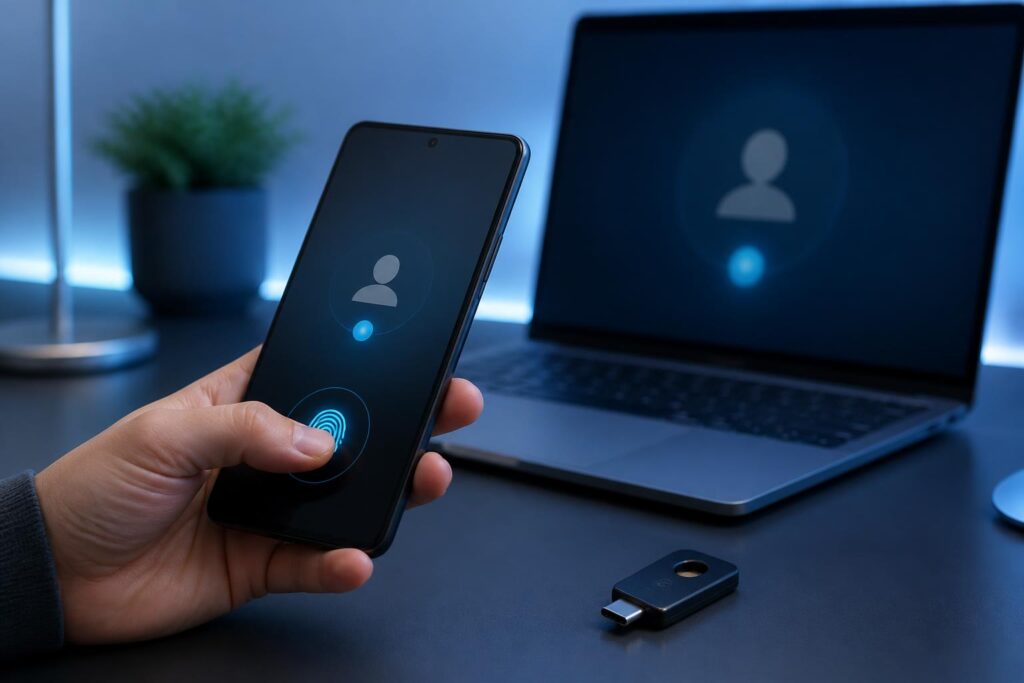
For many years, passwords have been considered the basic layer of protection for most online accounts. Users have been advised to create long passwords, avoid reusing them across services, and enable two-step authentication whenever possible. However, these very requirements also create considerable inconvenience. A person may have to manage dozens of passwords, frequently forget their login information, or accidentally reuse a password in multiple places. When a service suffers a data breach, the habit of using the same password can create risks for other accounts as well.
Passkeys have emerged as a different approach. Instead of requiring users to enter a secret string of characters, the service authenticates them through a cryptographic key pair created on the device. Users usually only need to unlock their phone, computer, or credential manager with a device passcode, fingerprint, or facial recognition. This approach can make the login experience simpler while reducing dependence on passwords that can be guessed, stolen, or reused.
How do passkeys work?
In principle, each passkey is tied to a specific account and service. During registration, the device creates two parts of a key pair. The private key is kept on the device or in the user’s credential management system, while the public key is sent to the online service. The public key is not a password and is not sufficient to log in on its own.
When the user logs in, the service sends a new authentication request. The device uses the private key to create a response to that request after the user proves control of the device through the corresponding unlocking method. The service verifies the response using the stored public key. If the verification succeeds, the login session is accepted without requiring a password to be transmitted through a form.
The important point is that the private key is not provided to the website in the way a conventional password is sent. In addition, credentials are generally tied to the exact domain or application where they were registered. This mechanism helps reduce the likelihood that users will be tricked into entering information on a spoofed page with an address resembling the real one. However, passkeys do not render every form of fraud ineffective, because attackers can still trick users into installing malware, granting access, or carrying out unwanted actions after they have logged in.
Why are passkeys considered a step forward for the user experience?
The most obvious advantage is that users do not have to remember a password for every service. The login process may involve nothing more than selecting an account and confirming with a familiar unlocking method on the device. For people who frequently switch between phones, tablets, and computers, the ability to use credentials across multiple devices can also reduce the number of times they need to request a password reset.
Passkeys also change how attacks based on collecting passwords are handled. A fake website may copy the appearance of a login page, but it cannot easily use a passkey created for a different domain. The absence of a password string that users can read, copy, or send to someone else also eliminates some common risk scenarios, such as sharing passwords through messages or storing them in an unprotected file.
From a business perspective, reducing the number of password-reset requests can help support teams focus on other issues. However, this is not an automatic benefit that appears immediately after passkeys are enabled. Businesses still have to design suitable registration, recovery, and access-revocation procedures. A new login system with a confusing interface or unclear instructions can still leave users confused.
Limitations that need to be clearly understood
Passkeys do not eliminate the need to protect devices. If an unlocked phone or computer falls into someone else’s hands, the security of the account depends heavily on the device’s protection, its auto-lock timing, and any additional verification methods. An overly simple unlock code, an unupdated device, or lending a device to someone else after unlocking it can all create risks.
Synchronization capabilities also need to be considered carefully. Some ecosystems allow credentials to be synchronized across devices through the user’s management account. This is convenient when changing devices, but it also makes the synchronized account a very important component. Users should protect that account with a strong authentication method, store recovery information in a safe place, and check which devices are authorized to access it.
In different environments, transferring a passkey from one device to another may not work in the same way. In some cases, users confirm a login on a computer using a phone through a connection between the two devices. In other cases, the passkey is stored in the device’s security component or on a physical security key. Therefore, before deleting data from, selling, or replacing a phone, users should not check only their photos and contacts. They need to determine which accounts are using passkeys on that device and establish an alternative login method if necessary.
Another limitation is that not all services support passkeys in the same way. Names, settings locations, recovery options, and compatibility may vary. Some accounts still retain passwords as a backup method. If that password is too weak, using a passkey cannot completely compensate for the weakness in the remaining login channel.
Using passkeys more safely
First, users should enable passkeys directly in the official app or website rather than following links from unclear sources. After creating one, check the list of devices and login methods stored by the account. If a device is no longer in use, access should be revoked promptly, especially if the device has been lost or given to someone else.
Next, users should maintain at least one reliable recovery method. This could be another device that is already signed in, a physical security key, or the service’s official recovery process. Recovery codes should not be stored in screenshots, unlocked notes, or an easily accessible mailbox. Any information that could provide a path into an account should be treated as sensitive data.
Users should also update their operating system, browser, and credential-management applications. Updates not only add features but also fix security vulnerabilities. In addition, set a device passcode that is difficult to guess, enable automatic locking, and avoid confirming a login without understanding the request displayed on the screen. If a login notification arrives unexpectedly, stopping to check the relevant service and device is usually safer than clicking accept out of habit.
What do businesses need to prepare?
For businesses, deploying passkeys is not merely a matter of adding a login button. Operators need to determine which account groups should be prioritized, how to grant access to new employees, how to handle situations in which an employee loses a device, and how to revoke access when someone changes roles or leaves the company. These procedures need to be tested with real-world scenarios, because a security mechanism is useful only when users can operate it correctly and support teams can handle problems.
The interface also plays an important role. Users need to know which account they are creating a passkey for, where the passkey is stored, and what to do when they no longer have their old device. Instructions should use clear language and avoid making users think that their fingerprint or face is sent to the website. In reality, biometric factors are generally used on the device to verify the person performing the action, while the service receives an authentication result based on a cryptographic mechanism.
In environments with stringent management requirements, businesses may need to combine passkeys with access-control policies, access logs, and mechanisms for detecting unusual activity. Secure login does not mean that every action after login is safe. Accounts still need to be granted only the minimum necessary permissions, and sensitive operations may require an additional confirmation step.
A step forward, not the only answer
Passkeys address a long-standing problem in digital security: people have to manage too many secrets while attack methods increasingly exploit users’ habits and haste. By relying on cryptographic key pairs and confirmation directly on the device, this technology can create a more convenient login experience and reduce some of the risks associated with passwords.
Even so, the effectiveness of passkeys depends on the entire system around them. Devices must be protected, synchronized accounts need to be controlled, recovery procedures must be clear, and users still need to remain alert to unusual requests. The appropriate approach is not to view passkeys as a magic solution, but to regard them as a modern foundation within a multilayered security strategy. When implemented with transparent guidance and a reasonable backup plan, passkeys can make logging in less dependent on memory while keeping the focus on control of the account.
