


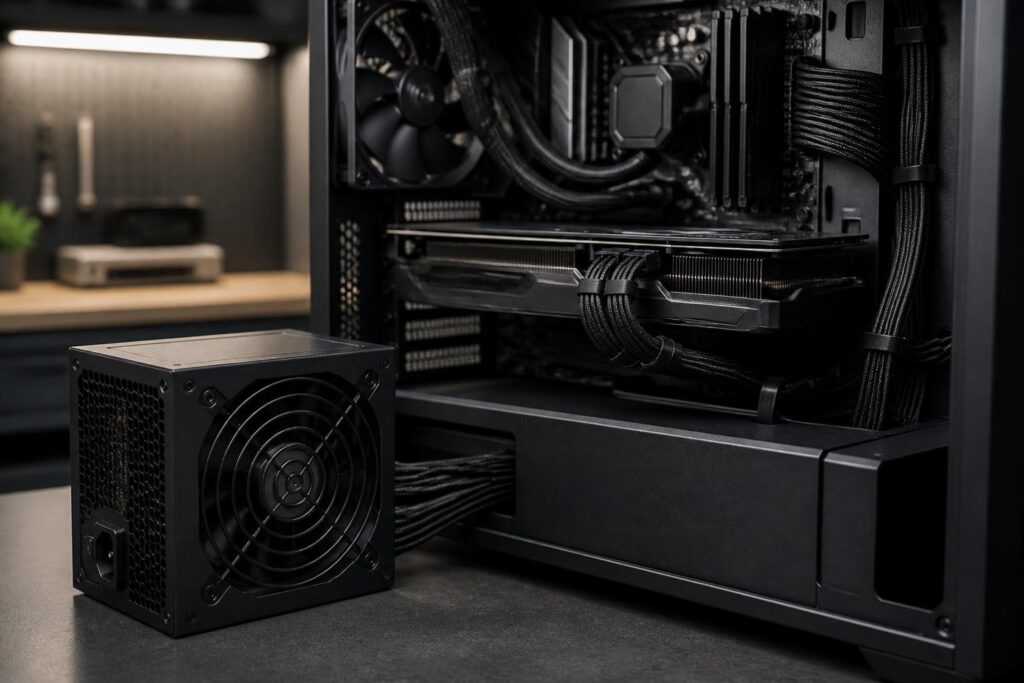
In a computer system, the power supply is often the least-noticed component. Users tend to spend a great deal of time comparing processors, graphics cards, memory capacity, or storage speeds, yet choose a power supply simply by assuming that the higher the wattage, the better. This approach can lead to two extremes: a power supply that is too weak, causing the computer to operate unstably, or a high-wattage product whose quality and compatibility are unsuitable.
The power supply, commonly called a PSU, converts alternating current from a wall outlet into the direct-current levels used by computer components. It also distributes power to the motherboard, processor, graphics card, storage drives, fans, and other devices. Because it stands between the external power source and the entire system, the PSU affects not only immediate performance but also stability, noise, heat, and the computer’s upgrade headroom.
Choosing the right power supply should therefore begin with the configuration’s actual requirements, followed by consideration of wattage, connector standards, cable design, efficiency, and protection features. A suitable power supply is one that can handle the system’s load over the long term with an appropriate amount of headroom—not necessarily the product with the largest specifications.
Rated wattage does not tell the whole story
The number printed on a power supply indicates the output power the device is designed to provide, but it should not be used as the sole criterion. A computer’s power consumption can vary depending on the processor, graphics card, number of drives, peripherals, and usage patterns. An office computer does not need the same type of power supply as a gaming computer with a discrete graphics card, while a video-editing or continuously intensive-workload system requires greater attention to sustained operation.
When estimating requirements, users should review the power consumption of the main components, especially the processor and graphics card. They should then add power for the motherboard, storage drives, fans, expansion devices, and a margin of headroom. This headroom helps the system avoid operating near its limits when the load increases, while also leaving room for adding components later. However, excessive headroom does not automatically make a computer safer. A very high-wattage power supply from a poor-quality product line can still be a bad choice.
It is also important to distinguish continuous power from unclear or misleading advertised figures. When reviewing specifications, buyers should look for products that clearly state their output capacity, information on the power-supply label, and technical documentation. If a manufacturer does not clearly explain how power is allocated, or emphasizes only a large number while omitting necessary information, that is a sign to be cautious.
The 12V rail and load-handling capability
In modern computers, the 12V rail plays an important role because it supplies power to many high-consumption components. Graphics cards and processors do not draw power directly from the wall outlet in a simple manner; power must be converted and distributed through several different stages within the system. Therefore, in addition to total wattage, users should pay attention to the PSU’s ability to provide stable power on the main rail and to how it handles periods of rapidly changing load.
A configuration may operate normally under an average load but encounter problems when the graphics card or processor briefly increases its power consumption. Symptoms may include automatic restarts, sudden shutdowns, loss of video signal, or instability when running games and demanding software. These issues are not always caused by the PSU, but a power supply that cannot adequately handle changing loads is one possible cause that should be investigated.
Buyers do not necessarily need to analyze every advanced electronic specification themselves. A more practical approach is to choose a product from a manufacturer that provides clear documentation and transparent specifications, with a product line designed for the relevant class of hardware. For computers using high-power graphics cards, users should carefully read the power-supply and power-connector recommendations rather than relying only on experience with a different configuration.
Check connection standards and power cables first
A power supply’s compatibility is not determined by wattage alone. The motherboard typically requires a main power connector and a processor power connector. A graphics card may use one or more dedicated power connectors, depending on its design. Storage drives and fans also require the appropriate connectors. Before buying, users should make a list of the components to be installed and then compare it with the number and types of connectors provided by the PSU.
New generations of hardware may use connector standards and power requirements that differ from those of older systems. Some modern power supplies support connectors intended for newer-generation graphics cards, while older products may require adapter cables. Using an unsuitable adapter, plugging it in the wrong direction, or bending a cable too sharply under strain can all create unnecessary risks. When using a high-end graphics card, it is best to prioritize a power supply with the appropriate connector already included and with clear installation instructions.
Fully modular or partially modular cabling is another factor worth considering. This design allows users to install only the cables they need, reducing excess cables that can obstruct airflow inside the case. However, modular power cables cannot be used interchangeably between brands or different product lines. Modular cables must be kept with the power supply they came with; using a cable from another product as a replacement can alter the pinout and damage components.
Efficiency, temperature, and noise
A PSU’s efficiency indicates how much of the input power is converted into useful power for the computer. The remainder is turned into heat. A more efficient power supply generally reduces the amount of electricity wasted as heat, but efficiency certification labels should not be understood as an absolute guarantee of overall quality. An efficiency certification does not replace an evaluation of the design, components, voltage stability, or protection mechanisms.
Heat and noise also directly affect the user experience. Some power supplies have a fan-stop mode at low loads, while others keep the fan running at a low speed to control temperature. When choosing a PSU for a computer used in a quiet environment, users should review information about the fan, operating modes, and case layout. A power supply operating in a cramped, dusty case or one with insufficient airflow may run hotter than expected even if its rated wattage is sufficient on paper.
The computer case also determines the size of the power supply that can be installed. Common power supplies come in different sizes, while compact computers often require a specific PSU form factor. Therefore, users should check the installation space, fan position, cable length, and clearance for the graphics card before placing an order. A product with good specifications that does not fit inside the case is still not a suitable choice.
What do the protection mechanisms mean?
A reliable PSU is typically equipped with protection mechanisms against situations such as overcurrent, overvoltage, undervoltage, overpower, short circuits, or excessive temperature. The names and implementation may vary between manufacturers, but the general goal is to reduce risk when the system encounters abnormal conditions. Buyers should look for specific information in the product documentation rather than relying solely on a vague list on a retailer’s website.
Even with protection mechanisms, a power supply cannot completely replace a safe household electrical system. Wall outlets, electrical wiring, surge protectors, and uninterruptible power supplies, when needed, each have their own role. In particular, users should not use cracked power cables, loose plugs, or low-quality power strips with a high-power computer. When a computer frequently experiences electrical problems, it is necessary to inspect the entire external electrical system rather than simply replacing the PSU.
Common mistakes when buying and installing a power supply
The first mistake is choosing the highest-wattage power supply within the budget without considering quality. The second is evaluating a product solely by its efficiency certification or brand while overlooking the specific model. A single brand may offer multiple product lines with different designs, market segments, and warranty policies. Buyers should verify the exact model name, warranty period, technical documentation, and return or exchange conditions.
Another common mistake is reusing an old power supply in a new configuration without checking its age, connectors, and operating condition. Electronic components can deteriorate over time, especially if they have operated in hot, dusty, or high-load environments. If a power supply has shown signs such as unusual sounds, a burning smell, random shutdowns, or damaged cables, it should not continue to be used simply because the computer can still start up.
During installation, connectors should be firmly plugged in, cables should be kept away from fans, and the power switch should be in the appropriate position before any work is performed. Do not open the PSU casing for self-repair without the necessary expertise, because it may still contain an electrical charge even after the cable has been unplugged from the outlet. When a serious fault occurs, the safe approach is to take the device to a qualified technical service center.
How to choose the right option for each need
For office and study computers, priorities should include stability, low noise, suitable size, and a clear warranty. There is no need to pursue excessive wattage if the configuration does not contain high-power components. For gaming computers, users need to consider the current graphics card, the load during extended gaming sessions, and future upgrade possibilities. Leaving a reasonable amount of headroom can prevent the need to replace the power supply immediately after upgrading the graphics card.
Video-editing, data-processing, or continuously operating computers need a power supply with a reliable design and suitable thermal management. In these cases, long-term stability and warranty quality are often more important than saving a small amount at the time of purchase. For compact computers, the top priority may be the form factor and cable-management capability, after which other factors can be optimized.
The simplest process is to identify the configuration, estimate the load, check the connectors, verify the size, review the protection information, and compare warranty policies. If you are still unsure, choose a balanced option rather than chasing the most impressive specification. A suitable power supply will quietly do its job well: provide stable power, limit heat and noise, and protect the investment made in the remaining components.
A PSU does not make a computer faster in an immediately noticeable way, but it provides the foundation for the components to operate as designed. Choosing a power supply is therefore a decision about reliability, not just a matter of calculating wattage. When users consider the entire system—from actual requirements to connectivity, temperature, protection, and upgrade potential—the power supply will no longer be a component chosen at the end, but an important part of a sustainable computer design.
