


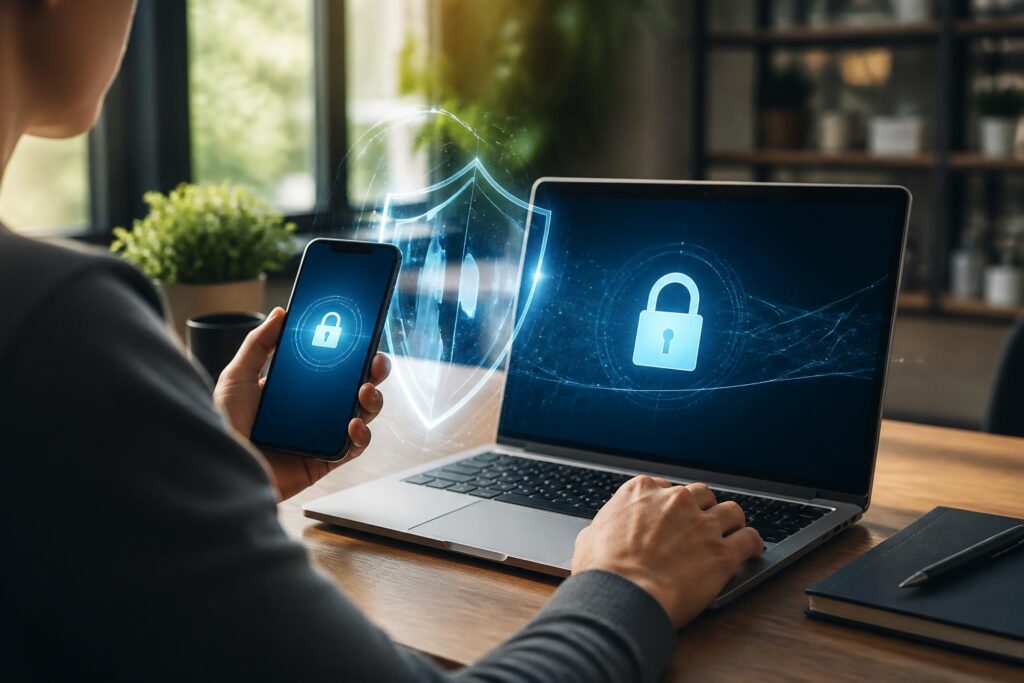
Passwords remain the most familiar way to log in to online services, but a single password is no longer a sufficiently strong line of defense in many situations. Passwords can be guessed, exposed through another service, stolen through a fake login page, or seen when users enter them in an unsafe place. When that happens, anyone who knows the password may try to access the account owner’s email, social media, shopping accounts, or data storage services.
Multi-factor authentication, commonly known as MFA, is designed to reduce this risk. Instead of asking for just one piece of login information, the system requires users to provide two or more authentication factors. One factor may be something the user knows, such as a password or PIN; another may be something the user possesses, such as a phone or security key; a third factor may be a biometric characteristic. If one factor is exposed, an attacker may still lack what is needed to complete the login process.
How Does Multi-Factor Authentication Work?
The core of MFA lies in combining different categories of evidence rather than repeating the same type of information. A password and the answer to a security question both belong to the “something the user knows” category, so requiring both does not necessarily provide protection equivalent to combining a password with a separate device.
In practice, after entering the correct username and password, users may have to enter a one-time code generated by an authentication app, approve a notification on their phone, plug in a security key, or use a fingerprint. Some services also send codes by text message. These methods differ in convenience and ability to withstand risks, so users should consider the type of account, the value of the data, and their own ability to use the method before making a choice.
Not All Methods Offer the Same Level of Protection
Authentication codes generated by an app are usually created directly on the device and change over time. This method does not depend entirely on whether a text message arrives and is suitable for many common accounts. However, if users lose their phone, delete the app, or switch to a new device without preparing in advance, they may have difficulty logging in again.
Codes sent by text message are generally more accessible because they do not require an additional app to be installed. Even so, a phone number can become compromised, be transferred to another SIM card, or fail to receive messages because of network problems. Therefore, SMS codes can be a significant improvement over using only a password, but they should not automatically be considered the strongest option in every situation.
Approval notifications on a phone make the login process faster. Users only need to review the request and approve or reject it. This convenience comes with a risk: if users approve requests out of habit without checking them, they may accidentally allow a login they did not initiate. Some attackers may send repeated requests in the hope that the account owner becomes tired and taps approve.
Physical security keys are often highly regarded in situations requiring strict protection because the person logging in must possess a separate device and perform the correct action. However, a key can be lost, damaged, or incompatible with certain devices. Users should check whether the service supports the key before purchasing one and should also consider a reasonable backup option.
Accounts That Should Be Prioritized for Protection
It is not necessary to enable MFA for every service on the same day. A practical approach is to start with accounts that could provide a pathway into other accounts. Personal email is often at the top of the list because it can be used to receive password-reset links, verify identity, or receive security notifications. If an email account is compromised, many accounts linked to that address may also be put at risk.
Next, users should prioritize bank accounts, digital wallets, payment services, data storage platforms, and work accounts. Social media accounts also require attention, especially when they contain personal information, have page-administration privileges, or are used to communicate with customers. Less important accounts should still be protected when the service provides a suitable option, but implementing MFA first for accounts with significant impact will provide the clearest benefits.
Setting Up MFA Without Locking Yourself Out
Before enabling multi-factor authentication, users should check the account recovery method. Read the service’s instructions carefully, confirm that the recovery email is still active, and update the phone number if necessary. If recovery codes can be generated, they should be stored in a safe place. Do not take screenshots of them and leave them in a photo library that syncs automatically, and do not send them to others through an unsecured channel.
When using an authentication app, users need to prepare for the possibility of changing or losing their phone. Some services allow data to be transferred to a new device, while others require users to scan the setup code again or use recovery codes. Users should learn about this process before deleting the app or performing a factory reset. For important accounts, having an additional backup method can be useful, but that method must also be carefully protected.
Recovery codes should not be stored somewhere that anyone who can open the device can see them. If they are written on paper, keep them in a private, dry location. If they are stored in a password manager, make sure that the manager account is protected by a strong master password and an additional authentication method. The goal is not to create as many copies as possible, but to have a controlled backup plan.
Common Mistakes When Using MFA
A common mistake is treating every login approval request as safe. Users should check the service name, login time, and the displayed device or location, if the service provides that information. When they did not initiate a login but still receive a code or notification, they should not share the code, tap approve, or follow instructions from a stranger claiming to be a support representative.
Another mistake is entering an authentication code on a website opened from a suspicious link. A one-time code is valid for only a short time, but it can still be exploited if users enter it directly on a fake site while an attacker is attempting to log in to the real site. Therefore, users should open the app themselves or type the familiar service address instead of accessing it through links from unclear sources.
Users should also not use the same password for their primary account and their backup account. MFA does not replace unique, long, and difficult-to-guess passwords. Each important service should have its own password; a password manager can help create and store different passwords without requiring users to remember them all.
Long-Term Account Protection Habits
Enabling MFA is only one step in protecting one’s digital identity. Users should regularly review the devices currently signed in, active sessions, and third-party apps that have been granted access. If they detect an unfamiliar device, an unusual location, or access that is no longer needed, they should sign out, revoke the access, and change the password when appropriate.
Operating systems, browsers, and authentication apps should be updated from official sources. Outdated devices may lack important security fixes or may not work reliably with newer login methods. When using a public computer or someone else’s device, users should not save passwords, select the option to remember the login, or fail to sign out completely after use.
For families, guiding older adults and minors is also very important. They need to understand that an authentication code is private information, not proof to be provided to someone calling and claiming to be a bank employee, technician, or support representative. A simple rule is never to read a code to anyone and to stop when a login request appears unexpectedly.
A Protective Layer Does Not Replace Vigilance
Multi-factor authentication makes it more difficult to take over an account, but it does not make an account invulnerable. Attackers can still try to trick users into providing codes, take control of devices, or exploit account recovery procedures. Therefore, MFA’s effectiveness depends on both technology and user habits.
A suitable approach is to start with email and high-value accounts, choose an authentication method that you understand, prepare a secure recovery channel, and maintain the habit of checking before approving. A few minutes of initial setup can significantly reduce the risk of losing control of an account when a password is exposed. As work, communication, and personal data become increasingly connected to the online environment, adding an authentication layer is no longer an optional step, but an essential part of digital security hygiene.
