


For many years, the choice of a Wi-Fi router was often determined by a single number: maximum speed. The larger the number, the more modern and worthwhile the product seemed. In reality, however, the network experience depends on many other factors, such as distance, obstacles, the number of devices operating simultaneously, interference from nearby networks, and the quality of the Internet connection. A connection with an extremely high theoretical speed but frequent disruptions can be more frustrating than a moderately fast but stable connection.
Wi-Fi 7 has emerged in this context. The new generation of wireless networking not only continues to push the limits of speed but also seeks to use spectrum more flexibly, reduce latency, and maintain better connections as network environments become more crowded. This is a notable step forward, but it is not an automatic solution that turns every home into a high-speed network. Users need to understand what problems Wi-Fi 7 addresses, which devices benefit from it, and what limitations still remain.
How does Wi-Fi 7 change the way we normally connect?
One notable feature of Wi-Fi 7 is its ability to combine multiple data-transmission methods instead of relying on a single channel. In previous generations of Wi-Fi, devices typically connected through one frequency band or one specific channel at a time. If that channel became congested, obstructed, or had to be shared with too many devices, connection quality could decline significantly.
Wi-Fi 7 introduces Multi-Link Operation, commonly understood as multi-link operation. With compatible devices, data transmission can use multiple frequency bands or links simultaneously, depending on the product’s design and network conditions. When one link encounters interference, the system can direct traffic to a more suitable link. This approach is intended not only to increase speed but also to reduce the interruptions users commonly experience during video calls, online gaming, or data transfers within a local network.
Wi-Fi 7 also supports wider channels on suitable frequency bands. A wider channel allows more data to be transmitted in the same amount of time, but its actual effectiveness depends on whether the devices support it, whether the region permits the use of that frequency range, and whether the surrounding environment is clean enough to maintain a wide channel. In an apartment building with many networks operating simultaneously, widening the channel does not always provide clear benefits.
High speed is not the only goal
Maximum speed specifications are usually calculated under ideal testing conditions, when the router and end device are close together, there are few obstacles and little interference, and both fully support the new standard’s features. Such conditions rarely occur simultaneously in a home. A phone may be in another room, a computer may be positioned behind several walls, while the router has to serve a television, cameras, smart speakers, kitchen appliances, and small sensors at the same time.
Therefore, Wi-Fi 7’s greatest value lies in its ability to allocate resources more efficiently. A modern router needs to know which devices require large amounts of bandwidth, which only send small data packets, and which links are experiencing interference. When traffic is managed effectively, users may experience a more stable network even when the maximum download speed does not reach the advertised figure.
Latency is also an important factor. Low latency helps interactive actions respond more quickly, but it does not depend solely on Wi-Fi. A distant service server, the provider’s connection, server conditions, and the software on the device can all create latency. Wi-Fi 7 can reduce delays arising in the wireless connection segment, but it cannot eliminate causes outside the home network.
Can older devices use Wi-Fi 7?
One common misconception is that buying a Wi-Fi 7 router will immediately make every device in the home operate under the new standard. In reality, a new router can still serve older devices through backward compatibility, but older devices cannot take advantage of features that their hardware does not support. A phone compatible only with an earlier generation of Wi-Fi will continue to connect according to its own capabilities.
To receive clear benefits, both the router and the end device need to support the corresponding features. Newer computers, phones, game consoles, or virtual-reality devices may be among the first to benefit, especially when they need to transmit large amounts of data or respond quickly. By contrast, temperature sensors, smart light bulbs, and household devices that only send small amounts of data generally do not need Wi-Fi 7’s full capabilities.
This means that the decision to upgrade should be based on the actual mix of devices. If most devices in the home are older and the main needs are web browsing, streaming movies, or office work, replacing the entire system simply to obtain the new standard may not yet deliver proportional benefits. If the household frequently transfers large files, uses many devices at once, or has spaces that require a stable connection, upgrading step by step would be more reasonable.
Limitations to consider before buying
First, Wi-Fi 7 does not replace the Internet connection. If the service plan’s speed is far lower than the capacity of the local network, users cannot turn Internet speed into Wi-Fi speed simply by replacing the router. A strong Wi-Fi network still has value for transferring data between devices in the home, but the Internet-access experience also depends on the plan and the provider’s infrastructure.
Second, router placement remains very important. An advanced device placed inside an enclosed cabinet, in a corner of the house, or behind many obstacles may perform worse than a mid-range device placed in a central, open location suited to the layout. New technology helps process signals more effectively, but it cannot completely overcome the physical limitations of radio waves.
Third, multi-router or mesh systems need to be configured correctly. When access points are placed too close together, use overlapping channels, or have unstable management software, the network can become more complicated rather than better. Users should prioritize devices with clear instructions, software-update support, and the ability to monitor connected devices.
Finally, compatibility between brands remains an issue that needs to be checked. Advanced features may operate differently depending on the firmware, controller, and end device. Users should not look only at the Wi-Fi standard name on the product box; they should check which frequency bands the device supports, whether it has suitable network ports, and which features are actually enabled.
A practical approach to upgrading a home network
The first step is to identify the current problem. Users should observe whether the network is slow everywhere or only in one room, whether it slows down at a particular time or when many people are using it, and whether the issue occurs with all devices or only one specific device. If the problem lies in the router’s placement or the Internet connection, switching to Wi-Fi 7 may not address the main cause.
Next, make a list of the devices that need high bandwidth and those that need stability. Work computers, network-attached storage, high-resolution televisions, and gaming systems have different requirements from door sensors or smart plugs. Some stationary devices can connect via Ethernet to reduce the load on Wi-Fi, leaving wireless resources available for phones and mobile devices.
If you decide to buy, consider software-support lifespan, security-update capabilities, the management interface, and power consumption as well. A router operates continuously, so stability and long-term manageability are no less important than speed. A product with adequate specifications but regular updates may be more reliable than a feature-packed device that is difficult to control.
A platform for a more connected home
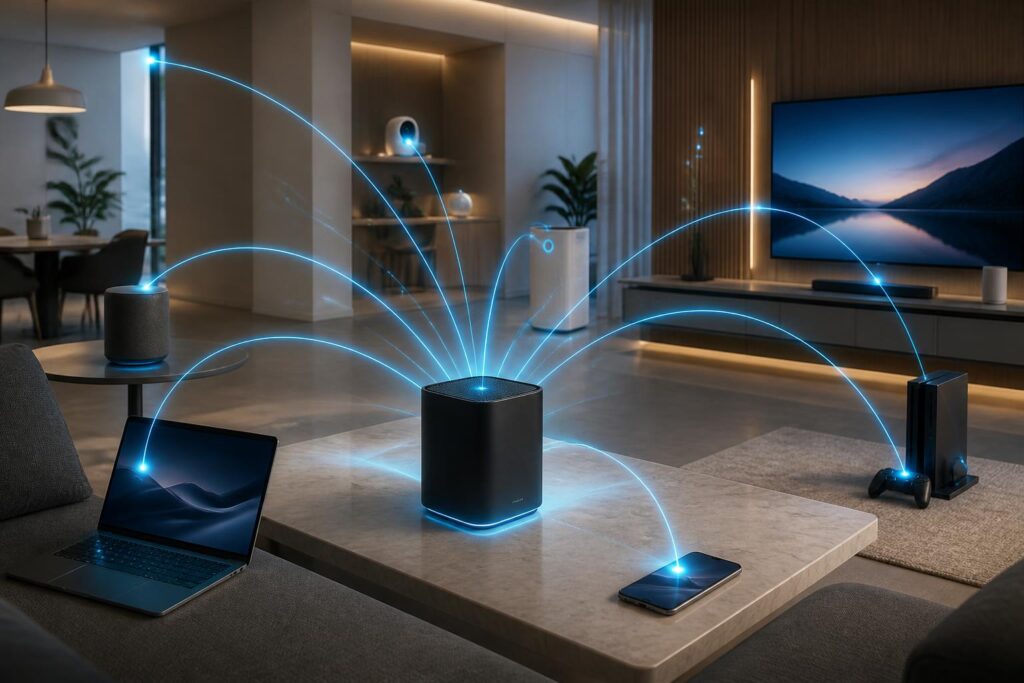
The number of devices in households tends to increase, from personal computers and phones to cameras, speakers, displays, entertainment devices, and automation sensors. In that situation, network quality is no longer an issue concerning only someone downloading a file. It becomes infrastructure serving many activities taking place simultaneously. Wi-Fi 7 is significant because the standard is designed for environments with many devices and applications that demand faster connection responses.
Even so, technology is effective only when placed within a suitable system. Router placement, connection quality, end devices, security configuration, and usage habits all help determine the experience. Users should not view Wi-Fi 7 as a race for specifications, but rather as an opportunity to redesign the home network around actual needs.
The value of the new Wi-Fi generation therefore does not lie in every device reaching maximum speed. Its value lies in a network capable of serving more devices, responding more consistently, and adapting better to an ever-changing environment. When needs are assessed correctly and upgrades are made thoughtfully, Wi-Fi 7 can become a useful foundation for the smart home rather than merely a new number on the packaging.
