


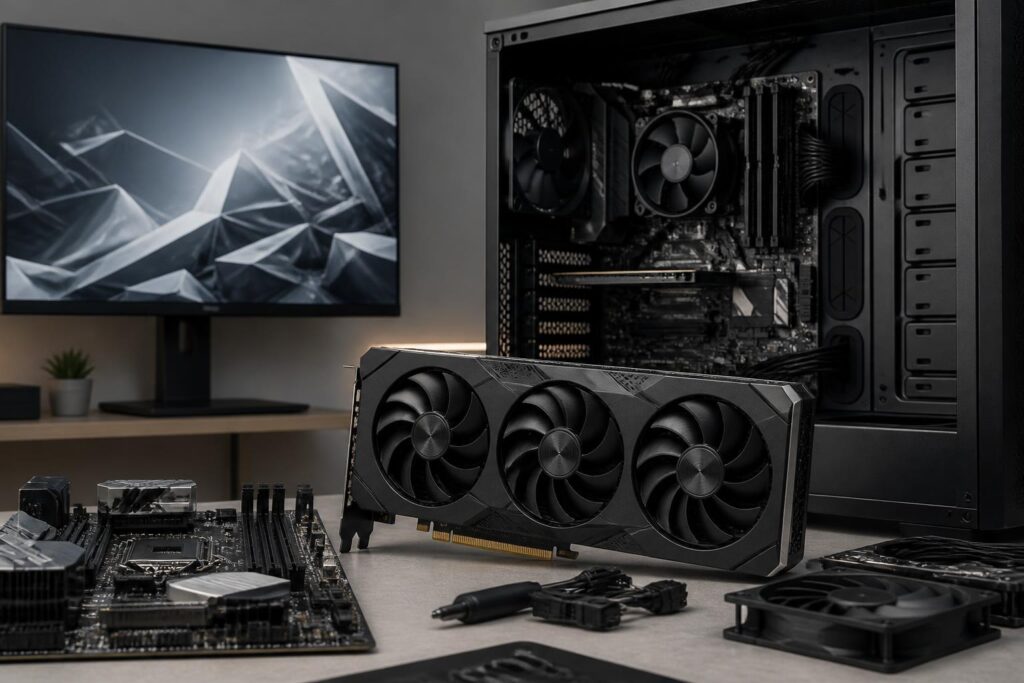
Graphics cards are often the component that causes the most confusion when building or upgrading a computer. Users may encounter countless names, memory versions, rendering technologies and price points, while the performance gap between products is not always clearly reflected in the specifications on the box. A card may be highly suitable for a high-resolution gaming monitor but not worth buying for an office computer. Conversely, a mid-range card that is sufficient for light creative work can quickly become a bottleneck if the user wants to edit video or run complex 3D scenes.
Therefore, a sensible selection process should not begin by asking which card is the most powerful, but rather by considering usage needs, the monitor currently in use and the expected length of time the computer will be used. When these factors are viewed together, buyers can more easily recognize which upgrades are necessary and which are merely extra spending on features that may not actually be used.
Determine the Main Tasks Before Looking at Specifications
Gaming is the most common reason users become interested in graphics cards, but even within this group there are many different levels of requirements. Fast-paced competitive games generally prioritize stable frame rates and low latency. Meanwhile, open-world games with demanding graphics require the ability to process complex scenes, sufficient graphics memory capacity and the ability to maintain performance when advanced visual effects are enabled. Two people looking for a card for gaming may need very different choices if one uses a high-refresh-rate Full HD monitor while the other uses a 2K or 4K monitor.
For office work, studying and basic entertainment, a discrete graphics card does not always provide a significant improvement over integrated graphics on a processor with suitable support. Tasks such as browsing the web, writing documents, watching videos or performing simple image editing generally do not require a high-end card. Buying a discrete card in this case is only reasonable when the computer has no integrated graphics, the user needs multiple monitors, or specialized software requires dedicated graphics resources.
Video editing, 3D design, simulation and image processing require more careful consideration. Performance depends not only on the ability to render frames but also on whether the software can take advantage of the graphics processor. A powerful card that is not well compatible with the workflow may not provide proportional benefits. Users should check the requirements of the software they use regularly, especially GPU acceleration capabilities, the required amount of graphics memory and whether the desired output formats are efficiently supported.
Screen Resolution Matters More Than the Product Name
The monitor is a factor that is often overlooked when choosing a graphics card. If a Full HD monitor is still being used, an overly powerful card may not be fully utilized, unless the user is aiming for a very high frame rate or using advanced effects. When moving to a 2K resolution, the number of pixels increases, requiring the card to process more data in each frame. With a 4K monitor, the requirements are considerably higher, and it is often necessary to consider lowering some graphics settings to maintain a stable experience.
Refresh rate is just as important as resolution. A 60 Hz monitor and a high-refresh-rate monitor set different goals for a graphics card. If the user only needs a basically smooth visual experience, they can prioritize a balance between image quality and cost. If they want to take advantage of a high-refresh-rate monitor in competitive games, the card must produce a corresponding frame rate, while the central processor must also be capable enough to supply data to the card. Upgrading only the GPU while overlooking the CPU may result in lower-than-expected real-world benefits.
The card and monitor should be viewed as a pair of components. A product with excess performance paired with a limited monitor will not deliver a corresponding experience. Conversely, a high-resolution monitor paired with an underpowered card may force the user to lower image quality or accept stuttering. Defining the display objective before buying helps avoid both types of waste.
VRAM Is Important, but It Cannot Be Used to Rank Graphics Cards
VRAM capacity is one of the figures most likely to cause misunderstanding. VRAM is used to store image data, textures, frame buffers and certain resources required for scene rendering. When running at high resolutions, enabling high-quality textures or working with large 3D scenes, the need for graphics memory can increase. If there is not enough VRAM, software or games may have to exchange data frequently with system memory, resulting in stuttering, texture reloading or reduced stability.
However, having more VRAM does not mean a card is definitely more powerful. Performance also depends on the processing architecture, the number of parallel processors, memory bandwidth, clock speed, power management capabilities and software optimization. A card with a large amount of VRAM but limited processing capability may still be slower than a card with less memory but a more efficient overall design. Therefore, VRAM should be viewed as a necessary condition for certain needs, not the sole criterion for making a decision.
Users should also distinguish between current needs and future headroom. If they generally play games at moderate resolutions, use reasonable texture settings and do not work with large 3D scenes, excessively high VRAM capacity may not provide clear value. Conversely, people using high-resolution monitors, editing high-resolution video or rendering multilayered scenes should give more practical consideration to graphics memory.
Rendering Technologies Should Be Viewed Through Real-World Experience
Many current generations of graphics cards support techniques such as hybrid rendering approaches, image reconstruction and frame generation. These technologies can help improve image quality or increase display speed in compatible software. However, their effectiveness is not the same in every game and application. A feature only delivers benefits when the software provides appropriate support, the implementation is good enough and the user accepts certain trade-offs in latency or image fidelity.
Ray tracing is a clear example. It is a method of simulating lighting, reflections and shadows in a more complex way, potentially creating convincing images in supported scenes. However, enabling this feature usually increases the processing load. Buyers should not only look at whether a card supports the technology, but also investigate its performance when the feature is enabled at the desired resolution and settings. A suitable card is one that delivers the actual experience required, not merely one with a long list of features.
For content creators, hardware video encoding and decoding capabilities may be more important than certain rendering features in games. A card with a suitable encoder can reduce the CPU load when recording, livestreaming or exporting video, but the level of support depends on the software and format. Therefore, checking the specific workflow is more useful than choosing a product based on a currently popular technology term.
Check the Compatibility of the Entire System
Before buying, check the card’s dimensions and the amount of space inside the computer case. Some models have thick heatsinks, occupy multiple expansion slots or are particularly long, making them unsuitable for small cases. The clearance around the card also affects its ability to draw in air. If the card is pressed close to the bottom or front of the case, temperatures and noise may increase even though the product is still operating within its specifications.
Power connectors and power delivery capability must also be compared with the current system. A card may require different types of connectors or more connectors than the old computer provides. Users should not use an unreliable adapter simply to install a card that exceeds the system’s capabilities. In addition, power-supply wattage is only part of the story; power-supply quality, the stability of the electrical delivery and cable management also affect operational safety over the long term.
The CPU, motherboard and cooling system also need to be balanced. With some games or tasks that depend heavily on the CPU, an overly fast card may not be fully utilized. This does not mean that two components must always be purchased from the same price segment, but users need to understand where the bottleneck may lie. If the budget is limited, upgrading the monitor, CPU or storage capacity may sometimes improve the experience more clearly than moving up one tier in graphics cards.
New Cards, Used Cards and the Total Cost of Ownership
A used card can be worth considering if the buyer can verify its origin, operating condition and warranty policy. However, a clean appearance is not enough to conclude that a product is still in good condition. A card that has operated in a hot, dusty environment or under continuous load may develop issues with its fans, thermal paste, memory and power components. Buyers should check temperatures under load, stability over a sufficiently long period, unusual noise and the condition of the connectors.
The initial purchase price is not the entire cost. A hot and noisy card may require the user to buy additional case fans or replace the thermal paste. A card with high power consumption may increase the requirements for the power supply and cooling system. A card with a shorter period of software support may also lose value over time. Assessing the total cost throughout the period of use leads to a more informed decision than simply comparing listed prices.
A Simple but Effective Graphics Card Selection Process
First, clearly write down the main usage objective, as well as the monitor’s resolution and refresh rate. Then identify the most important software or games, along with the level of image quality you actually want to achieve. Next, check these applications’ requirements for VRAM, acceleration technologies and compatibility. Once you have a list of criteria, compare several products within the same price range instead of expanding the comparison to the entire market.
The final step is to check compatibility with the current computer: dimensions, power connectors, cooling clearance, CPU, motherboard and monitor. If you plan to upgrade in the future, specify what that upgrade will be and when you expect to carry it out. You should only pay extra for expandability that is likely to be used, rather than buying a more expensive card simply to maintain a sense of security.
Choosing a good graphics card is not a race to find the product with the largest specifications. It is the process of matching processing capability with display needs, software, installation space and budget. By evaluating both current performance and long-term operating costs, users can more easily build a balanced, quiet system with greater lasting value.
