


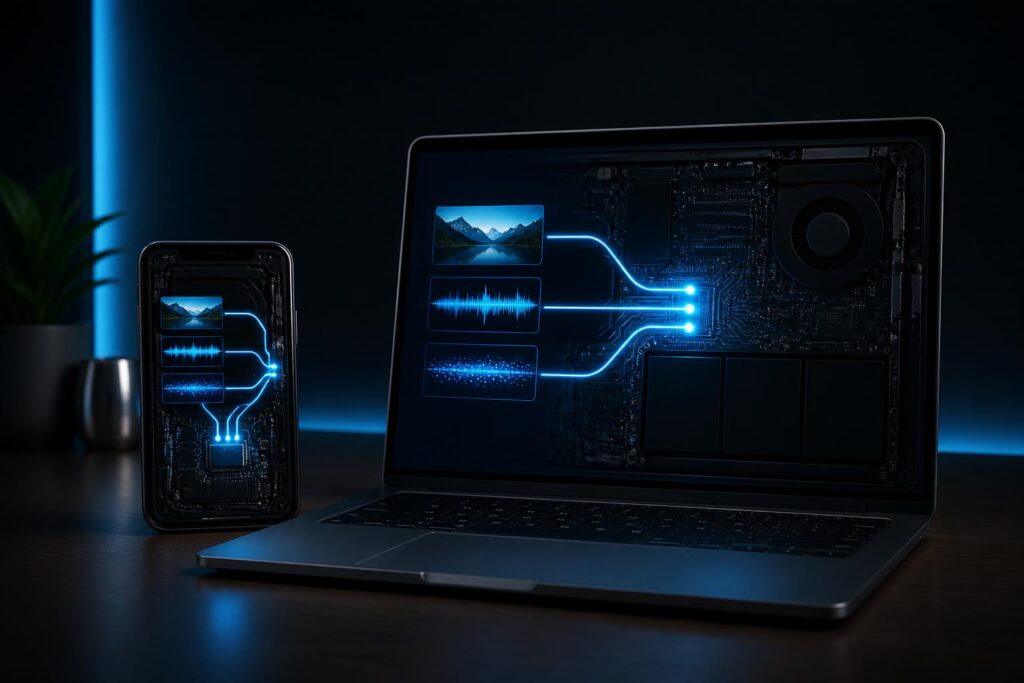
For many years, when people mentioned artificial intelligence, users often imagined a system located somewhere in the cloud. A phone or computer would send a request over the Internet, a server would process it, and the result would be returned to the device. This model allows AI services to take advantage of substantial computing infrastructure, but it also depends on network connectivity, response times, and how data is transmitted.
The trend of bringing AI onto personal devices is opening up a different approach. Instead of sending all data to a remote server, some tasks can be performed directly on phones, laptops, cameras, cars, or specialized devices. This is not a complete replacement for cloud computing, but rather a more flexible way of distributing work between devices and data centers.
How does on-device AI work?
On-device AI, generally understood as running machine-learning models directly where data is generated, can handle many familiar tasks. Speech recognition to convert spoken words into text, image classification, detecting objects in a frame, suggesting replies, or adjusting image quality are all examples that can be performed locally, depending on the capabilities of the hardware and the model being used.
To make this possible, AI models must be optimized in terms of size and resource consumption. A model trained on a large server system usually cannot be transferred unchanged to a small device. Techniques such as reducing the precision of computational data, simplifying parameters, or removing less essential components can help a model operate within the limits of memory, processing power, and battery life. In return, the system may have to accept a certain degree of degradation in speed or accuracy.
Many devices today are designed with components dedicated to AI tasks. These components can process parallel calculations more efficiently than general-purpose processors, thereby supporting smart features without constantly sending data to servers. However, the presence of specialized hardware does not automatically guarantee that every application will run quickly or accurately. Performance also depends on how developers build the software and optimize the model.
Key benefits of local processing
The most noticeable benefit is response time. When a task does not need to travel across a network, the result can appear more quickly and be less affected by connection conditions. This is particularly useful for features that interact continuously, such as noise cancellation during calls, motion tracking in cameras, or speech recognition while the user is on the move.
The ability to operate offline also changes the user experience. Some features can continue working on an airplane, in areas with weak signal, or wherever users do not want to connect to the Internet. A device is no longer merely a window into an online service; it can perform certain basic tasks on its own even when disconnected from the network.
Privacy is another important reason. If audio, images, or entered content are processed locally, the amount of information that must be transmitted to third parties may be reduced. This does not mean that data is automatically protected absolutely, because an application may still store, synchronize, or send other information if it is designed to do so. Even so, local processing creates a useful layer of control and helps reduce the number of times data leaves the device.
Reducing data exchanges can also help services save bandwidth and ease pressure on servers. For simple tasks performed millions of times a day, shifting part of the processing to devices can deliver significant benefits to the system as a whole. This is why manufacturers often combine the two approaches rather than choosing only one.
Not every task should run on a device
The greatest limitation of on-device AI lies in computing resources. Phones and personal computers may be more powerful than before, but they still have to balance performance, temperature, battery life, and storage space. The larger a model is, the more memory and energy it generally requires. If it runs continuously, an AI feature may cause the device to heat up or make the battery degrade more quickly.
Updatability is also a noteworthy issue. A model hosted on a server can be improved at the data center and delivered to users through the service. With a locally running model, manufacturers or developers need to distribute new versions to many types of devices, each with different configurations and operating systems. This process is more complex and may also mean that older devices do not receive full support.
Local AI does not always produce better results, either. A small model optimized for speed may understand context less effectively than a large model running on a server. For tasks that require extended reasoning, processing complex documents, or generating content through multiple steps, cloud services still have an advantage in computing capacity. Therefore, the appropriate question is not whether to use on-device AI or cloud AI, but which tasks should be assigned to each.
Hybrid models may become a common way of operating
A practical approach is a hybrid model. The device handles simple, sensitive, or time-critical requests, while more complex tasks are sent to a server when the user allows it and network conditions are suitable. For example, an application might recognize short commands locally but send longer requests to an online service for more detailed results.
Hybrid models require applications to clearly explain which data is processed where. Users need to know when the device is operating offline, when content is uploaded to a server, and what information is retained. If this boundary is concealed in lengthy terms or an unclear interface, the privacy benefits will be difficult to turn into genuine trust.
From a design perspective, developers also need to build safe switching mechanisms. When the network is lost, the application should provide an appropriate notification instead of silently resending data multiple times. When the local model is unable to answer adequately, the system should clearly state its limitations, avoiding the impression that all processing is performed exclusively on the device.
Questions users should ask
Before enabling an AI feature, users should check what permissions the application requires and what the data is used for. Access to the microphone, camera, photo library, or contacts should not be granted by default if the feature does not genuinely need it. Checking privacy settings and activity history can help users understand how a service is operating.
It is also important to distinguish between processing data locally and storing data on the device. An application may analyze a photo directly on the device while still storing the photo or the analysis results for synchronization. Conversely, a service may send data to a server while promising to delete it after processing. These two concepts are related but not identical, so transparent information from the provider is highly important.
For organizations, bringing AI onto devices needs to be accompanied by clear management policies. Employees’ personal devices, cameras in the workplace, or control systems can generate large amounts of sensitive data. Without regulations covering software updates, encryption, access control, and retention periods, a solution advertised as private may still create new vulnerabilities.
The major change lies in how computing capacity is distributed
On-device AI is not merely a new feature in phones. This trend shows that processing power is being redistributed among data centers, personal devices, and systems located close to where data is generated. As hardware becomes increasingly capable of supporting machine learning, many features that previously required a constant connection may become more independent.
Even so, this development should not be evaluated solely by the number of AI features appearing in products. A valuable solution needs to provide stable responses, consume resources reasonably, protect data, and allow users to understand and control how it operates. The model’s limitations must also be presented honestly, especially when AI is used in decisions that affect people.
In the future, users may no longer notice where a task is being processed. The system will automatically choose between the device and the cloud based on complexity, the sensitivity of the data, network conditions, and remaining power. But behind that seamless experience, there still need to be choices that can be verified. The more AI becomes part of personal life, the more important transparency and users’ decision-making power will become.
Bringing artificial intelligence onto devices is a notable step forward because it shortens the distance between data and processing. This technology can create faster, more private, and more sustainable experiences in many situations, but it is not a universal solution. Its true value will depend on how manufacturers balance performance, security, convenience, and user control. When these factors are given equal importance alongside demonstration capabilities, on-device AI can become a trustworthy part of everyday technology.
