


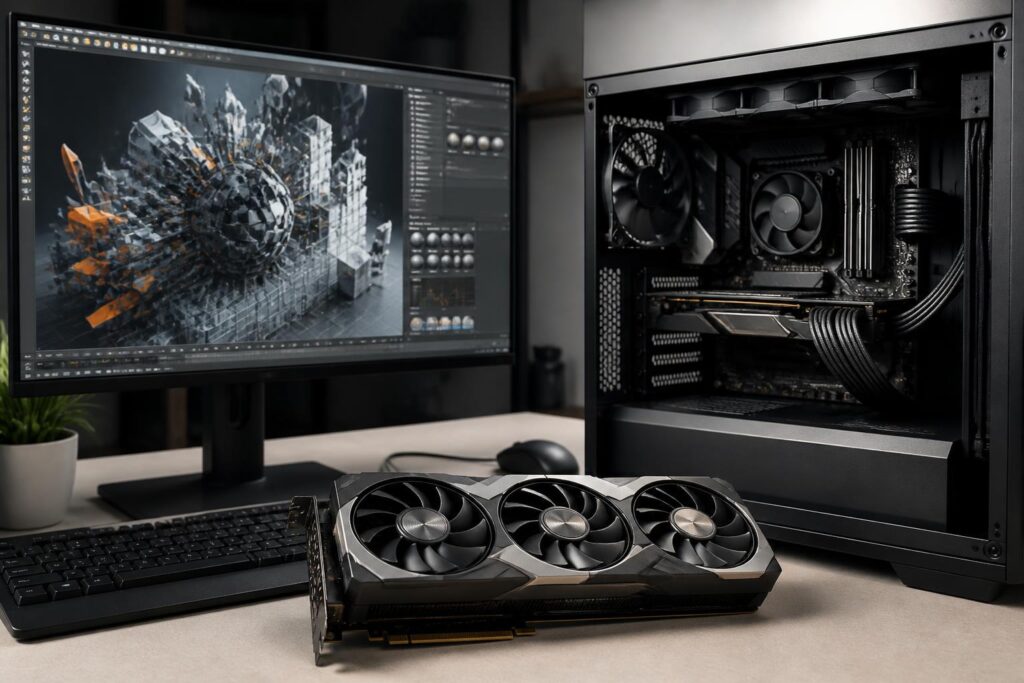
In a modern computer system, the graphics card is often the component that attracts the most attention. Product names, GPU model numbers, memory capacity, and marketing claims about acceleration capabilities lead buyers to compare products based on a few prominent figures. However, a more powerful graphics card does not necessarily create a better experience if the monitor cannot take advantage of that performance, the software does not require it, or the remaining components become bottlenecks.
A sensible selection process should start with actual needs rather than the maximum budget. Someone who only does office work and basic photo editing may not need a powerful discrete graphics card. A person gaming at high resolution, on the other hand, needs to consider processing performance, VRAM, rendering technologies, and cooling capacity at the same time. Meanwhile, someone editing video, working on 3D design, or running computational models will have different criteria from someone who simply wants to play games at a high refresh rate.
Determine Your Monitor Before Choosing a Graphics Card
The monitor is where the results produced by the graphics card are displayed directly, so it is something that should be determined early. The three important factors are resolution, refresh rate, and the types of games or applications typically used. The higher the resolution, the more pixels the graphics card must process in each frame. The higher the refresh rate, the more consistently the system needs to maintain a high frame rate for the user to perceive the difference.
With a Full HD monitor, many mid-range graphics cards can already handle popular games well if the user adjusts the graphics settings appropriately. Moving up to 2K, the processing requirements increase noticeably, especially in open-world games or titles with complex lighting effects. A 4K monitor presents an even heavier challenge, meaning that choosing a graphics card cannot be based solely on the desire to achieve a high frame rate; image upscaling technologies must also be considered.
Refresh rate also needs to be viewed in the appropriate context. A graphics card may produce a very high frame rate with light settings, but that does not mean it will maintain the same result in every game. If you are using a standard office monitor, spending much more on a graphics card optimized for extremely high frame rates may not provide proportional benefits. Conversely, a high-refresh-rate gaming monitor will deliver more value when paired with a sufficiently powerful graphics card and a central processing unit that does not create a bottleneck.
Do Not Treat VRAM as the Only Criterion
VRAM capacity is often mentioned when evaluating graphics cards, but it is only one part of the picture. VRAM stores image data, textures, frame buffers, and the data required for rendering. High resolutions, high texture settings, multiple-monitor setups, or complex 3D projects can increase memory requirements.
Even so, a large amount of VRAM does not automatically turn a weak GPU into a powerful one. Computing power, memory bandwidth, architecture, drivers, and software optimization still have a major effect on the result. A graphics card with a large amount of VRAM but insufficient graphics-processing capability may fail to achieve the expected speed. Conversely, a model with a moderate capacity but a good balance among its components may provide a more stable experience within the appropriate segment.
Buyers should view VRAM as a condition that must suit their needs, not as the sole measure for ranking products. When gaming, consider the intended resolution and texture quality. When editing video, take into account the resolution of the source material, the number of effect layers, and the editing software. When working with 3D graphics, scene size, the number of objects, and texture quality can affect memory requirements. These tasks also depend on system memory and storage speed, so the entire budget should not be directed toward the graphics card.
Gaming Performance Does Not Come Only from Raw Power
Two generations of graphics cards can produce different results even if they fall within the same performance range on paper. Modern rendering technologies can increase frame rates by rendering at a lower resolution and then reconstructing the image at the target resolution. This is a useful tool, especially when gaming at high resolutions, but image quality also depends on the individual game and the supported mode.
Ray-tracing effects are also a factor to consider if the user cares about more realistic lighting, reflections, and shadows. When these effects are enabled, the processing load can increase considerably. A graphics card suited to this need must have not only conventional processing speed but also the ability to accelerate related tasks. However, not every game uses the same level of effects, so buyers should check the group of games they actually play instead of chasing features that appear only in a specification table.
Stability is no less important than the average frame-rate figure. A system with a high average speed but frequent frame drops, stuttering, or slow data-loading issues will provide a less pleasant experience. Drivers, temperatures, VRAM capacity, the central processing unit, and storage speed can all affect that stability.
Graphics Cards for Creative Work
For photo editing, graphics-card requirements are often different from those for video editing or 3D design. Many photo-related tasks still depend significantly on the central processing unit and system memory. If the work mainly involves processing still images, managing a library, and producing standard publications, a suitable mid-range graphics card or integrated graphics solution may be sufficient. A high-quality monitor, color reproduction, and system memory may sometimes deserve higher priority.
Video editing also involves decoding, encoding, and effect-preview tasks. A graphics card can help shorten processing times when the software supports hardware acceleration, but the benefit varies according to the file format, resolution, decoder, and workflow. Users should check which technologies their software supports rather than looking only at a card’s performance score in games.
For 3D design, modeling, and rendering, software compatibility can be just as important as hardware power. Some tools make good use of the GPU, while others still rely heavily on the central processing unit. VRAM capacity also becomes significant when scenes contain many textures or complex geometry. If a project frequently exceeds the available memory, performance may drop sharply or the workflow may be interrupted.
Check the Compatibility of the Entire System
The graphics card must fit within the space inside the case, be compatible with the expansion slot on the motherboard, and have the appropriate power connectors. Its actual size involves not only length but also thickness, the number of slots it occupies, and the clearance around the fans. A thick graphics card may cover adjacent expansion slots, making it difficult to install additional devices.
The power supply must also provide sufficient wattage and have the correct standard connectors for the graphics card. However, the wattage printed on the label is not the only factor. The quality of the power supply, the central processing unit’s power consumption, the number of drives, and other devices must all be considered as a whole. Do not use low-quality adapters or try to install a high-end graphics card in a system that is already close to its power limit.
The central processing unit can also become a bottleneck. This is more noticeable when gaming at low resolutions with a high frame-rate target, because the graphics card may have to wait for the processor to provide data. Upgrading the graphics card without considering the current platform can increase costs without producing proportionate real-world benefits. Buyers should evaluate the entire system, including the CPU, RAM, power supply, case, and monitor.
Balance the Budget and Upgrade Plans
Instead of buying the most expensive model they can afford, users should allocate their budget according to the intended period of use and clear objectives. If the current monitor has only a low resolution but an upgrade is planned soon, it may make sense to choose a graphics card with suitable headroom. Conversely, if there are no plans to replace the monitor, an excessively powerful model will be difficult to use to its full value.
The graphics-card market also offers many second-hand options. This can be a way to save money, but buyers should check the usage history, fan condition, temperatures, noise, connection ports, and remaining warranty coverage. Do not test a card with only a short benchmark and conclude that it is still in good condition, because problems may appear after sustained heavy loads. A new product with slightly lower performance but clear warranty coverage may sometimes be the safer choice.
Comparisons should be based on tests that closely match actual needs. Gamers should look at results at their intended resolution and settings. Content creators should pay attention to export times, preview capability, and compatibility with their software. Aggregate scores are useful for reference, but they cannot replace learning about a specific workflow.
Conclusion
Choosing a graphics card is a balancing act involving the monitor, software, performance, VRAM, temperature, power consumption, and budget. The GPU name or memory capacity can provide a starting point for comparison, but neither should be the sole basis for a decision. A good choice is one that meets the requirements of the user’s resolution, refresh rate, and everyday work while also being compatible with the entire system.
Before buying, write down the main games or applications, check the monitor currently in use, review the requirements for size and power, and compare them with reliable benchmark results. This approach helps avoid paying for performance that will not be used and reduces the risk of an unbalanced upgrade among components. In a balanced PC, the graphics card does not need to be the most expensive component; it needs to be the component that best suits how the user actually works and enjoys entertainment.
